

CG - Repeating Bulletins & Bulletin Audio Return
Adjusting the frequency of particular bulletins in a feed and enabling bulletin-specific audio return to Cablecast CG broadcast bulletin board.
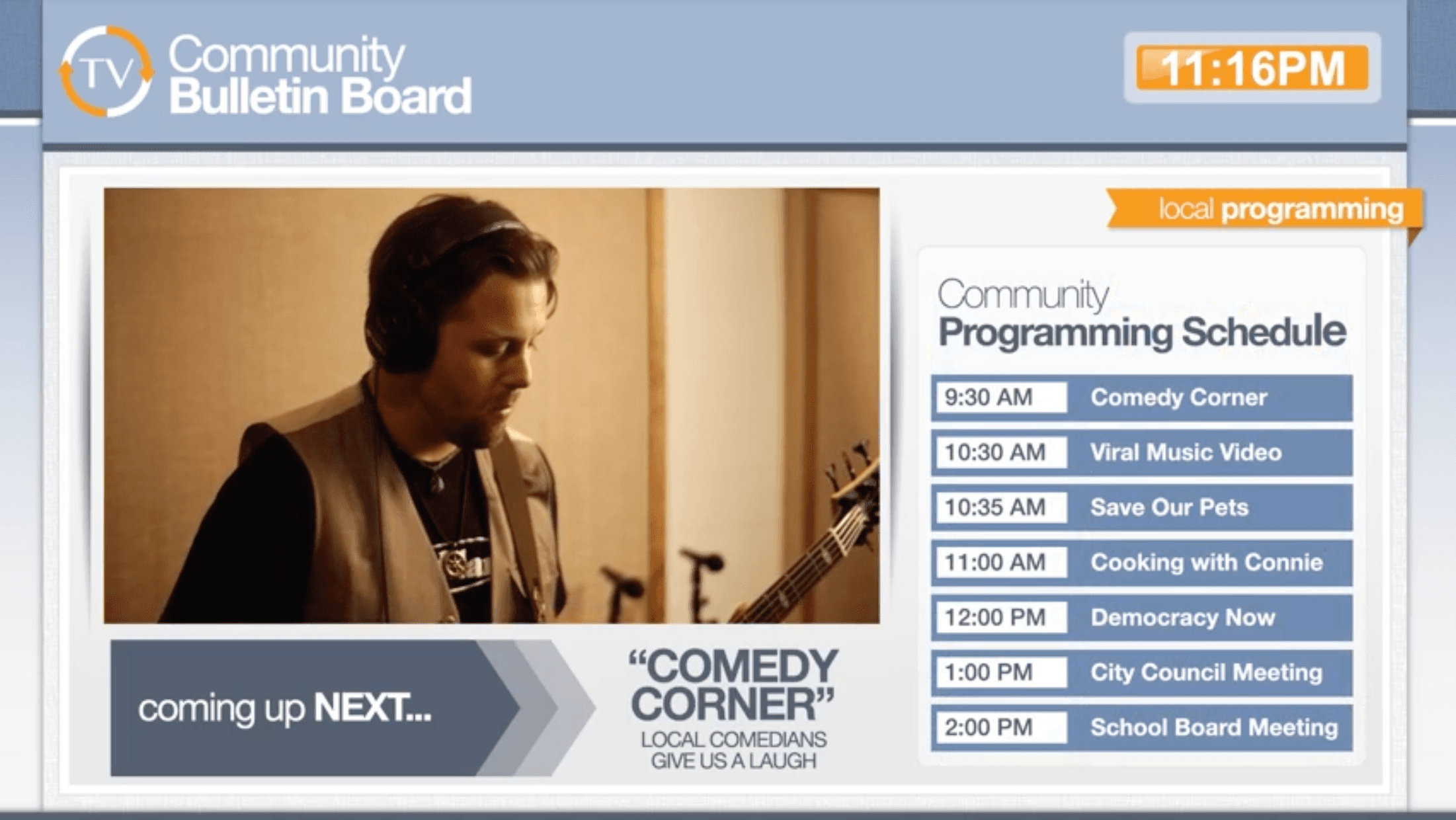
Cablecast CG, the broadcast-specfic bulletin board solution from Cablecast, is bringing back two old favorites from its predecessor Carousel CG. They are repeating bulletins and bulletin audio.
Repeating bulletins are an easy way to share a particular message more (or less) frequently. For example, if there is a hurricane approaching, you might want your hurricane preparedness bulletin to play more frequently until the storm passes.
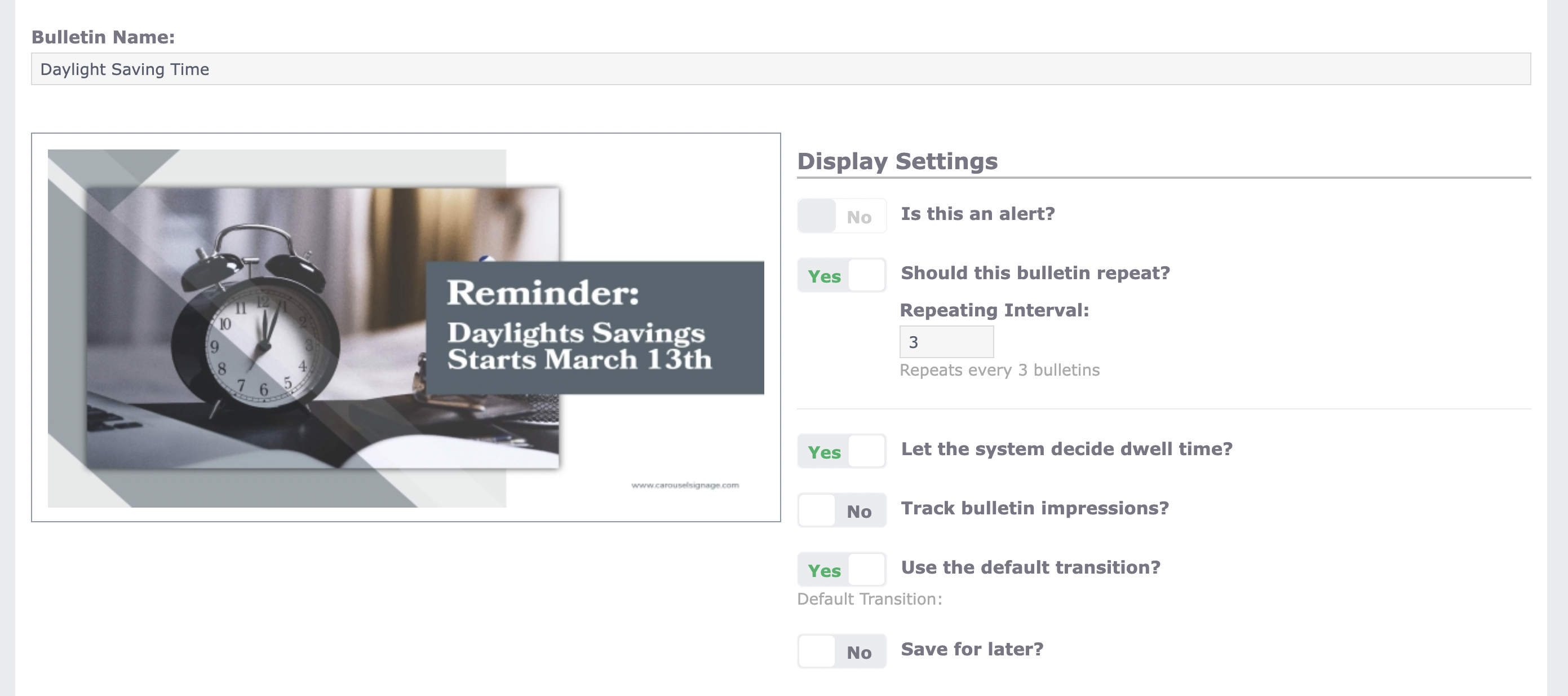
Under the “Extras” tab, you can set a repeat interval so that particular graphic returns after a set number of other messages instead of waiting for its turn in the playback loop. Repeating bulletins have a special “repeat” flag in the upper corner as a visual reminder, so you can quickly identify them and change their status when things get back to normal.
With bulletin audio, you can narrate the message of a bulletin, which can be helpful for accessibility, or add special music or even a scripted announcement that’s related to the message.
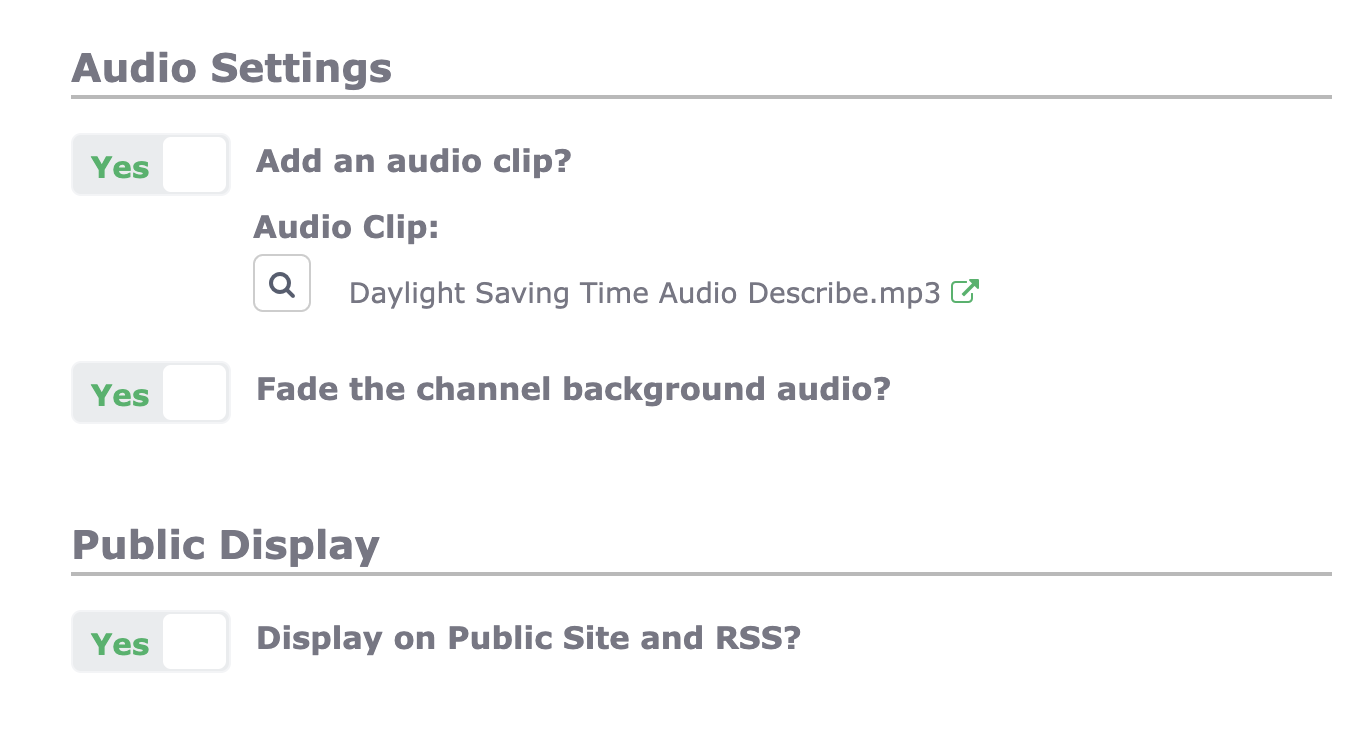
Under the “Extras” tab, you can attach an audio clip, either an MP3 file or WAV file to a bulletin. Don’t worry about trying to time the audio to fit your playback loop – the audio file overrides the dwell time, so the bulletin will remain on screen for the duration of your audio message.
New to this solution? Watch a short video about the Cablecast CG Bulletin Board.