
Scheduling & Automation
Auto Schedule
Fill recurring slots automatically with rules that build, record, and update show records
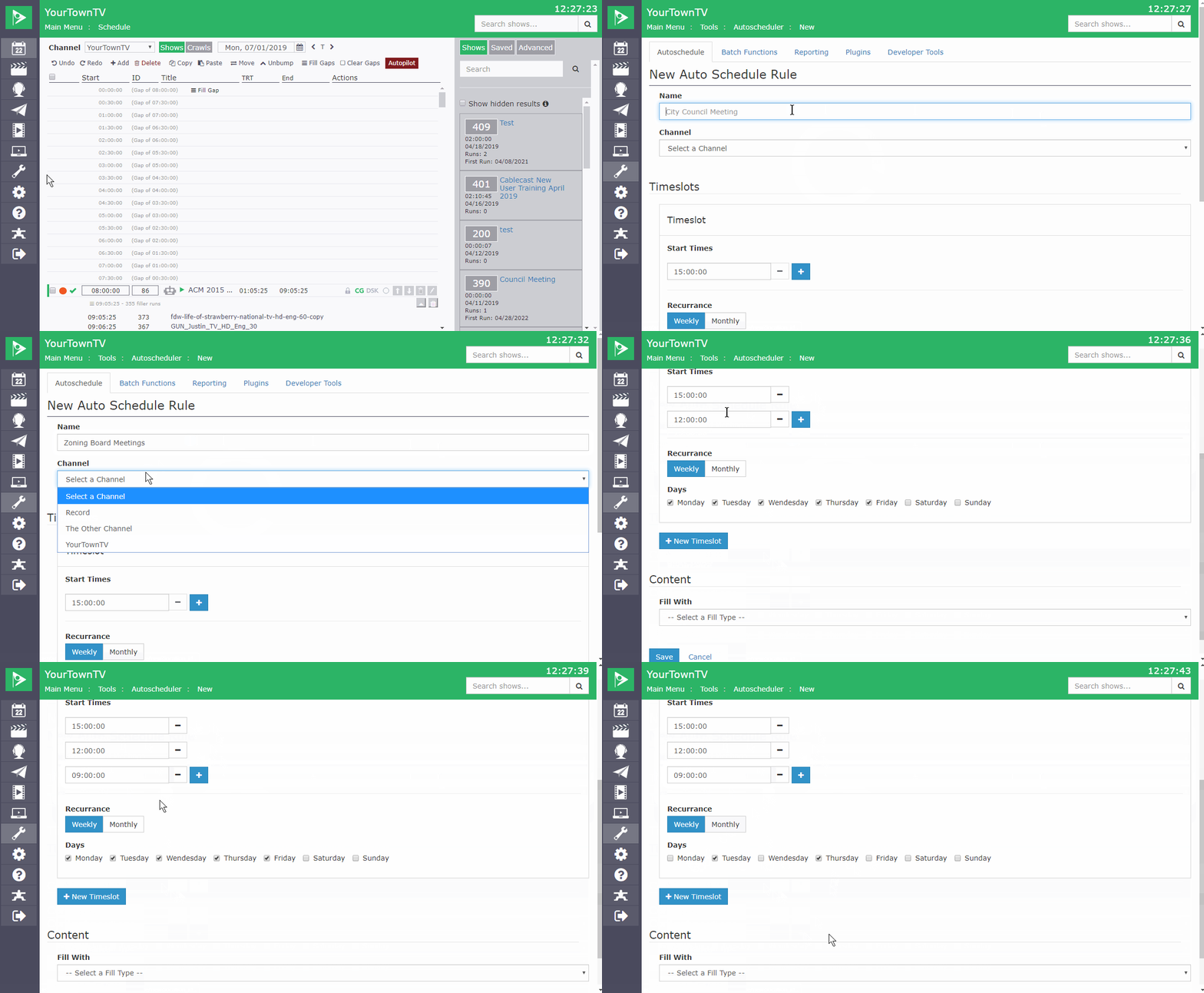
Auto Schedule fills recurring events for you, sparing you from building each episode by hand. Define a slot that repeats into the future, then write a rule for what plays there.
Point a rule at a template show record and Cablecast creates a fresh show for each occurrence, names it by date, and sets it to record, handy for a monthly council meeting. Or fill the slot with the most recent show from a saved search, so a daily or weekly series always carries its latest episode. You still send autopilot when you're done, just as you would normally.