Features
Everything Cablecast can do.
Browse the full catalog by capability: automation, web video, bulletin board, and captioning & translations. Each links to the details.
116 features
Scheduling & Automation
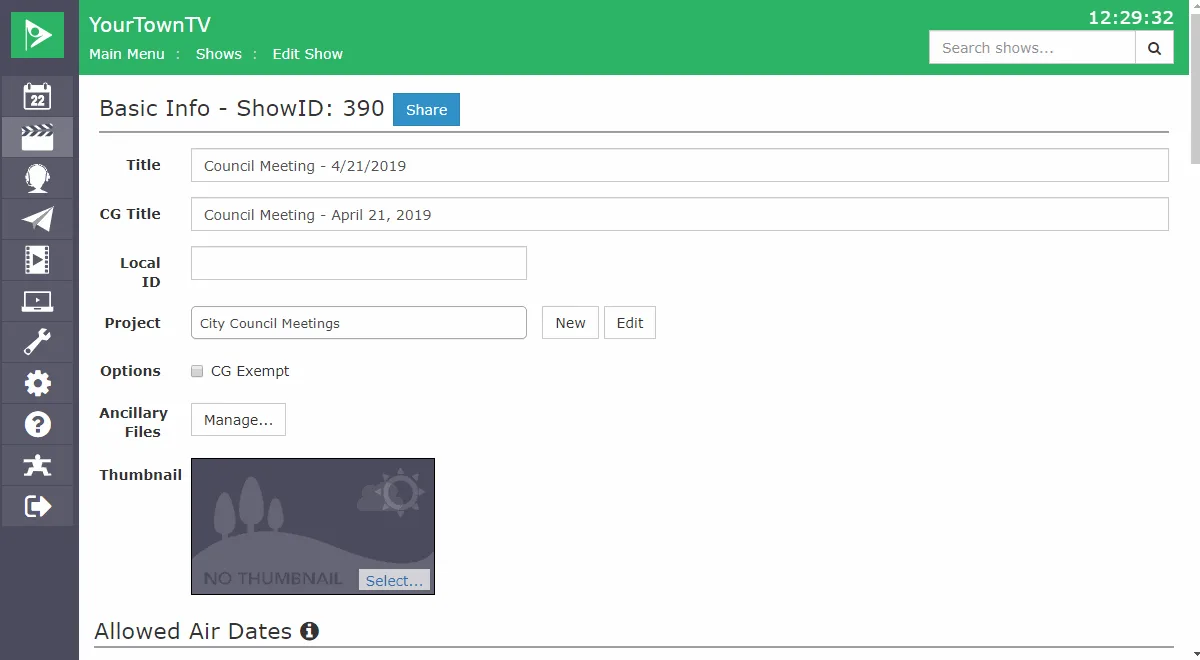
Allowable Air Dates
Set start and end dates so outdated content never airs past its window
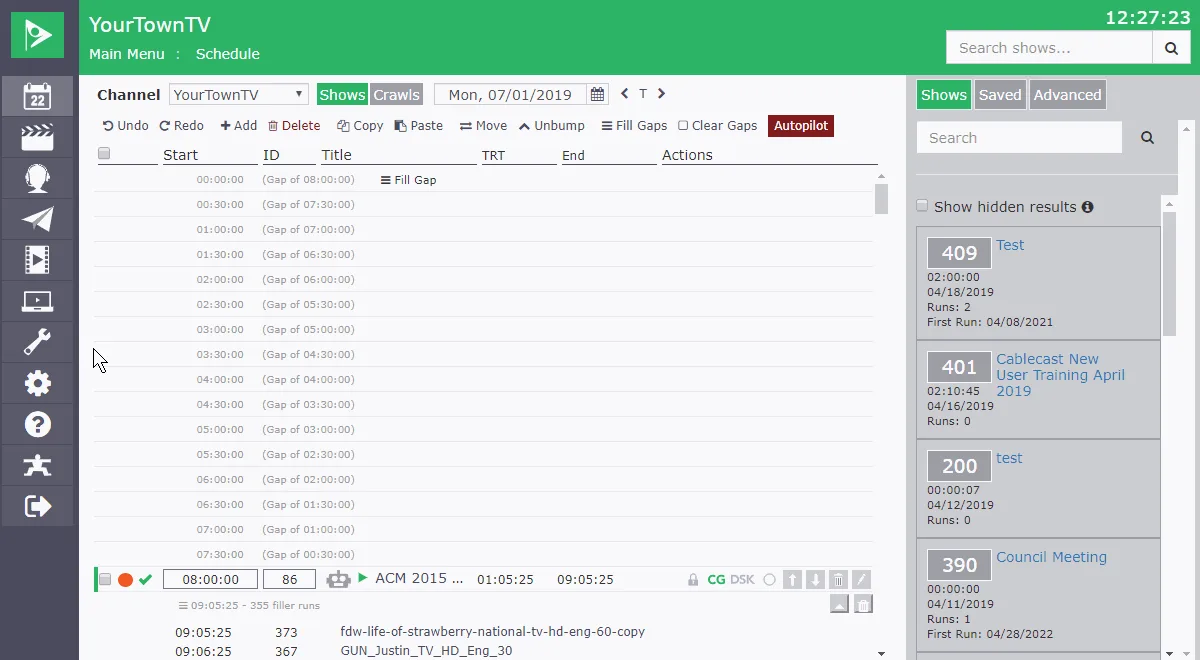
Auto Schedule
Fill recurring slots automatically with rules that build, record, and update show records
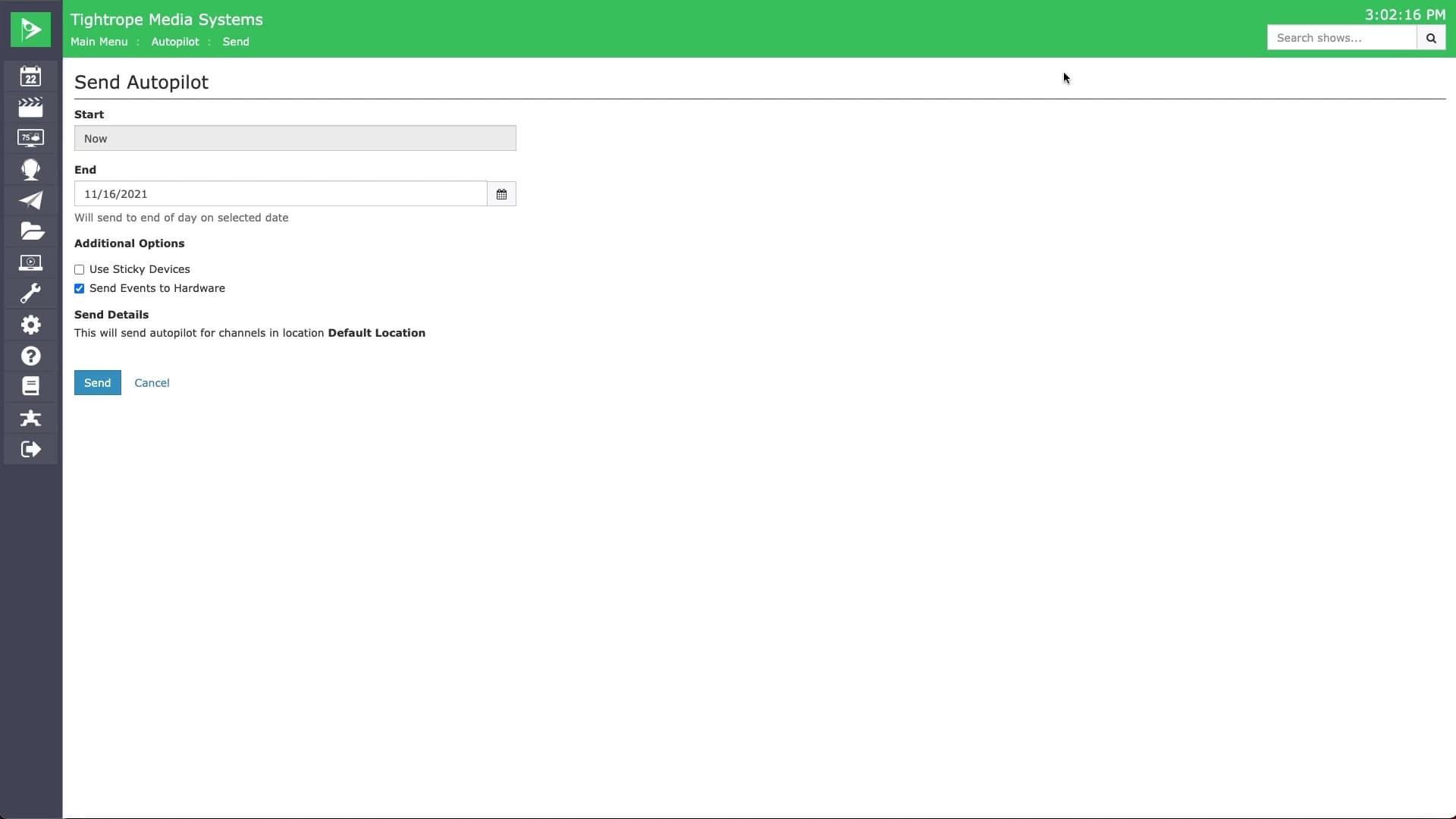
Autopilot
Commit your reviewed schedule to air, with an optional daily auto-send as a safety net.
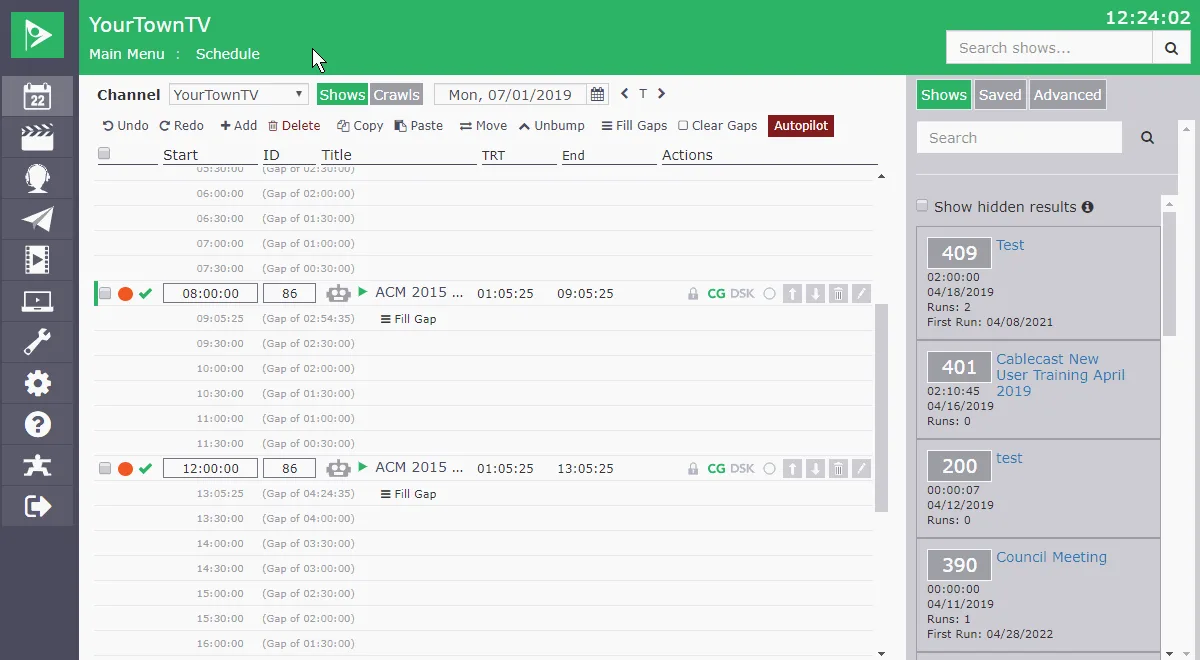
Gap Filler
Fill schedule gaps automatically with the right short-form clips to match the duration
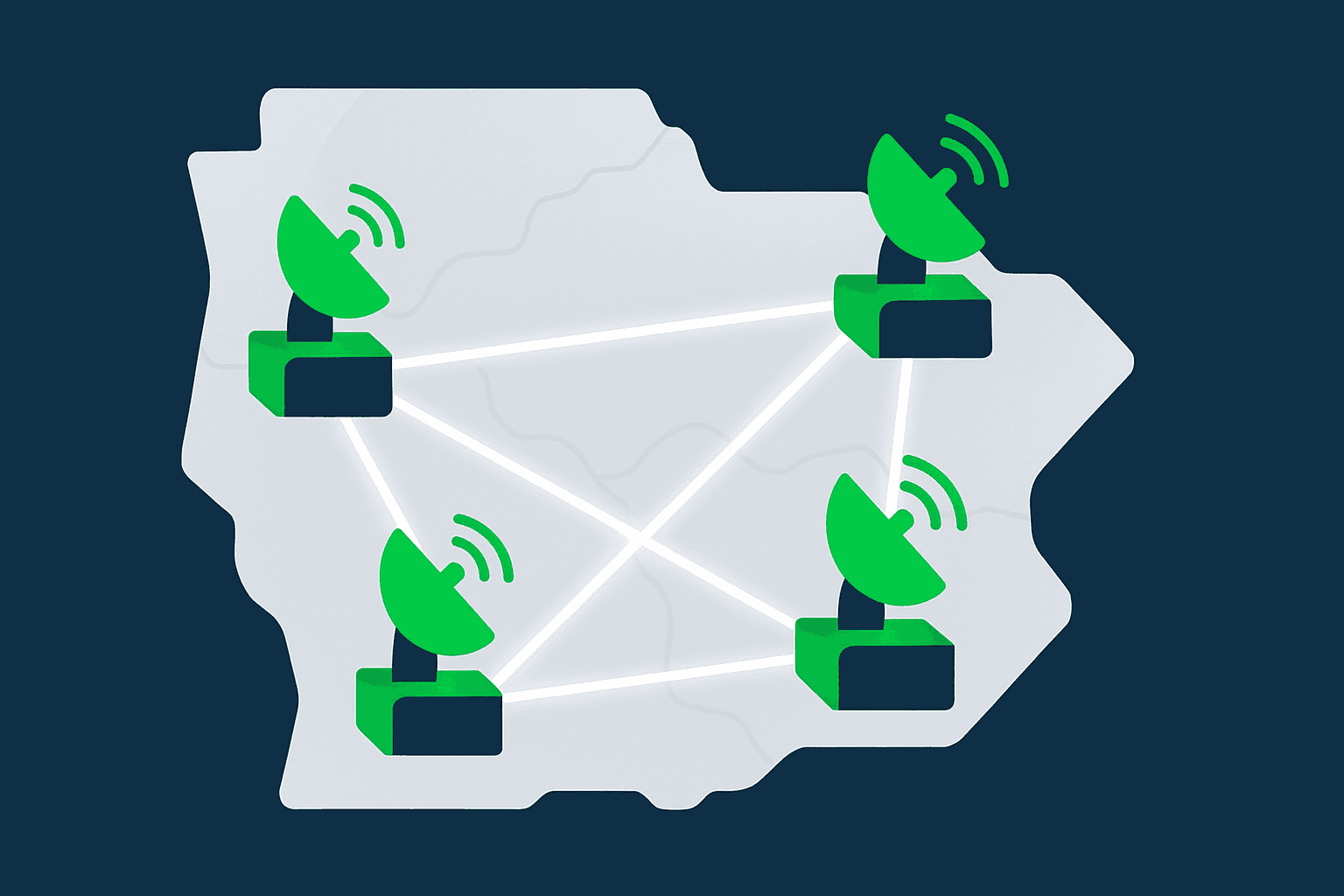
Multi-Location Automation
Run automation across multiple head ends, with contribution routing between facilities.
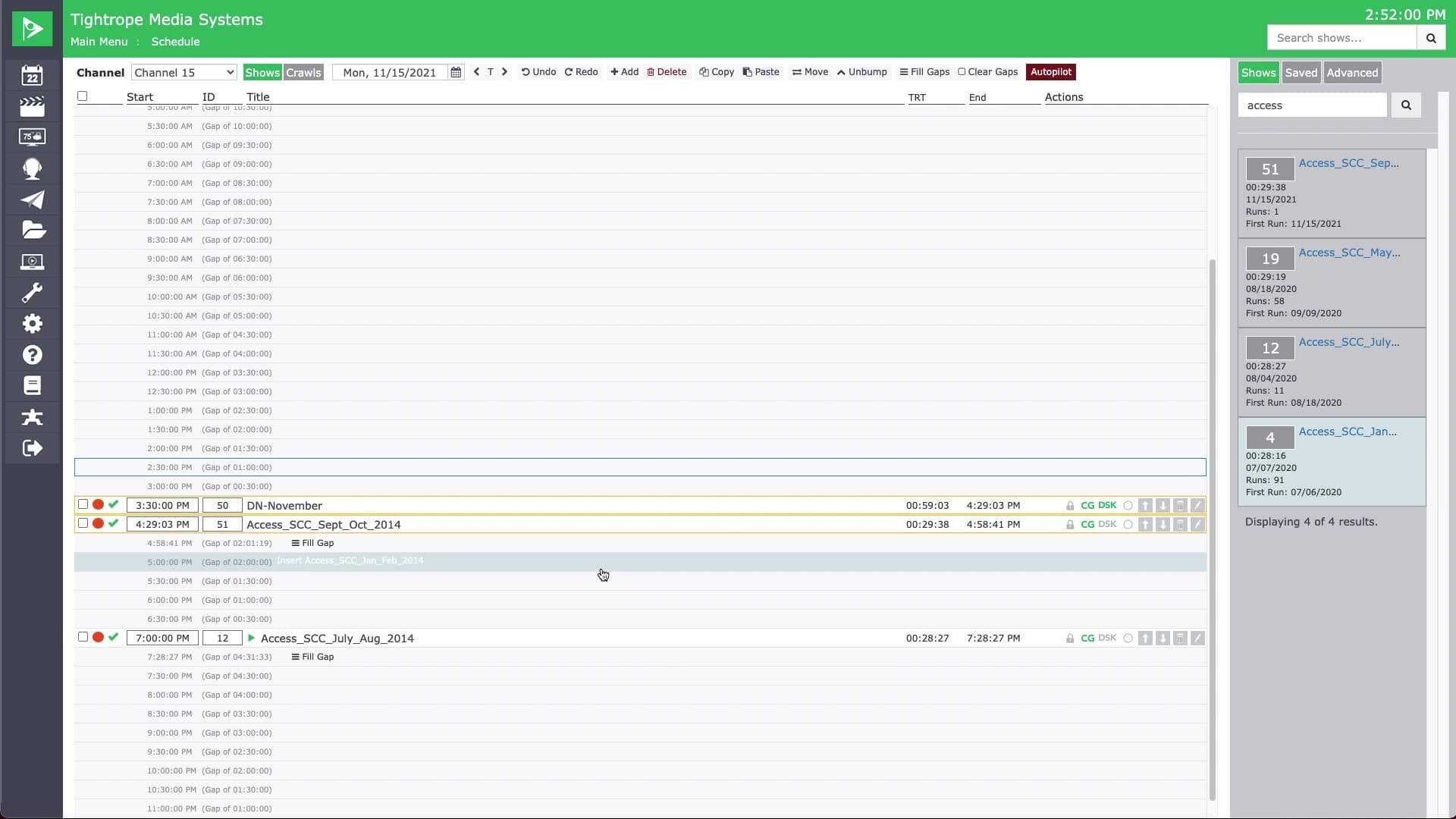
Pick & Stick Scheduling
Pick a show once and drop it into as many slots and days as you need.
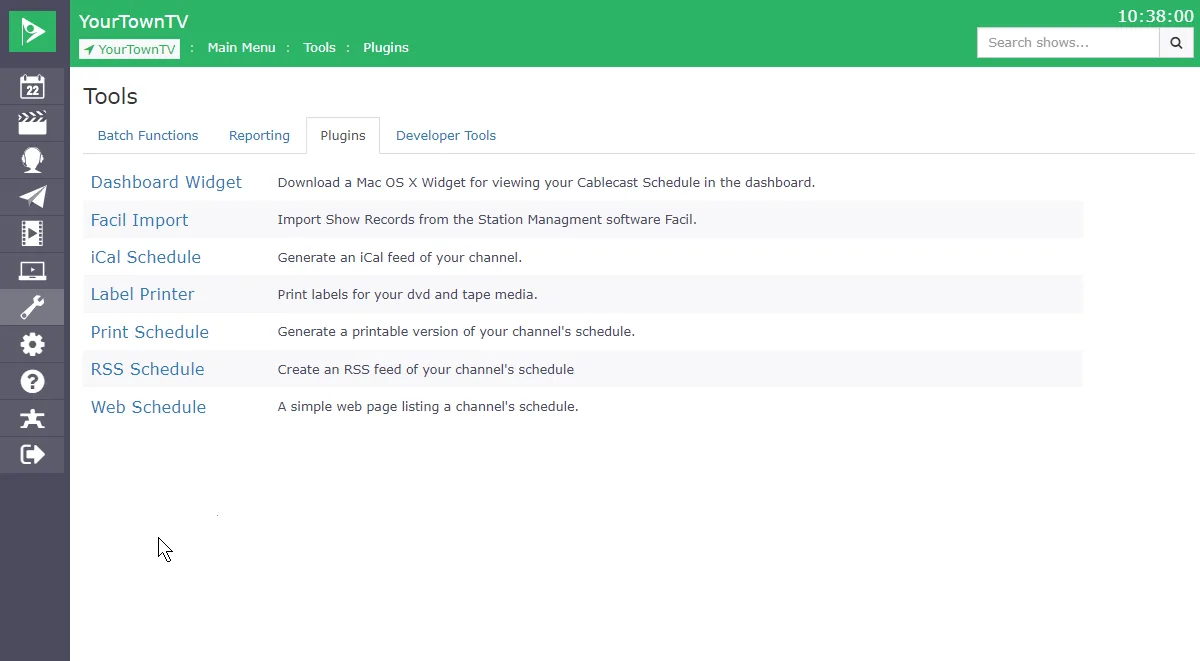
RSS Schedule Output
Publish your program schedule as a real-time RSS feed for signage, websites, and more
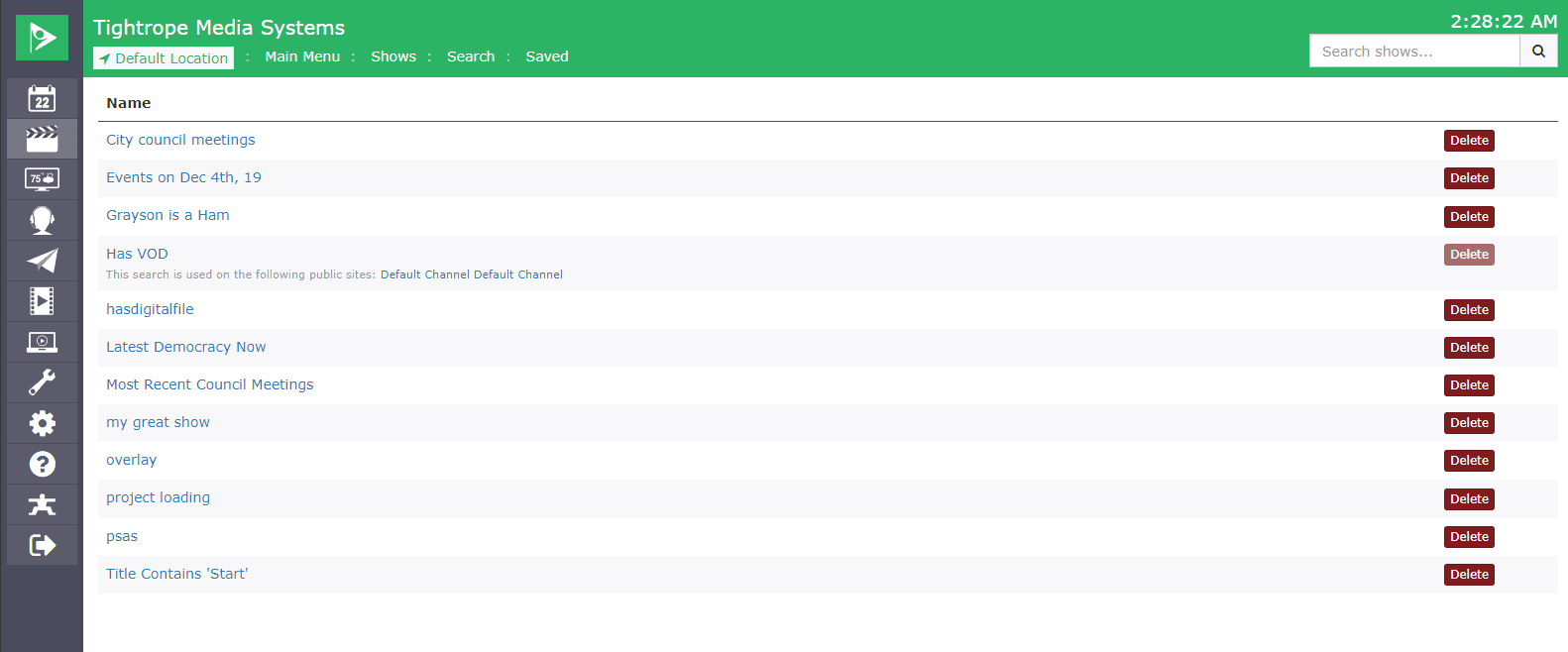
Saved Search for Automated Playback Scheduling & Dynamic VOD Playlists
Dynamic searches that schedule channel content and keep VOD playlists current on their own
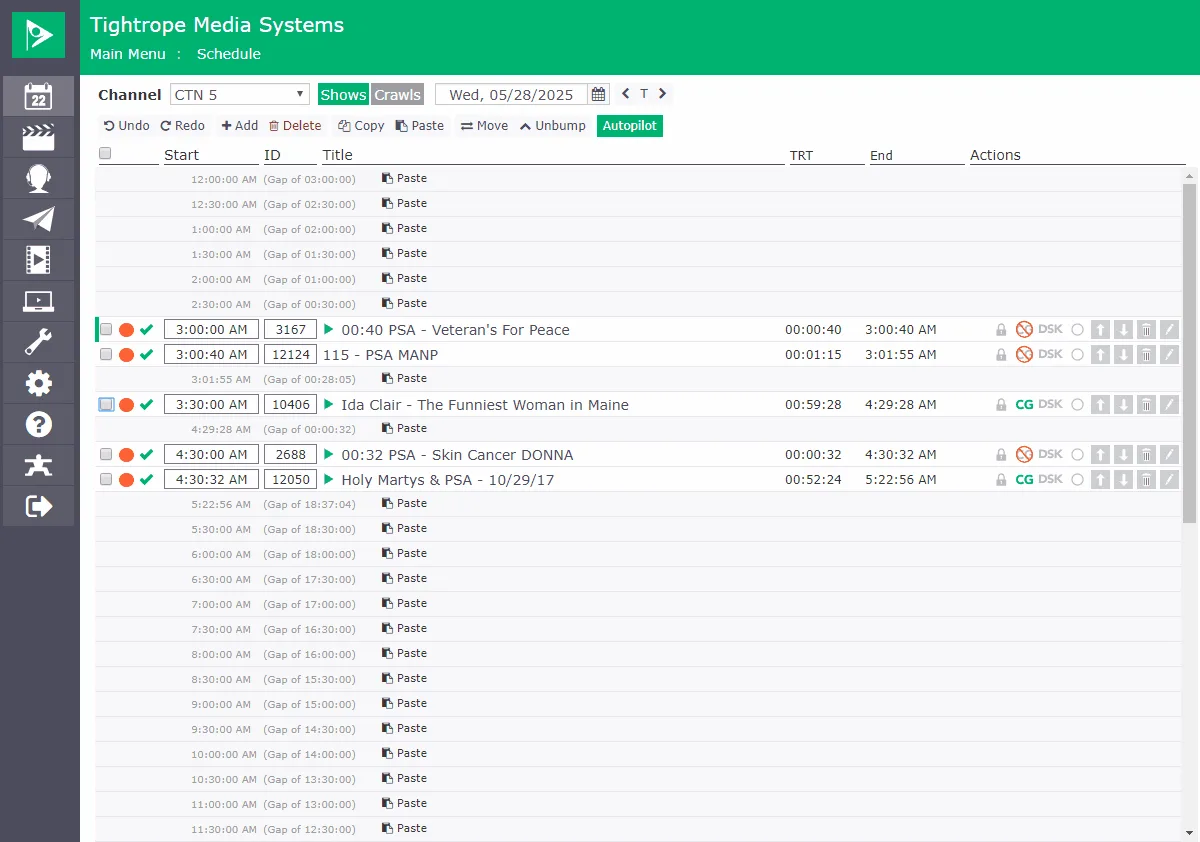
Scheduling - Copy / Paste
Copy programs or whole days and paste them across your week to speed up scheduling
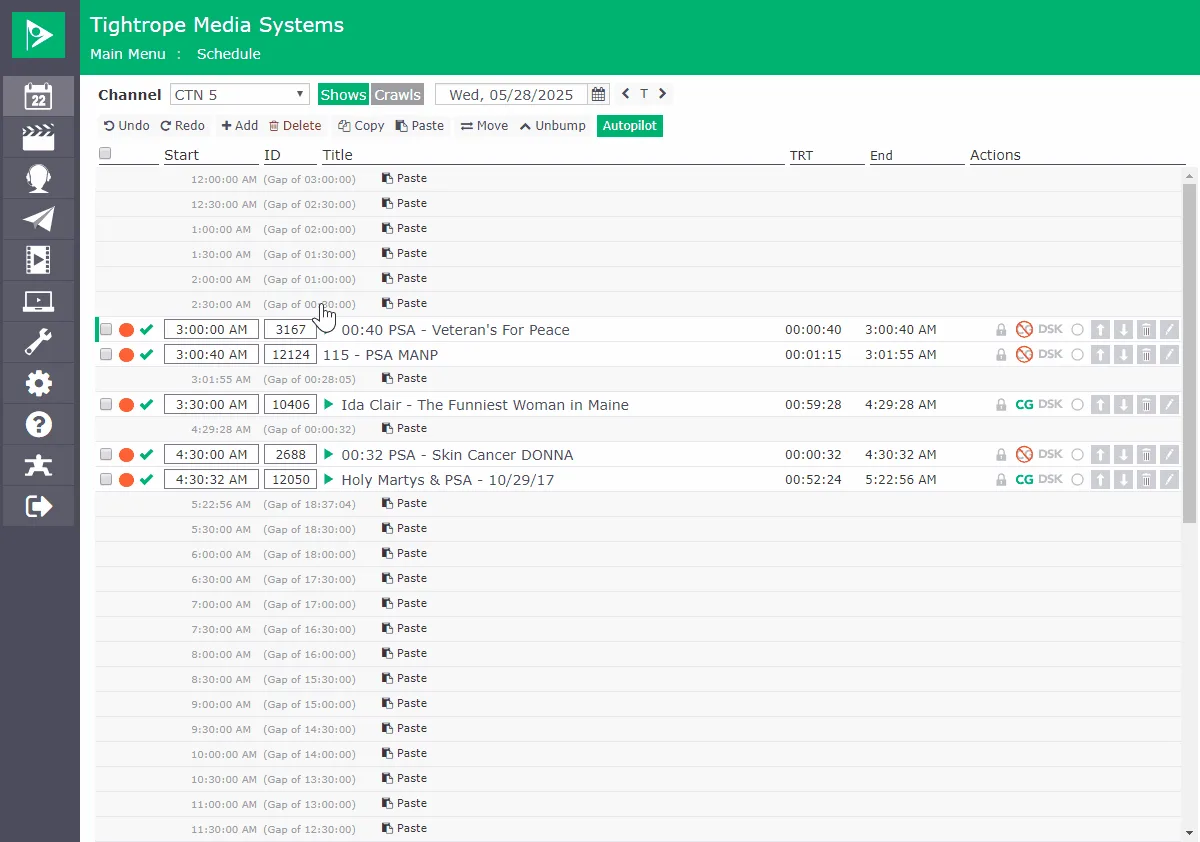
Scheduling - Undo / Redo
Undo and redo scheduling changes to recover from an accidental slip
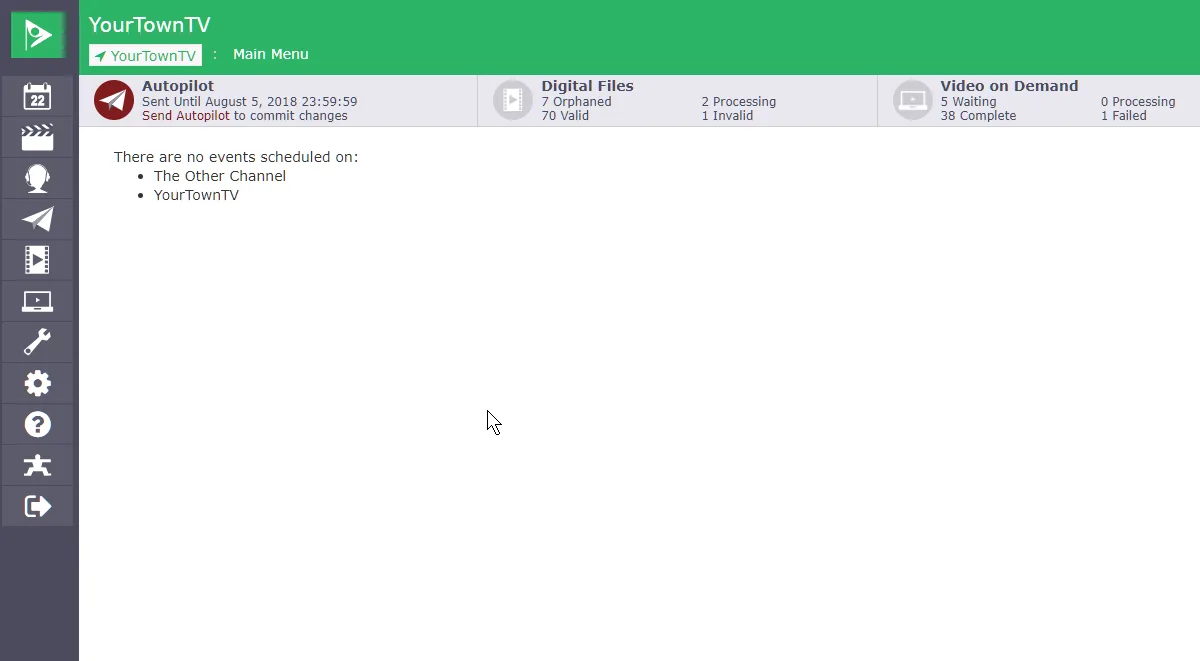
TV Guide X-List Export
Export your schedule as a file ready to send to TV Guide for their guide data
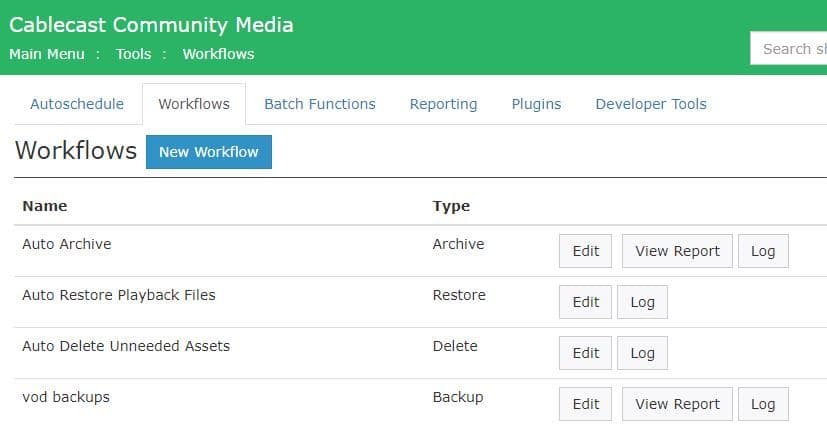
Workflows
Automation sequences that run recurring file tasks (archive, backup, mirror) on their own.
Playout & Live Production
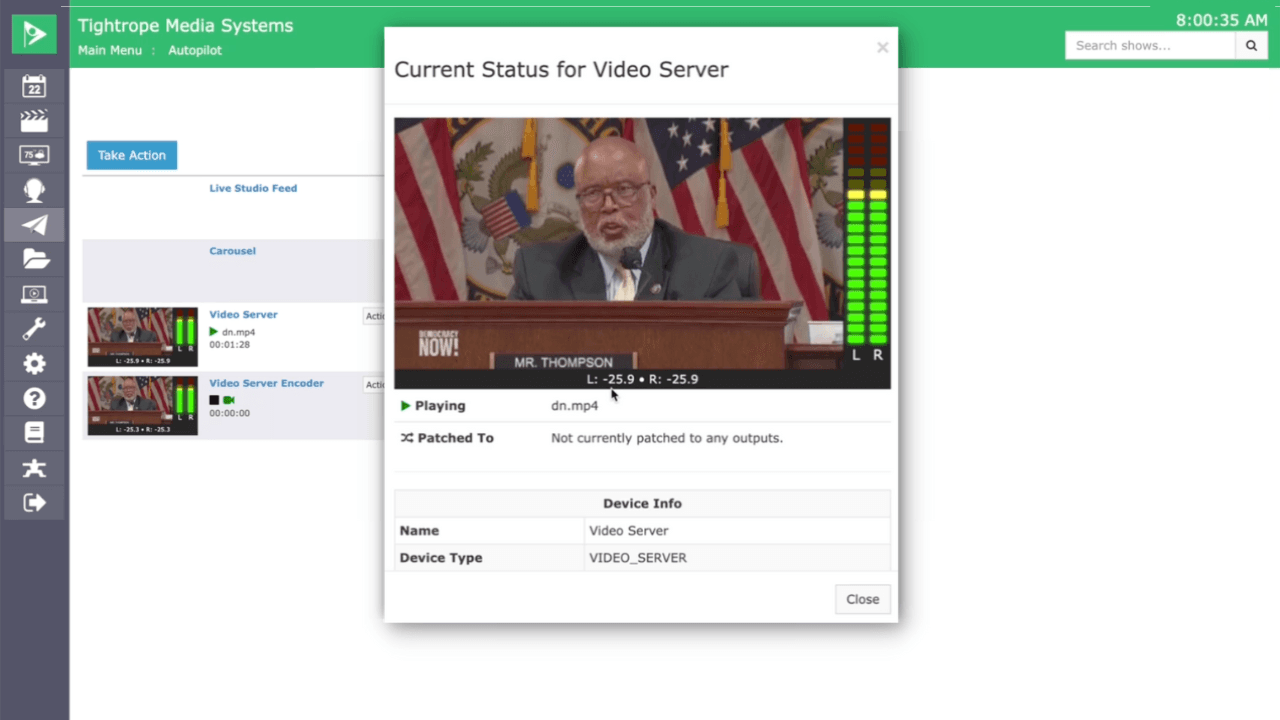
Audio Meters
Live, color-coded audio monitoring on every source in your confidence monitors
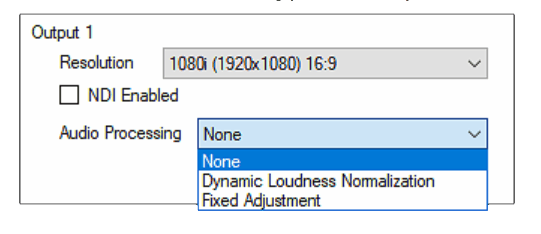
Dynamic Audio Normalization
Keep every program at a consistent loudness, no matter who produced it
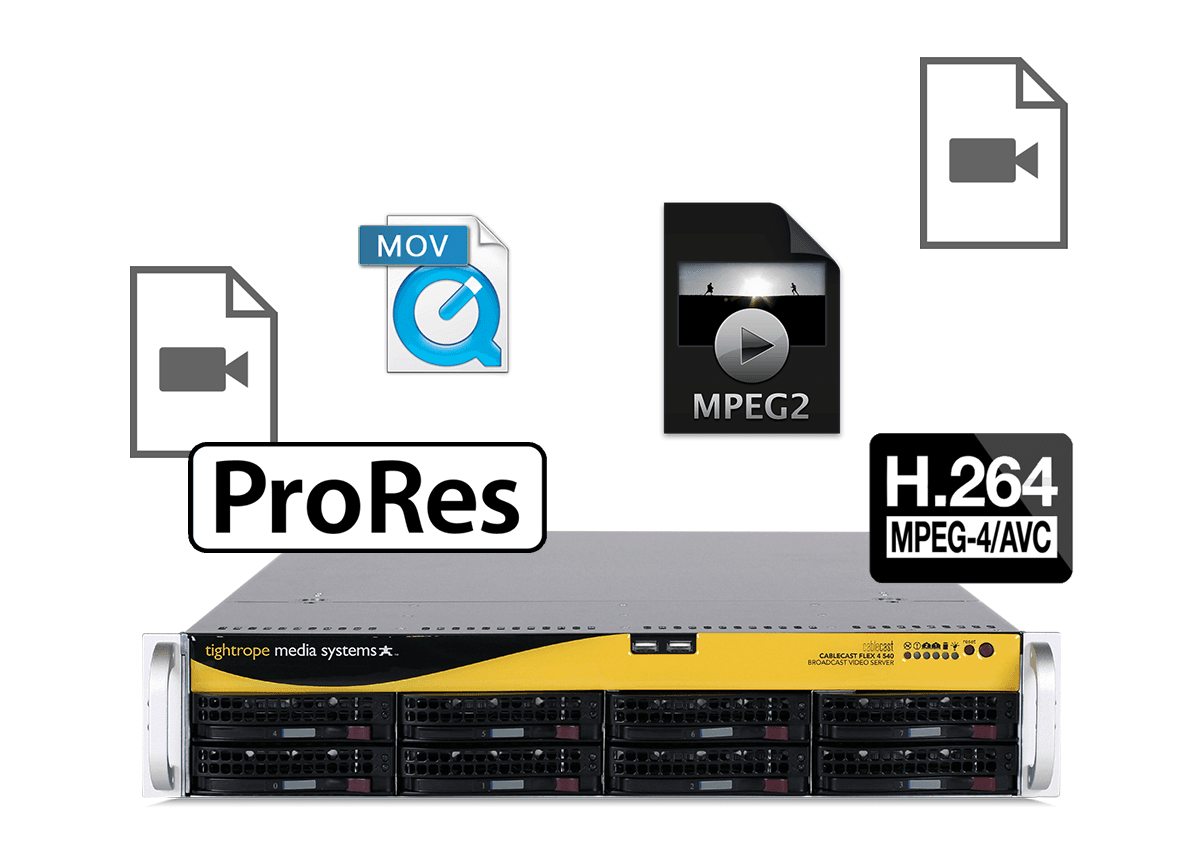
Flexible File Playout
Play a wide range of codecs and formats with up, down, and cross conversion
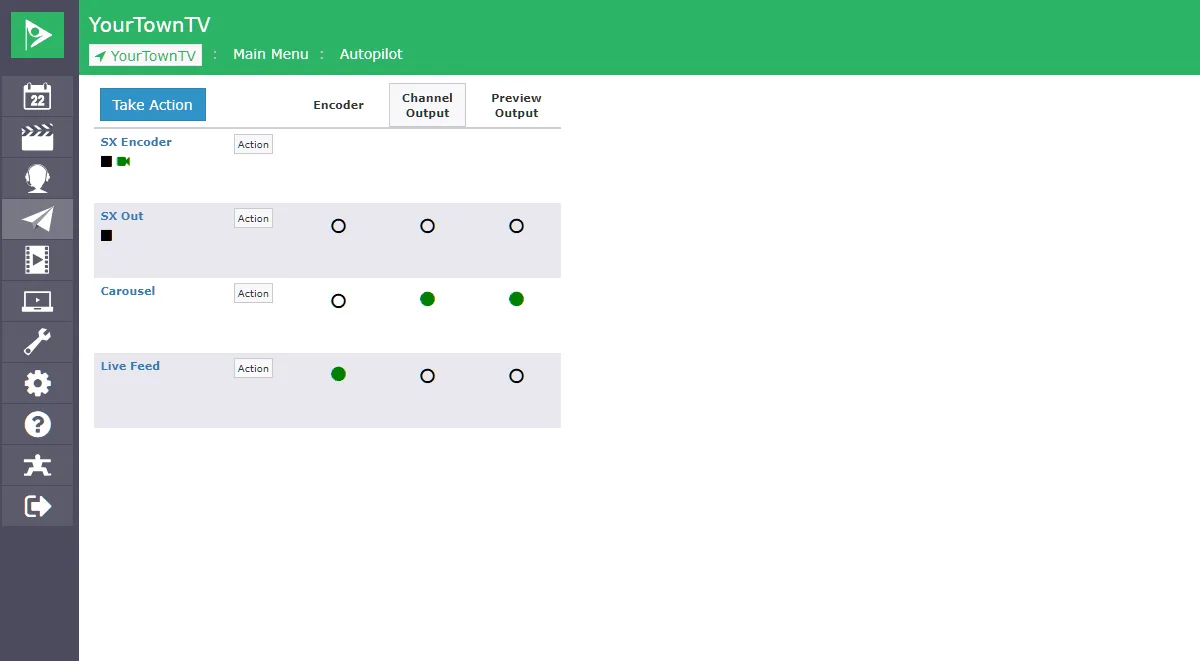
Live and Remote Switching
Override your schedule and switch sources from anywhere, even your phone
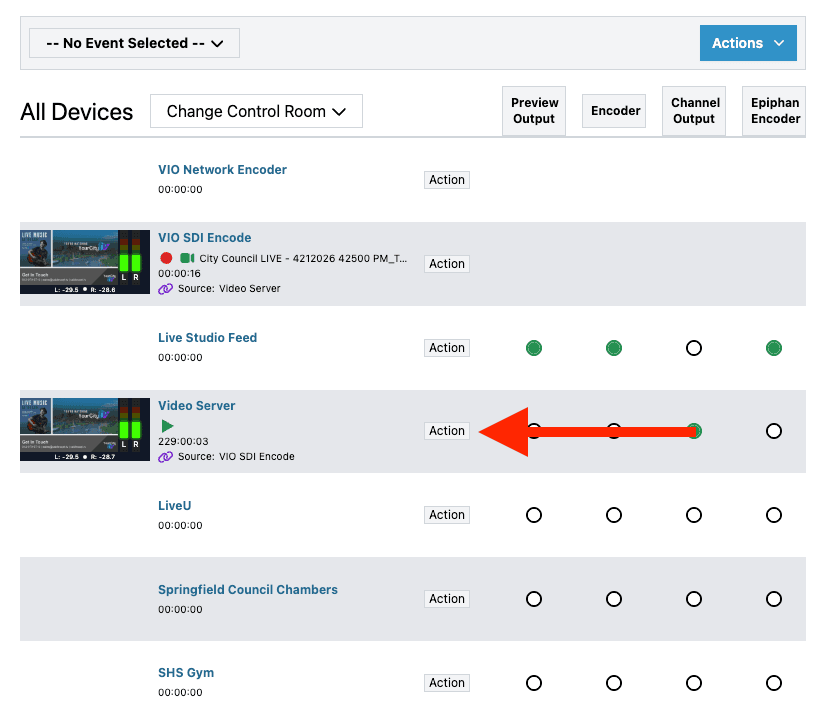
Live Event Automation Override
Hold on a live source when it runs long, or resume the schedule early when it ends short.
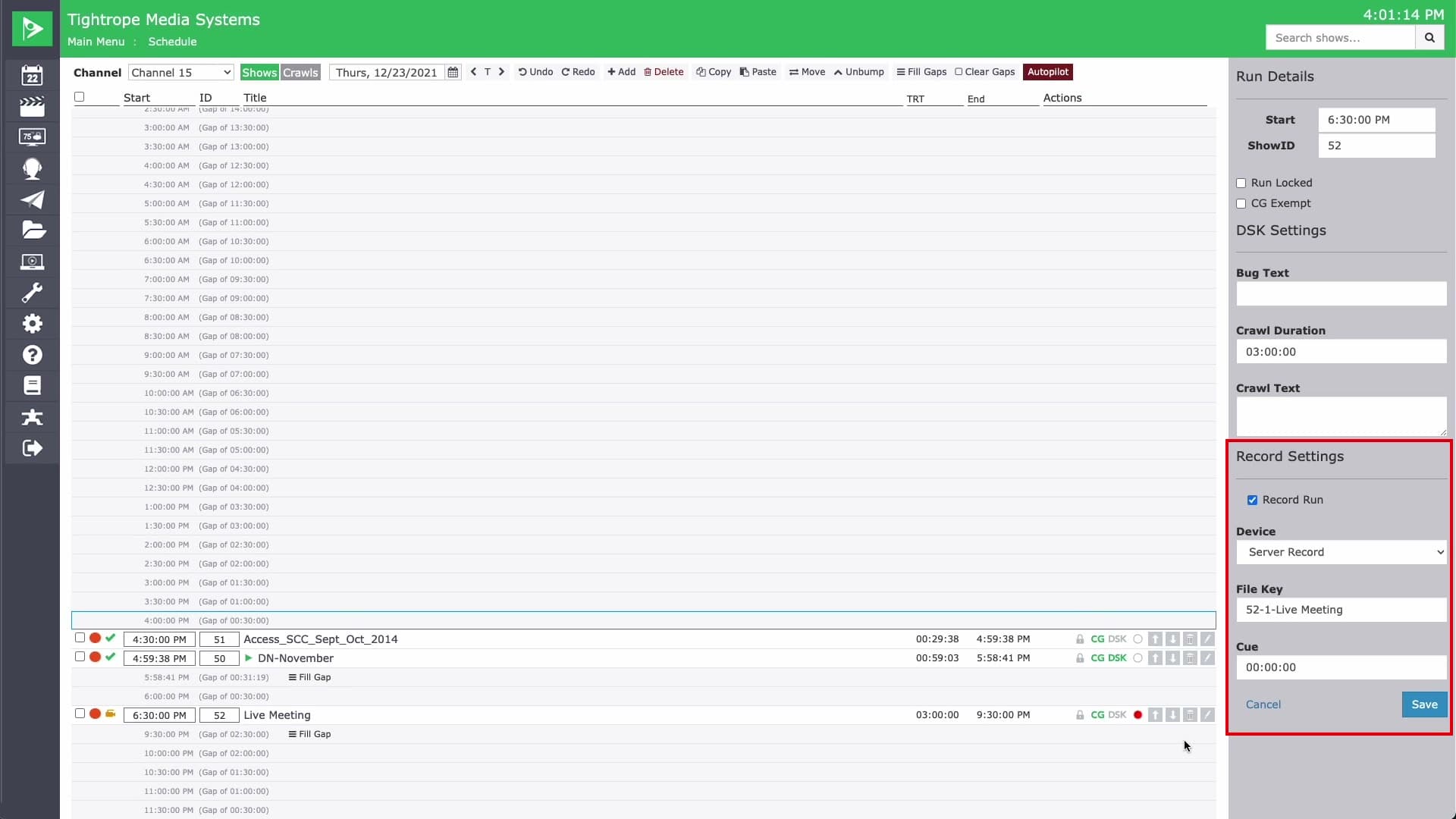
Live Event Recording
Record a live event to an archived file as it airs, right from the schedule.
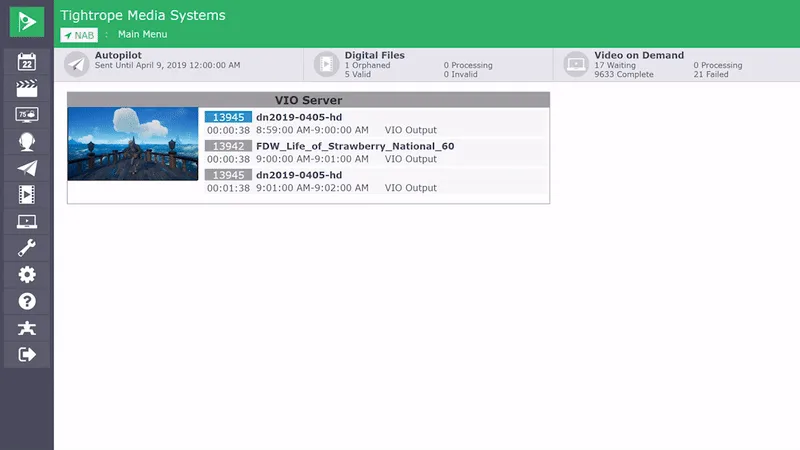
Live Output Preview
See exactly what your server is broadcasting, right in the Cablecast dashboard
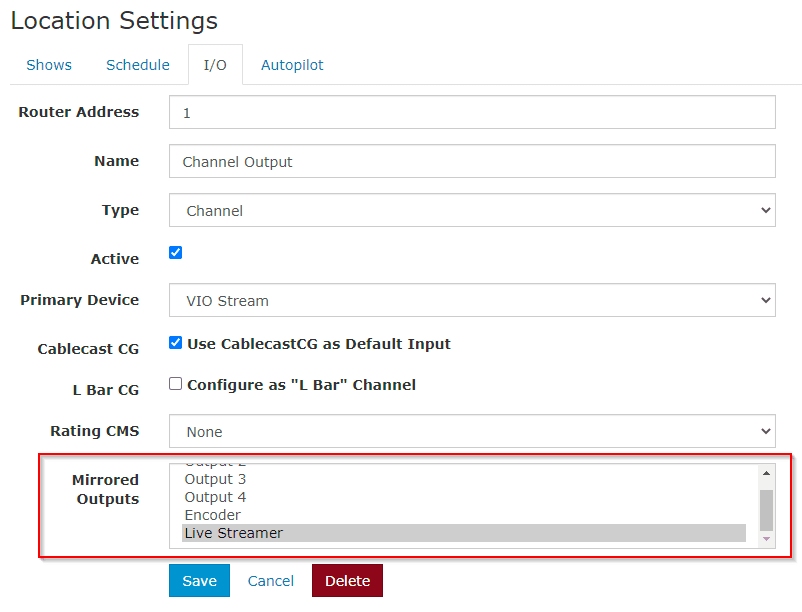
Mirrored Outputs
Mirror a channel's automation switching to extra SDI outputs. No distribution amps needed.
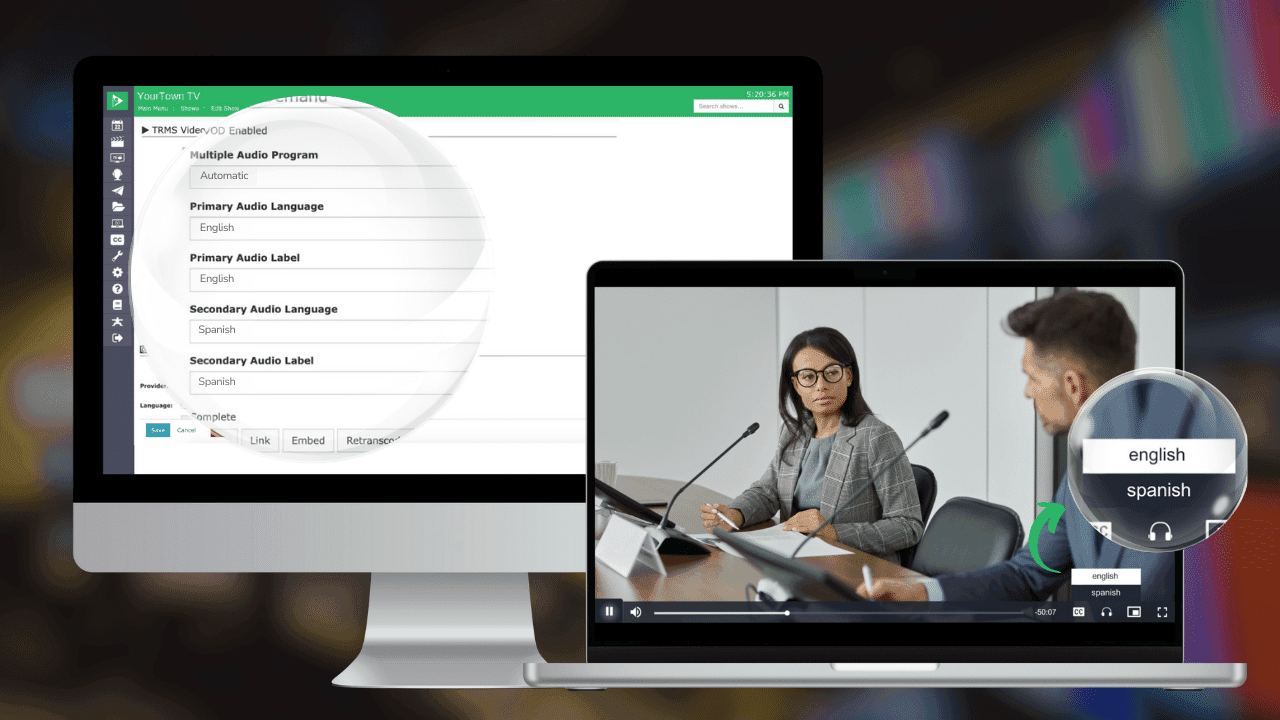
Multiple Audio Programs
Broadcast multiple audio tracks at once to reach more of your community in their language
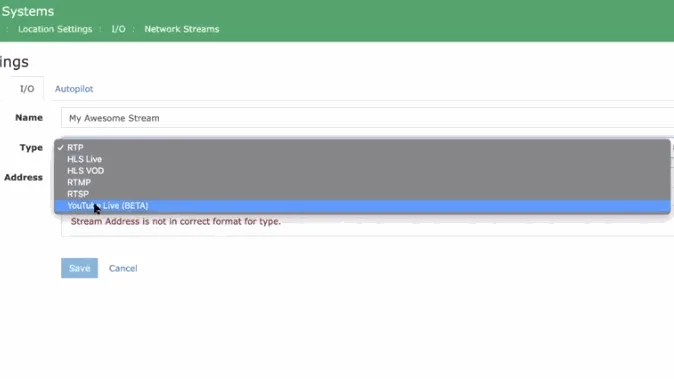
Native Network Source Decoding
Decode multi-protocol network streams natively on VIO servers, no extra decoder hardware
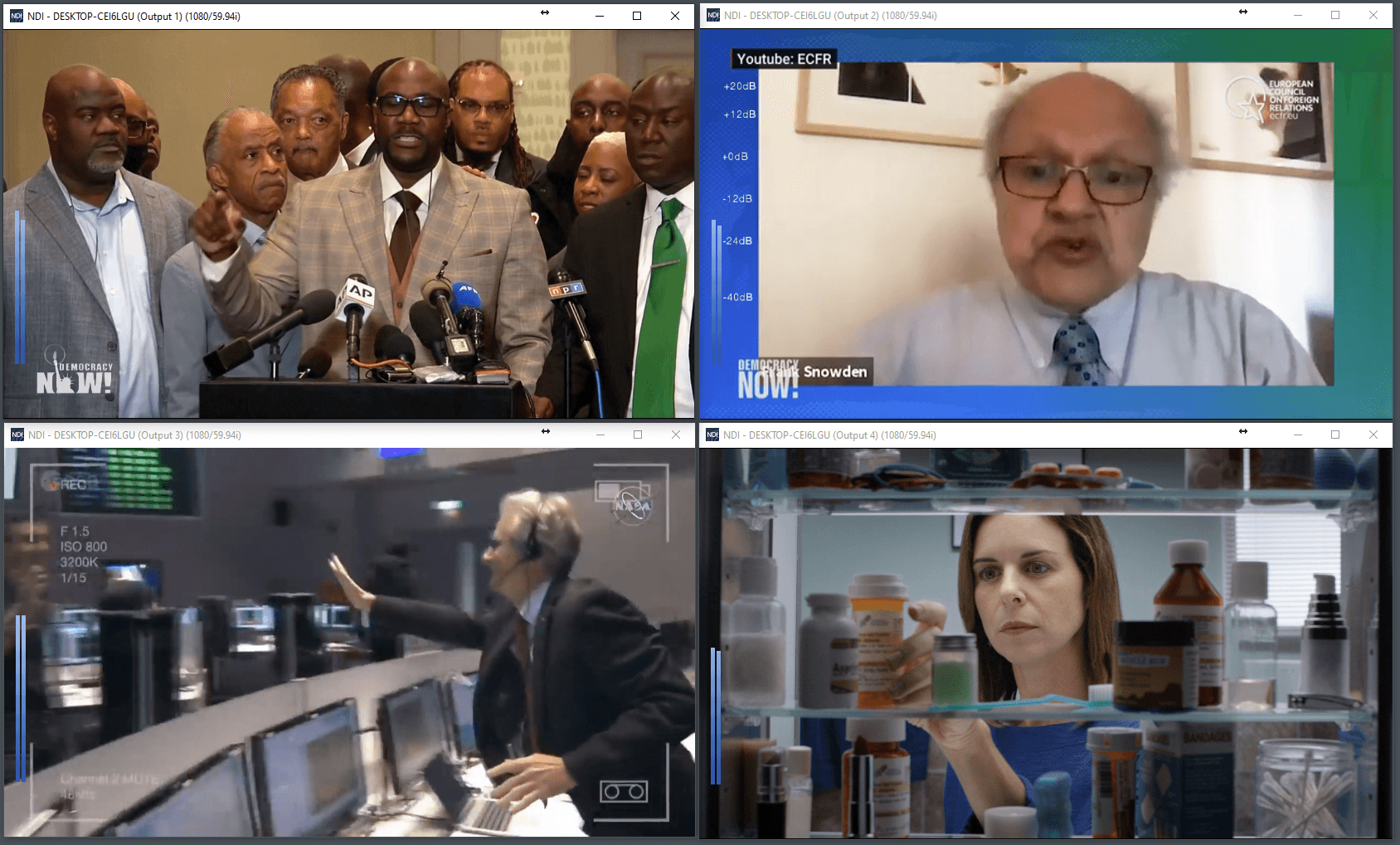
NDI Output
Output channels as NDI streams to build a multi-viewer with no SDI cables or converters
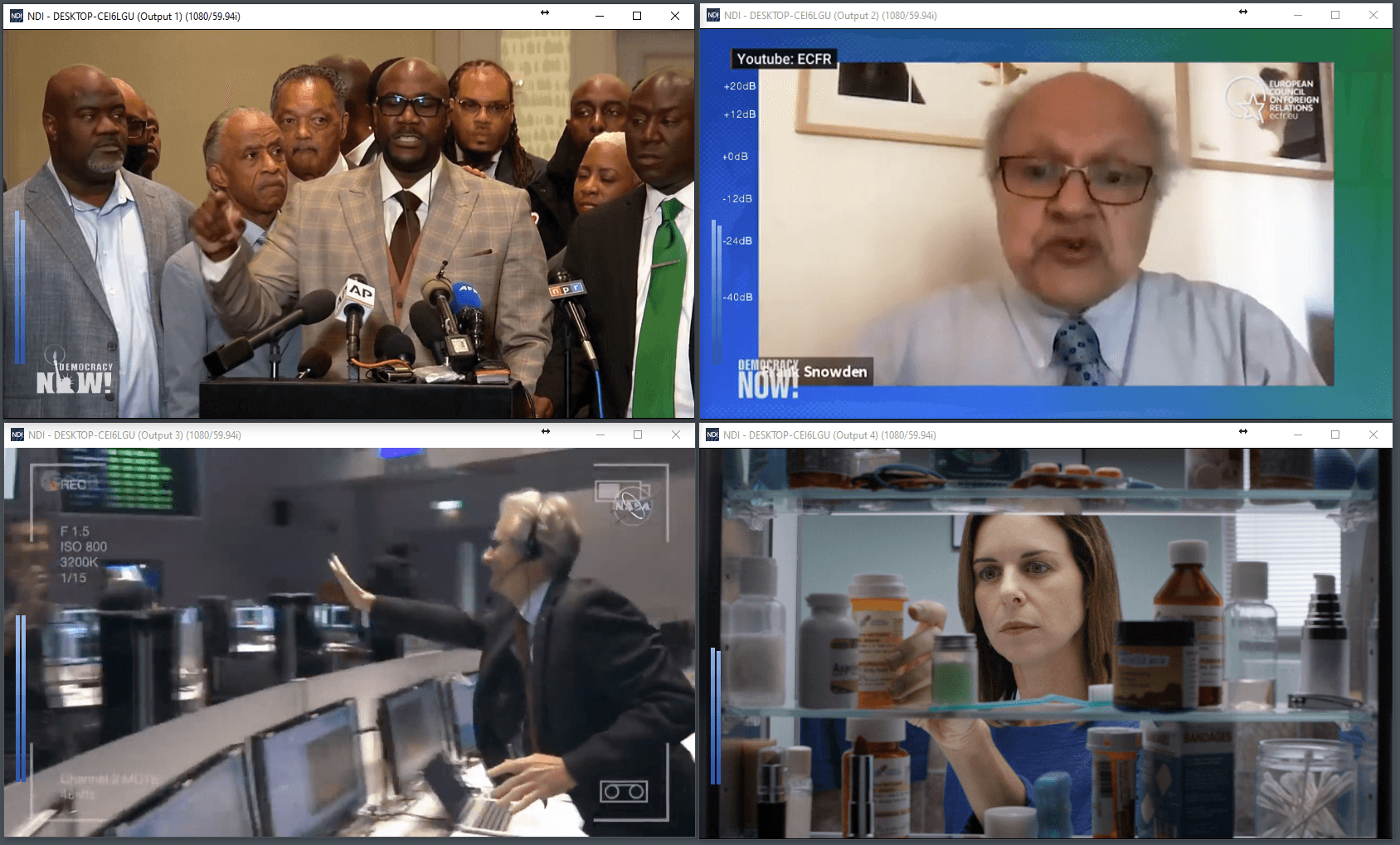
NDI Playout Support
Bring NDI and other network sources into Cablecast for recording or playout, no decoder needed
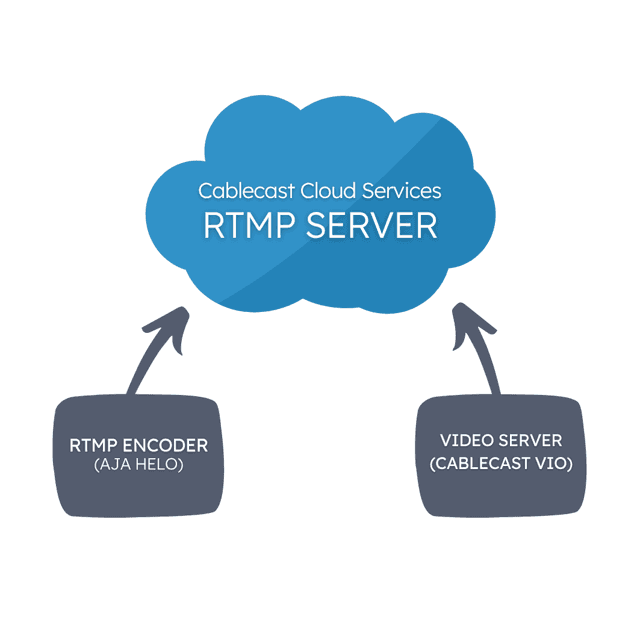
Network Streaming
Play out live network streams (RTMP, SRT, HLS, NDI and more) with no added licensing.
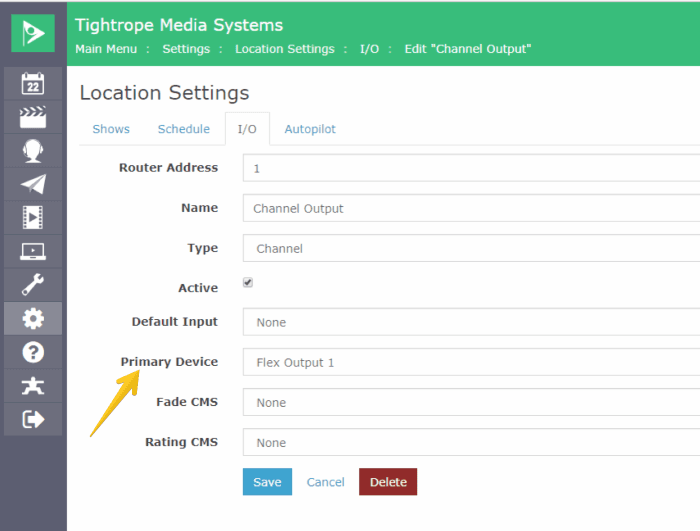
Passthrough
Route a live source through the server so you can brand and caption it before it airs.
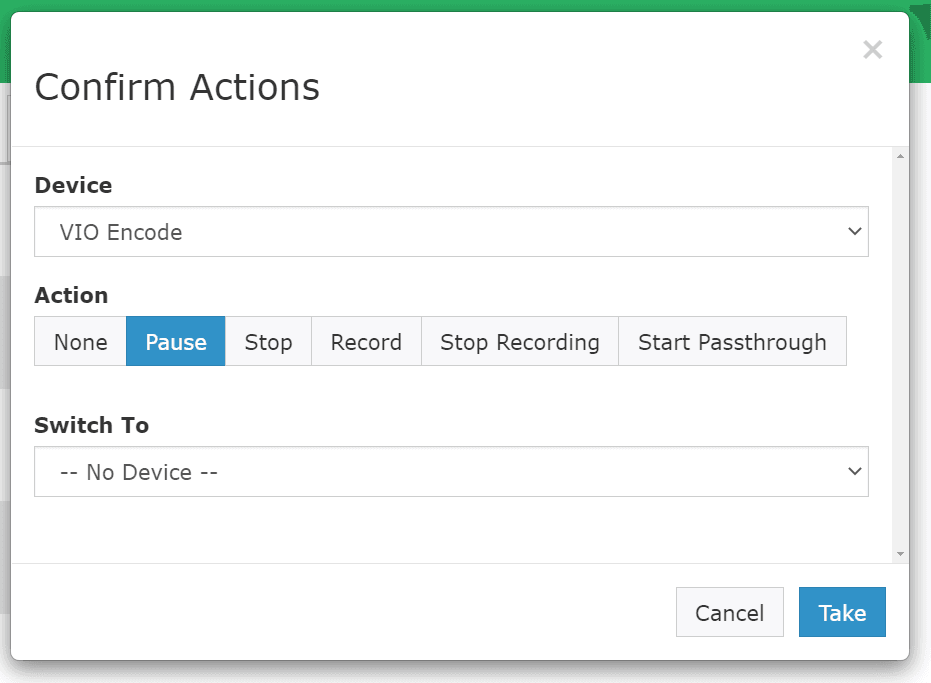
Pausing Active Encodes
Pause and resume recording during meeting breaks to save storage space
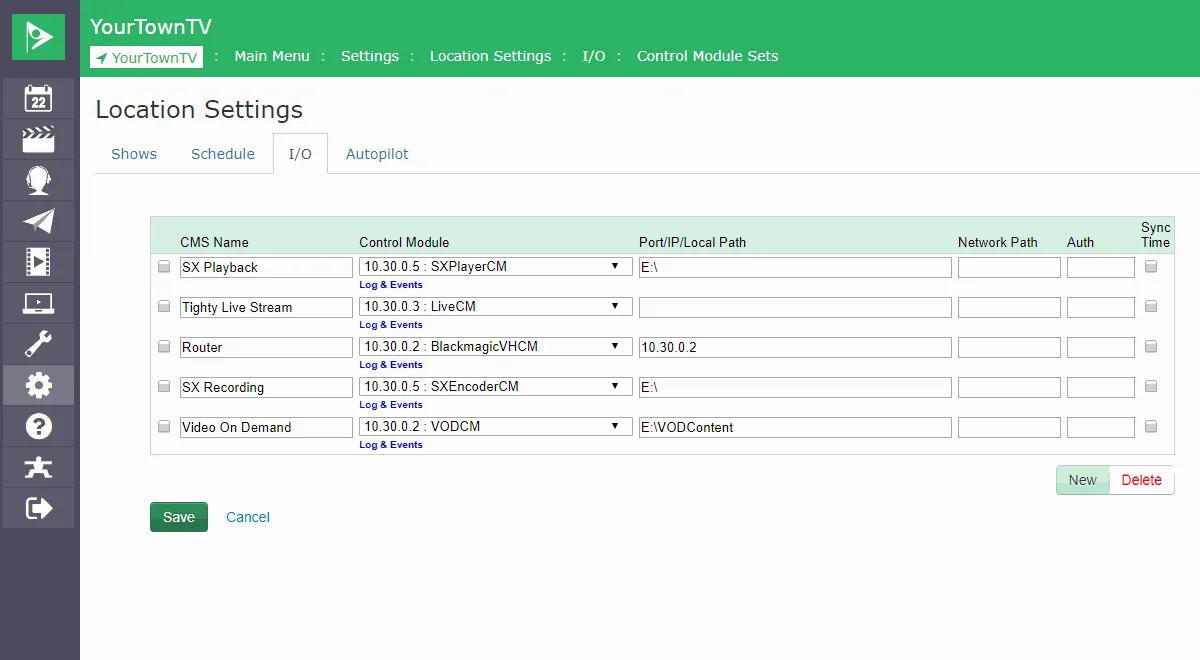
Router Control Support
Control a wide range of video routers over RS-232 and IP, with timing handled for you
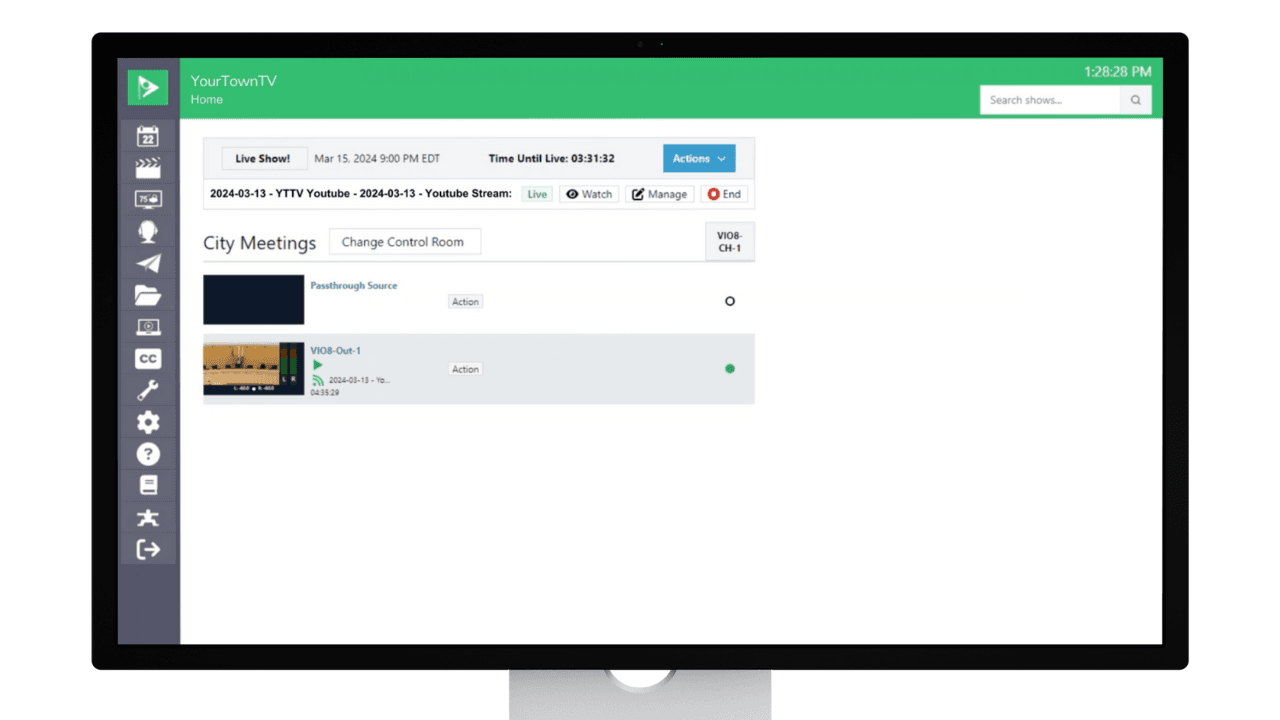
Virtual Control Rooms
Custom control setups that cut clutter and human error from live event production
On-Air Graphics & Branding
Automation Crawl Text
Schedule crawl text to appear with specific shows or runs, at the time and duration you set
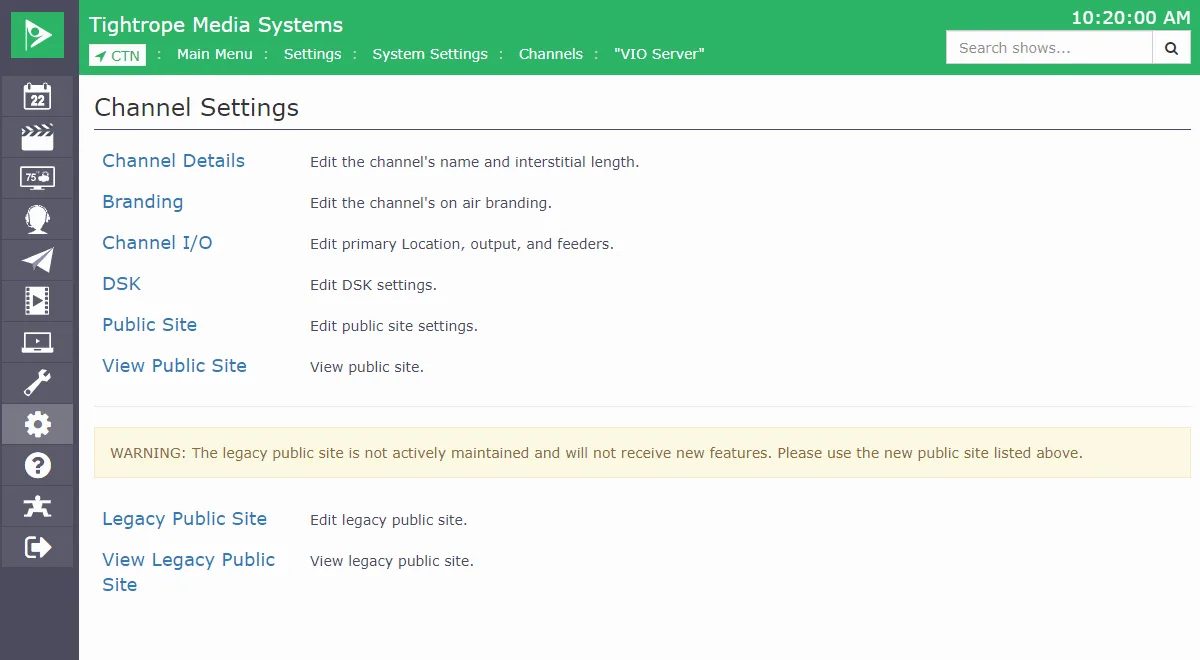
Crawls & Basic DSK
Run station bugs, bug text, and crawls over live or file playout, no extra hardware
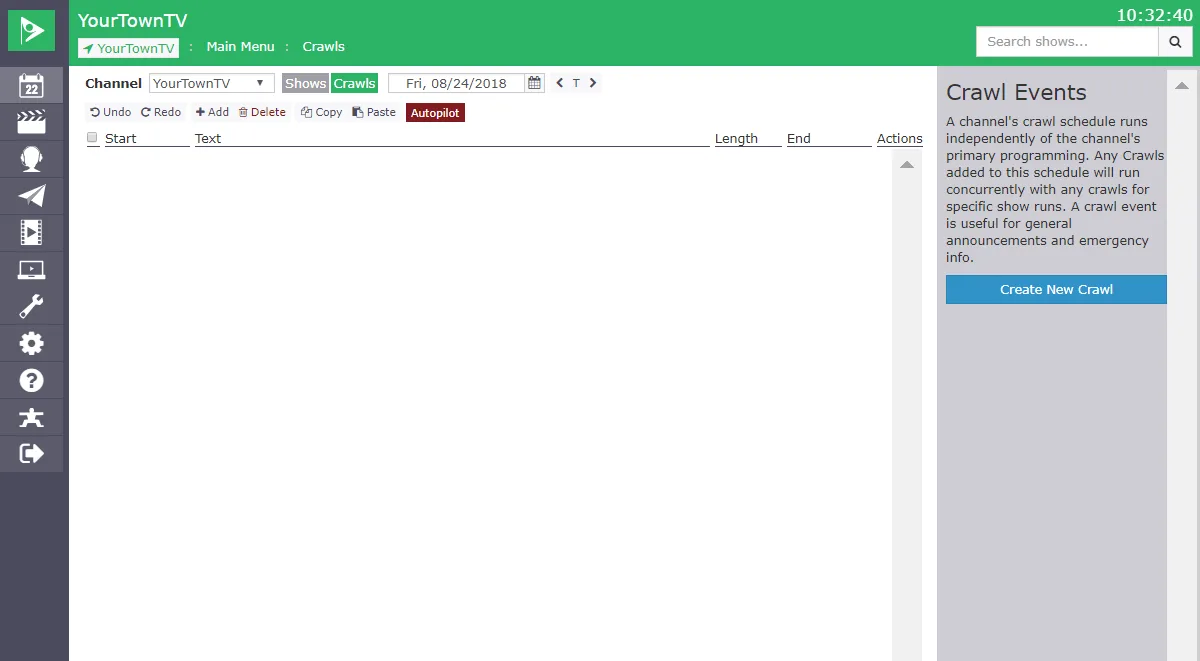
DSK - Channel Crawl
Run a channel-wide crawl over all programming for announcements and emergencies
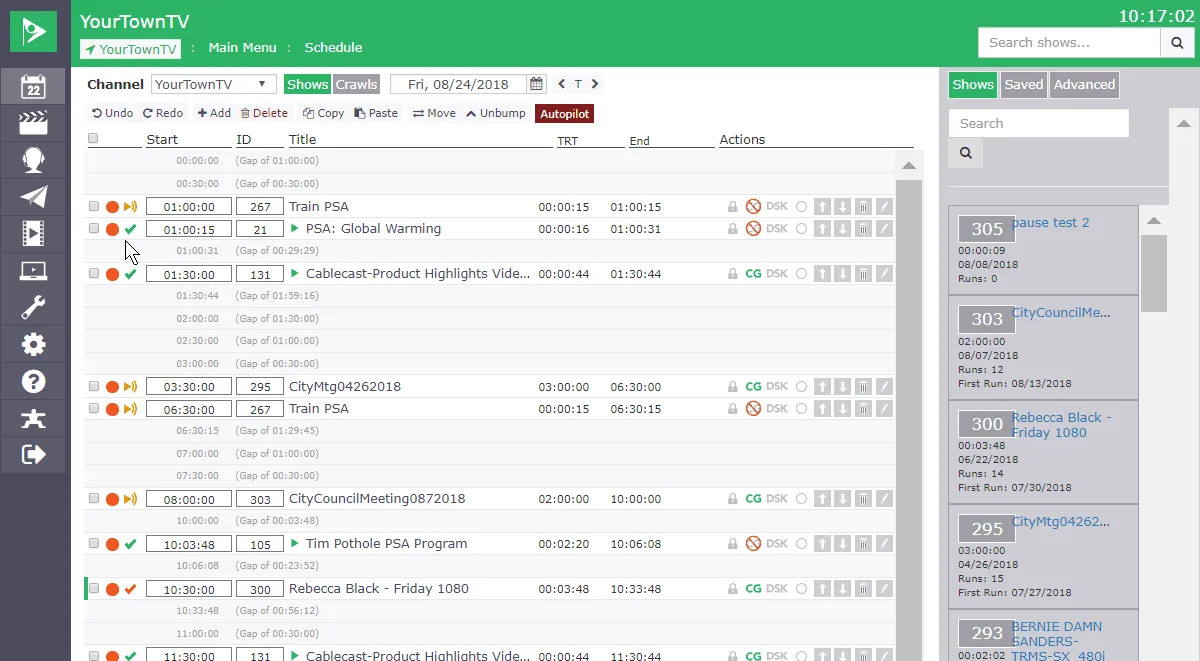
DSK - Run Specific Crawls
Set a crawl on a single scheduled run for one-off messages to your viewers
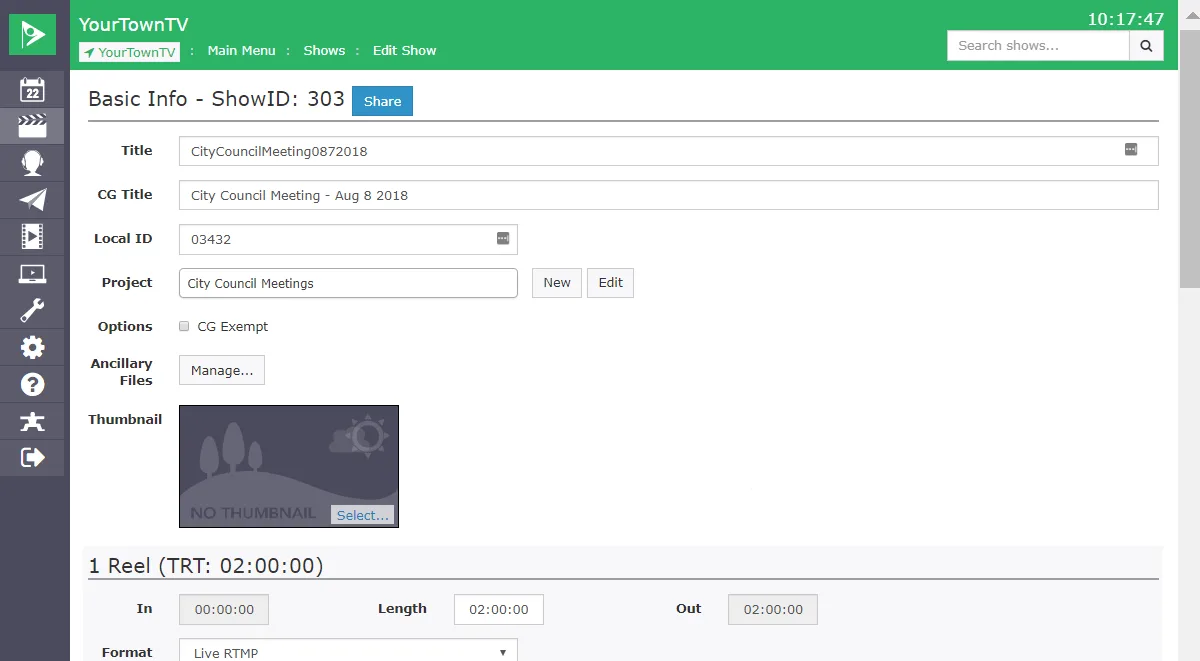
DSK - Show Specific Crawls
Add a crawl that appears on every run of a specific show, without editing the video
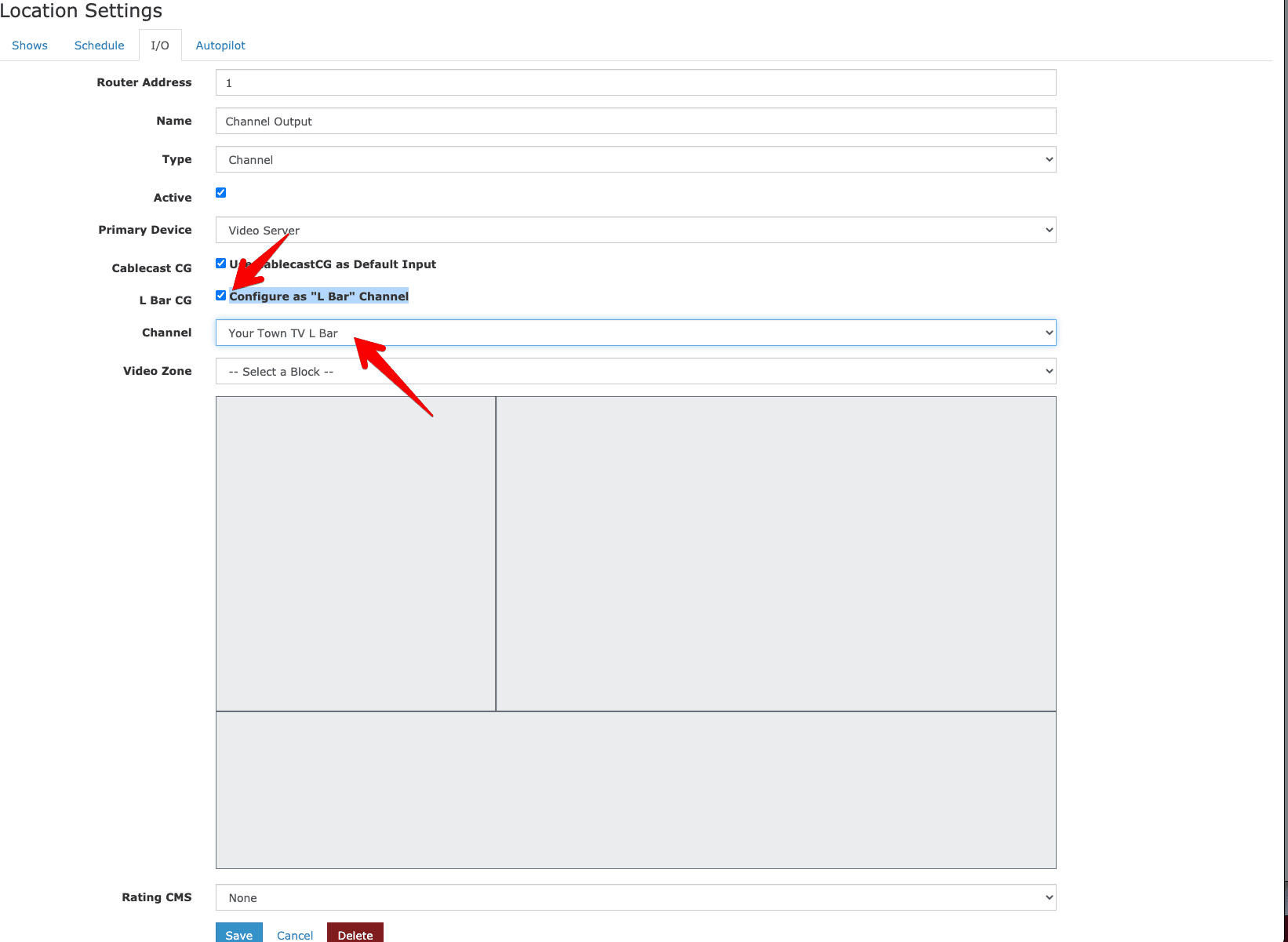
L-Bar Mode
Squeeze your channel into a video zone with an L-shaped border of running CG content.
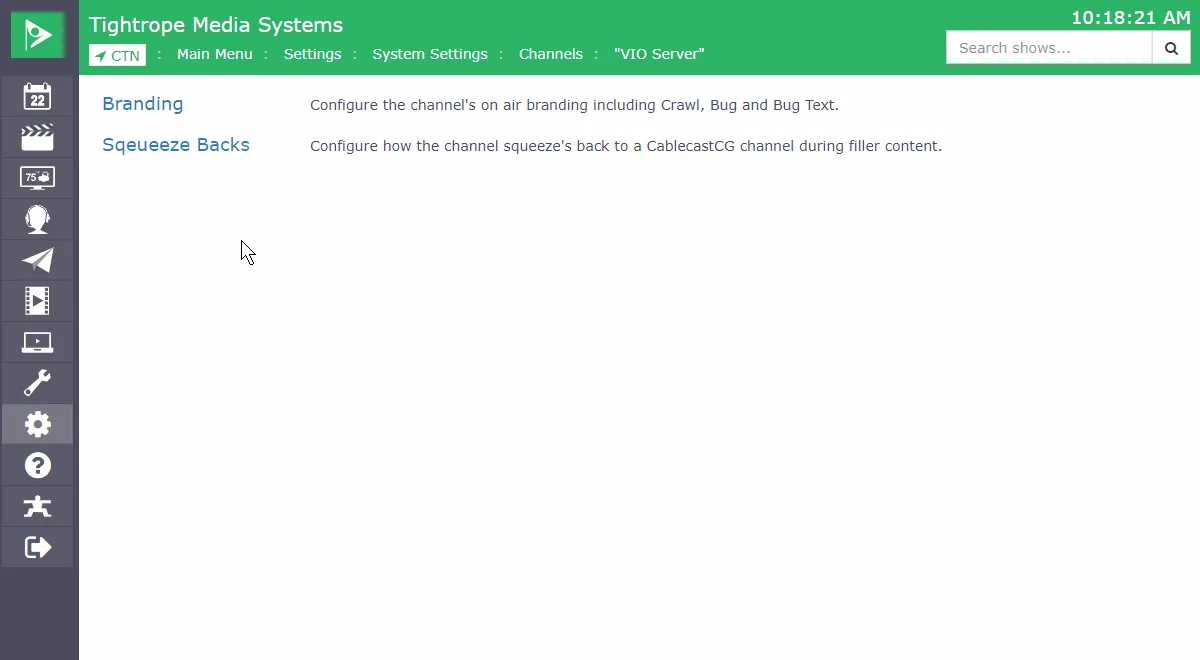
Squeezebacks
Frame your live channel playout inside an L-bar bulletin board layout
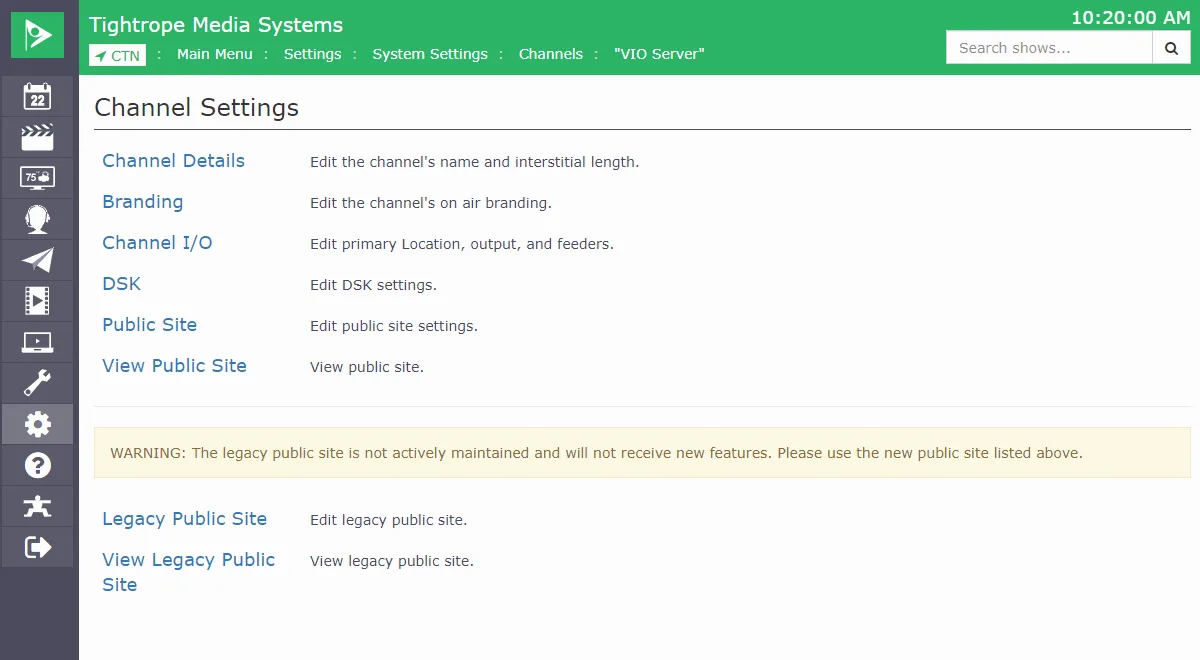
Web UI Channel Branding
Customize your channel logo, crawl backgrounds, and branding in the web interface
Bulletin Board
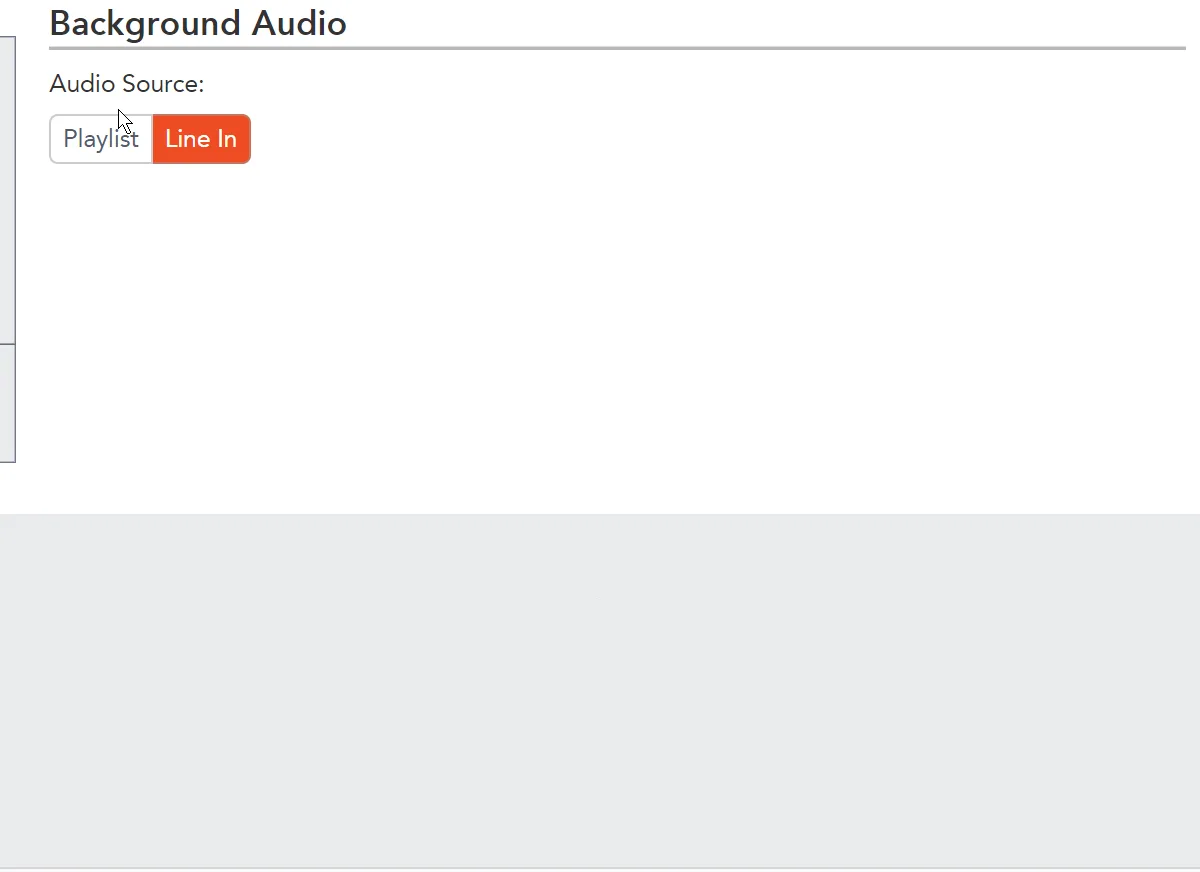
Background Audio
Fill the space with background audio that ducks automatically when a bulletin has its own sound.
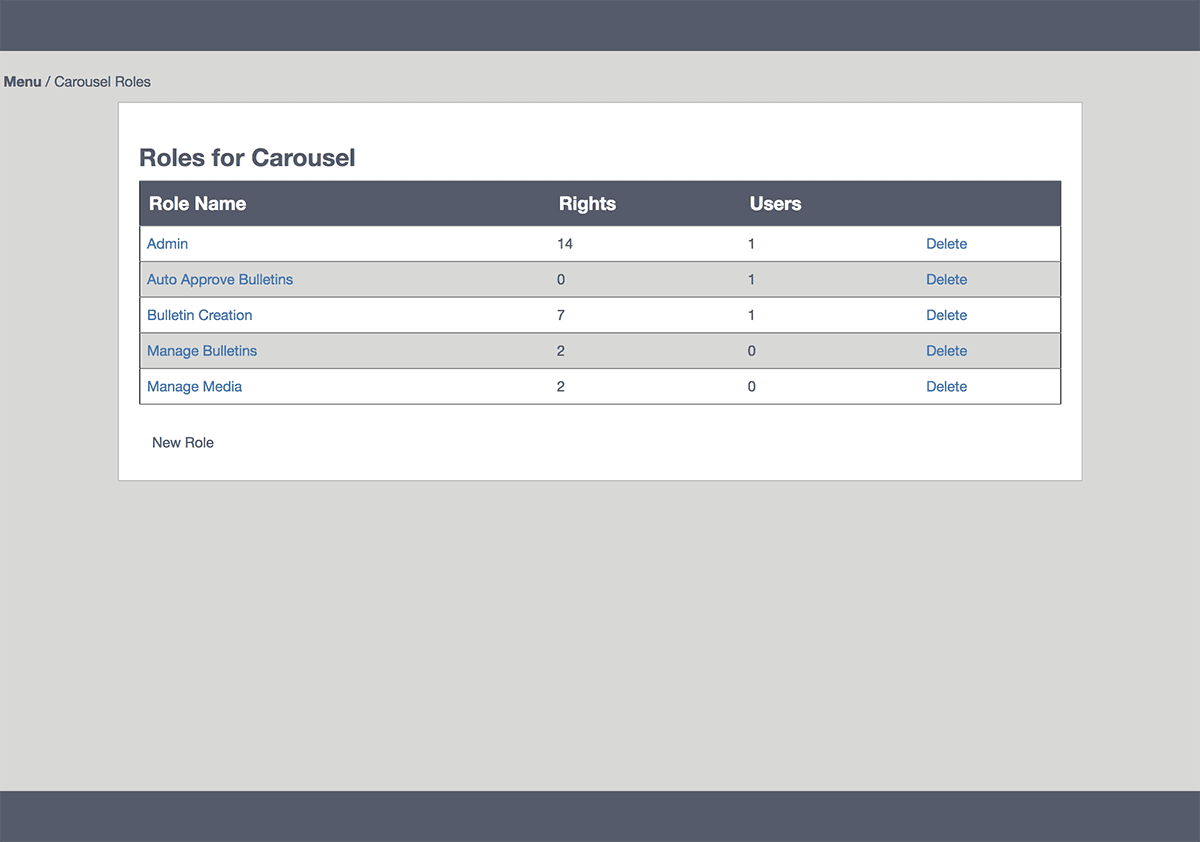
Bulletin-Board Roles
Give interns and volunteers access to just their part of the bulletin board, with full rights for staff.
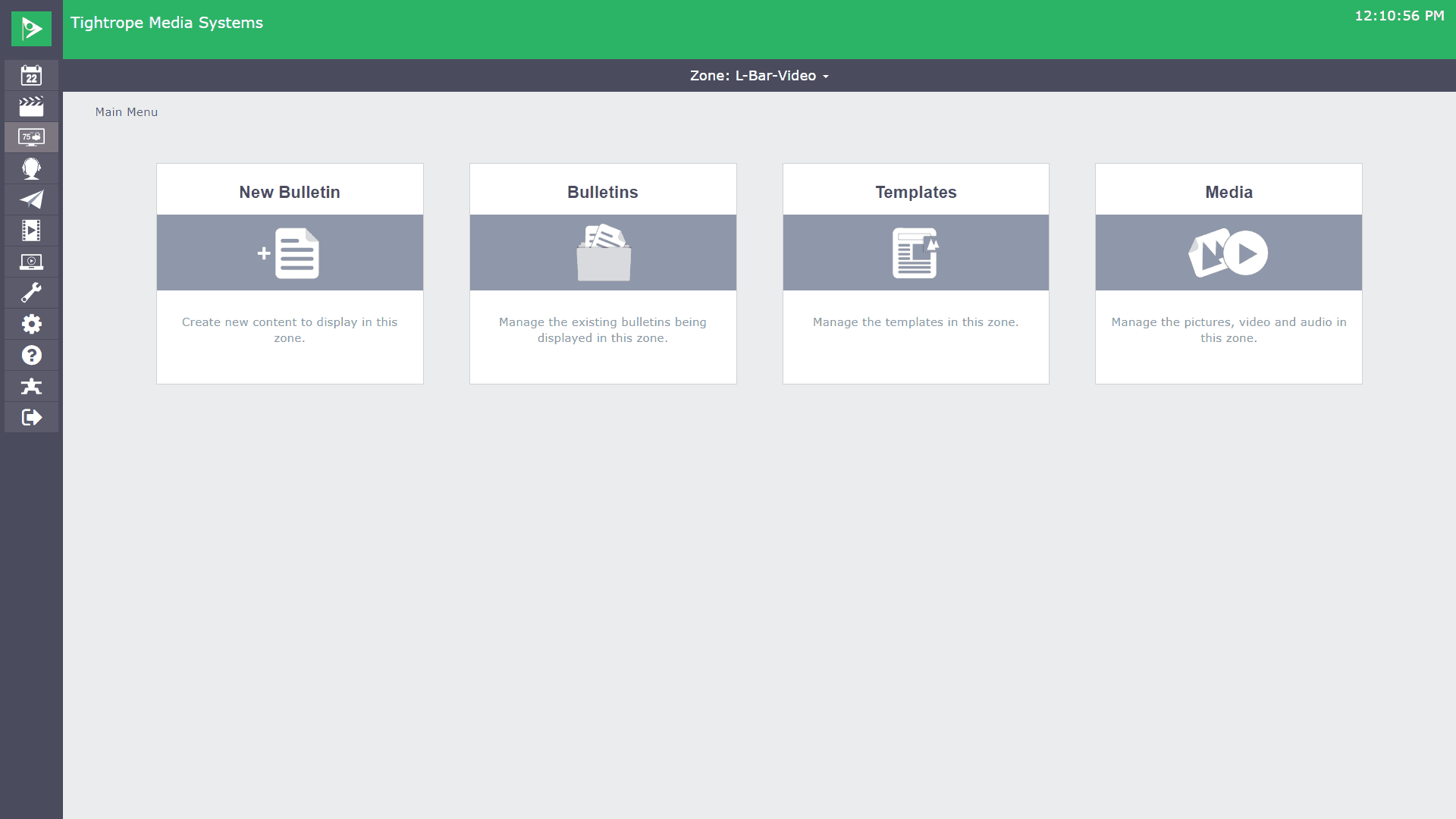
Cablecast CG
An integrated graphics and bulletin system built for on-air community announcements.
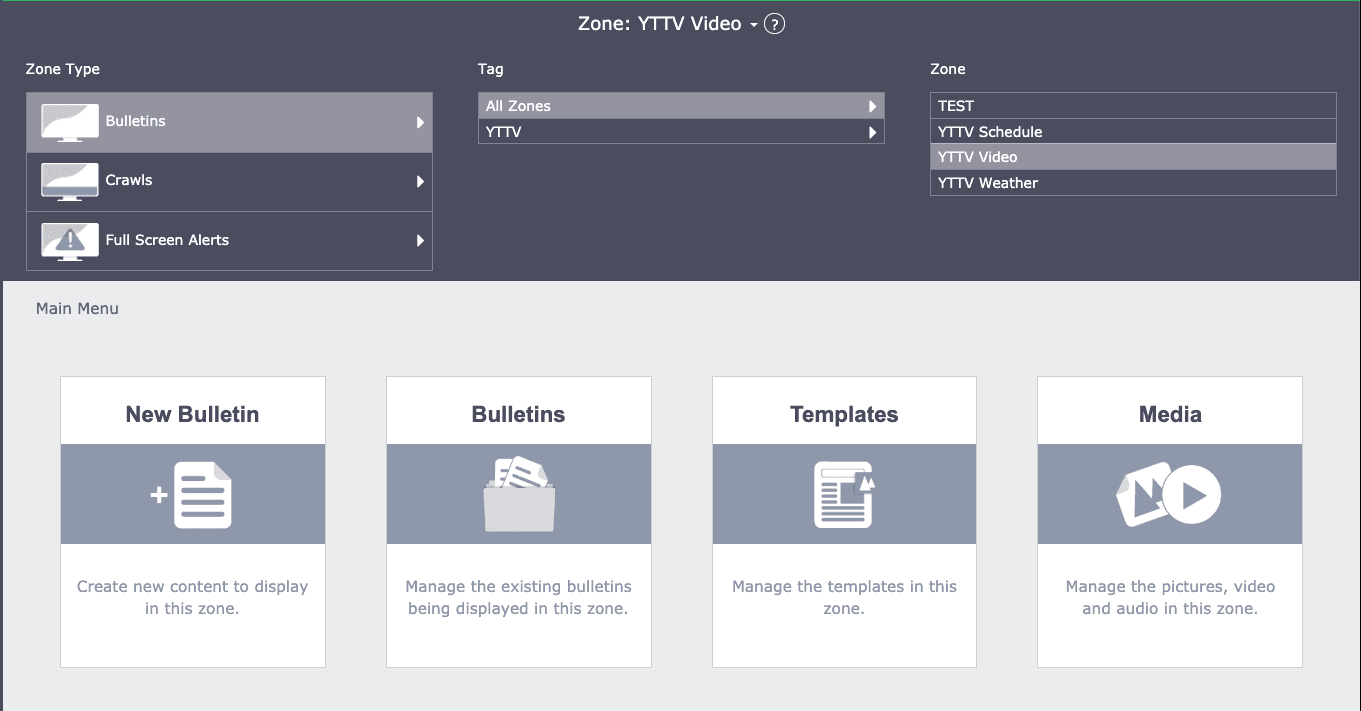
CG Channel Zone Management
Split your CG bulletin board into zones you navigate and style on their own.
CG Tickers
Run a dedicated ticker on your bulletin-board channel, separate from your global crawl.
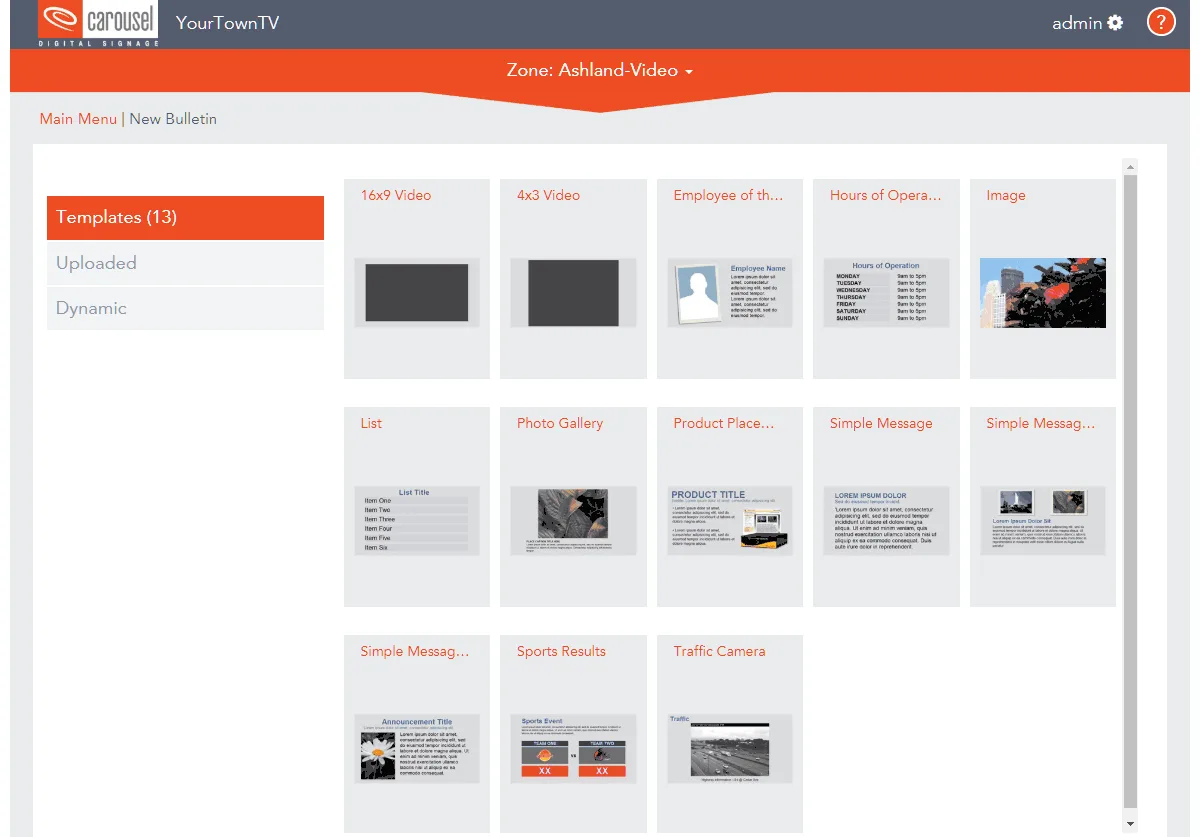
Display Programming Schedule
Show your daily schedule on the bulletin board, pulled straight from Cablecast automation.
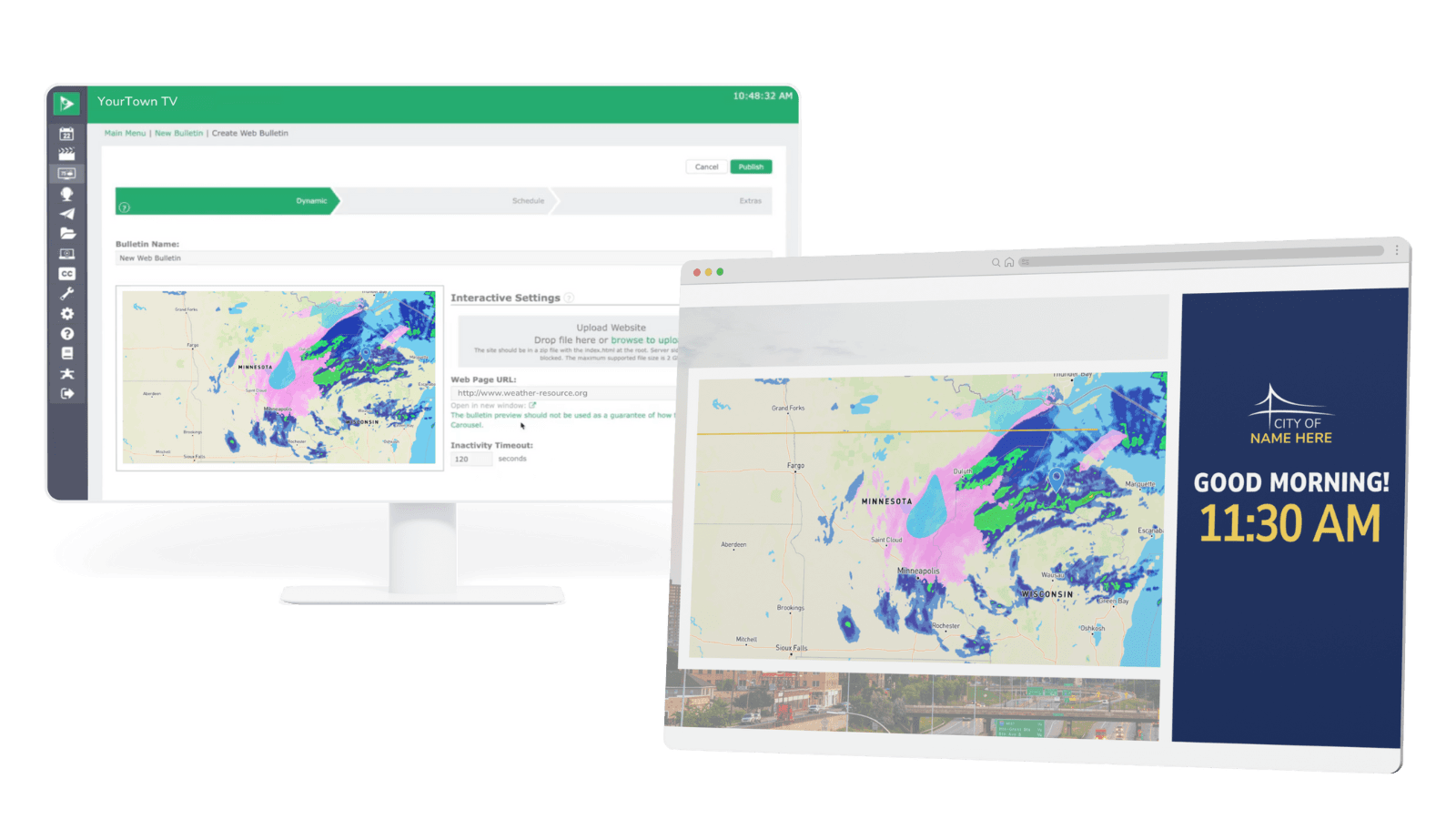
Dynamic Web Bulletins
Embed live web content on your channel to keep residents informed with real-time information.
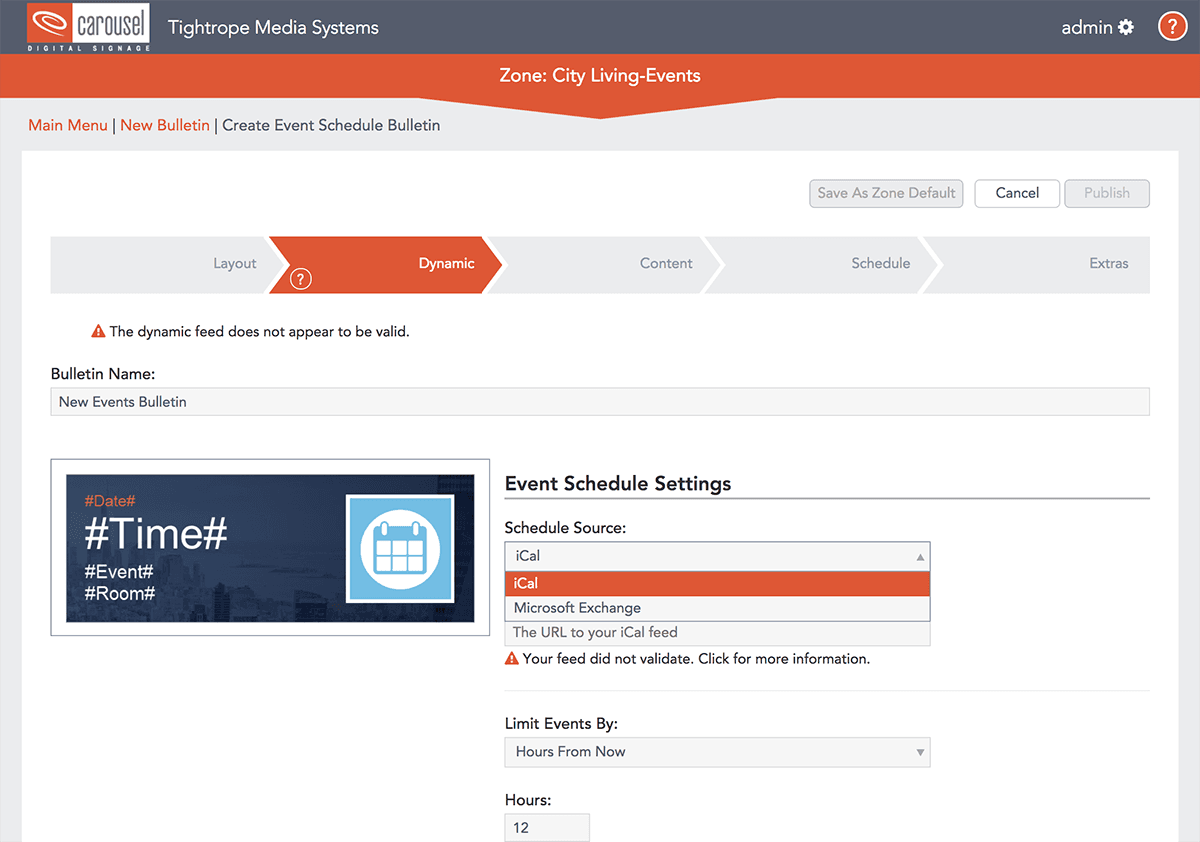
Event Listings
Display event dates, times, rooms, and names from your calendar feeds automatically.
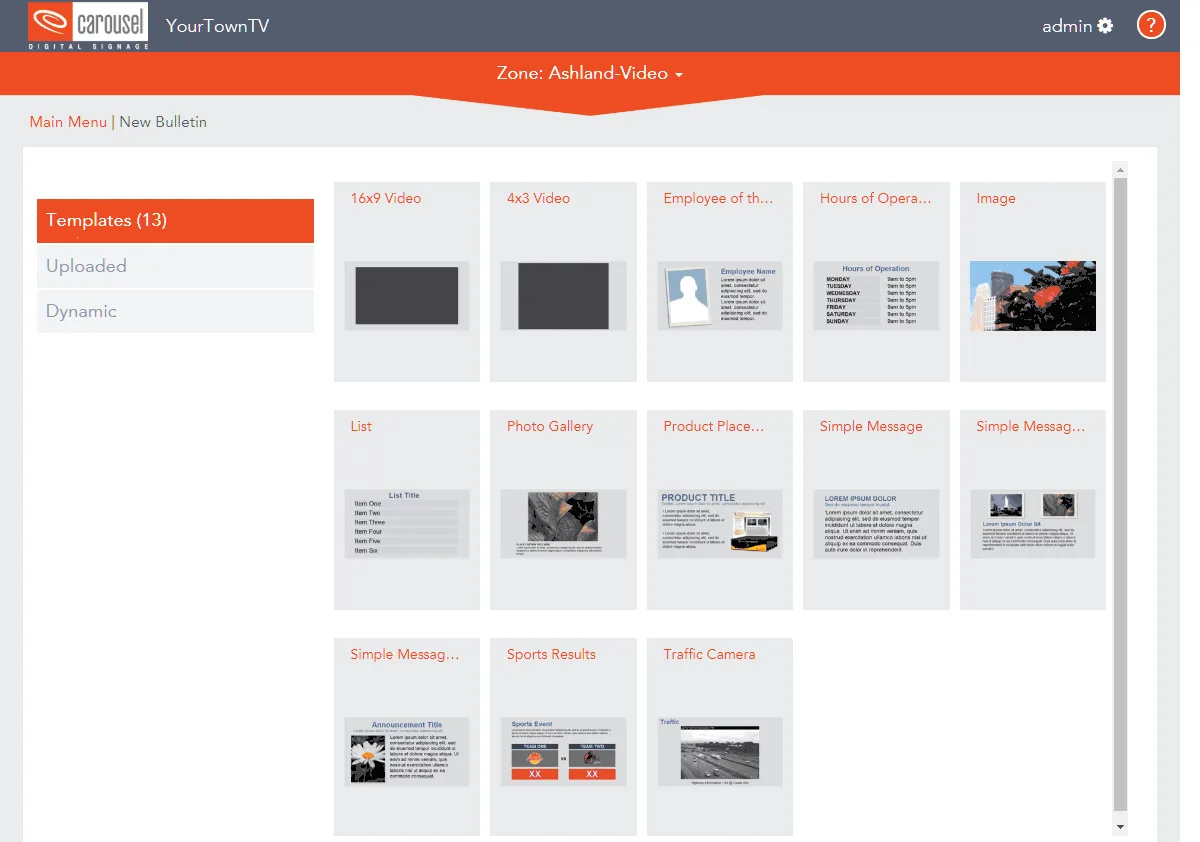
Playing Next Display
Automatically show what's coming up next on your channel, pulled from your show records.
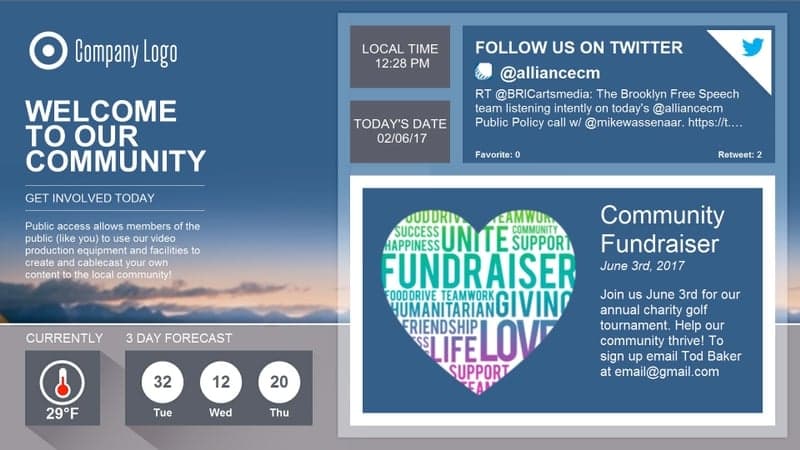
Premade Channel Designs
Start from free, ready-made channel templates and go live in minutes.
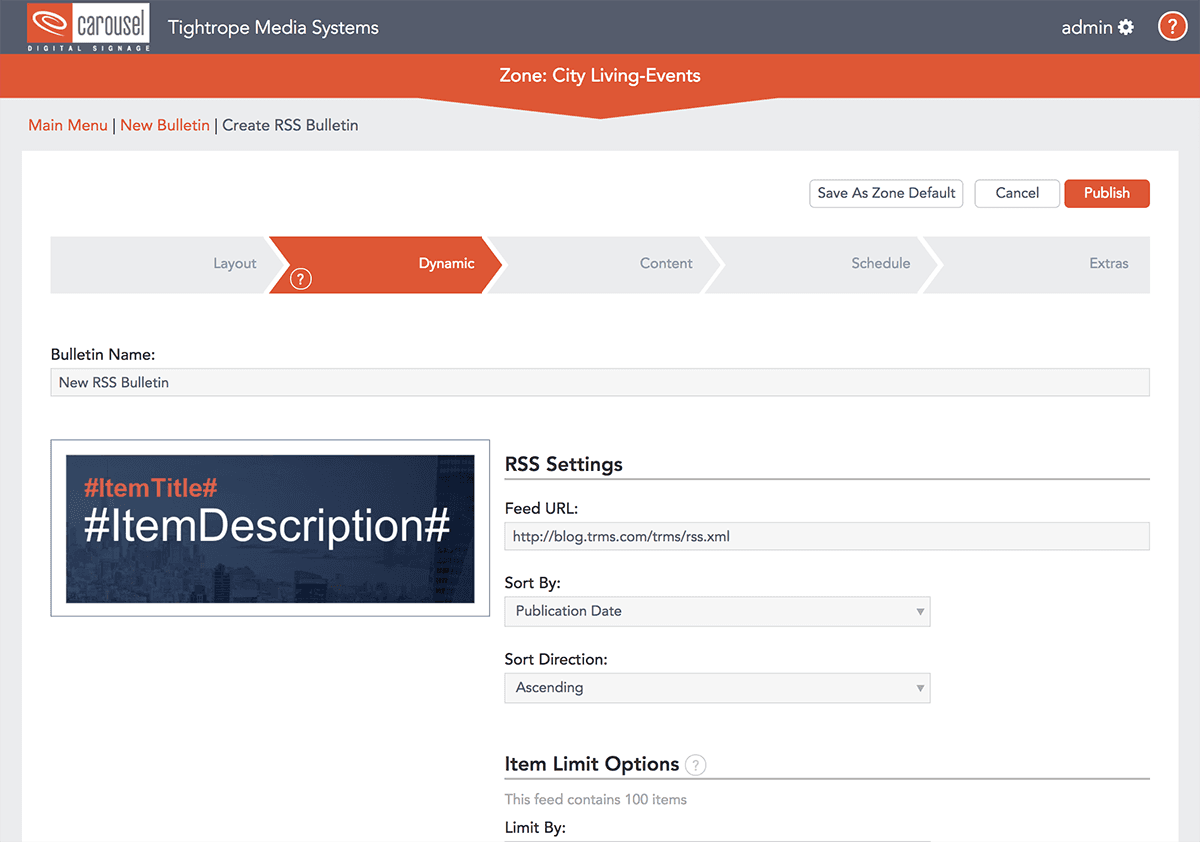
RSS Feed Ingesting
Pull in news and data from any RSS feed and display it cleanly on your channel.
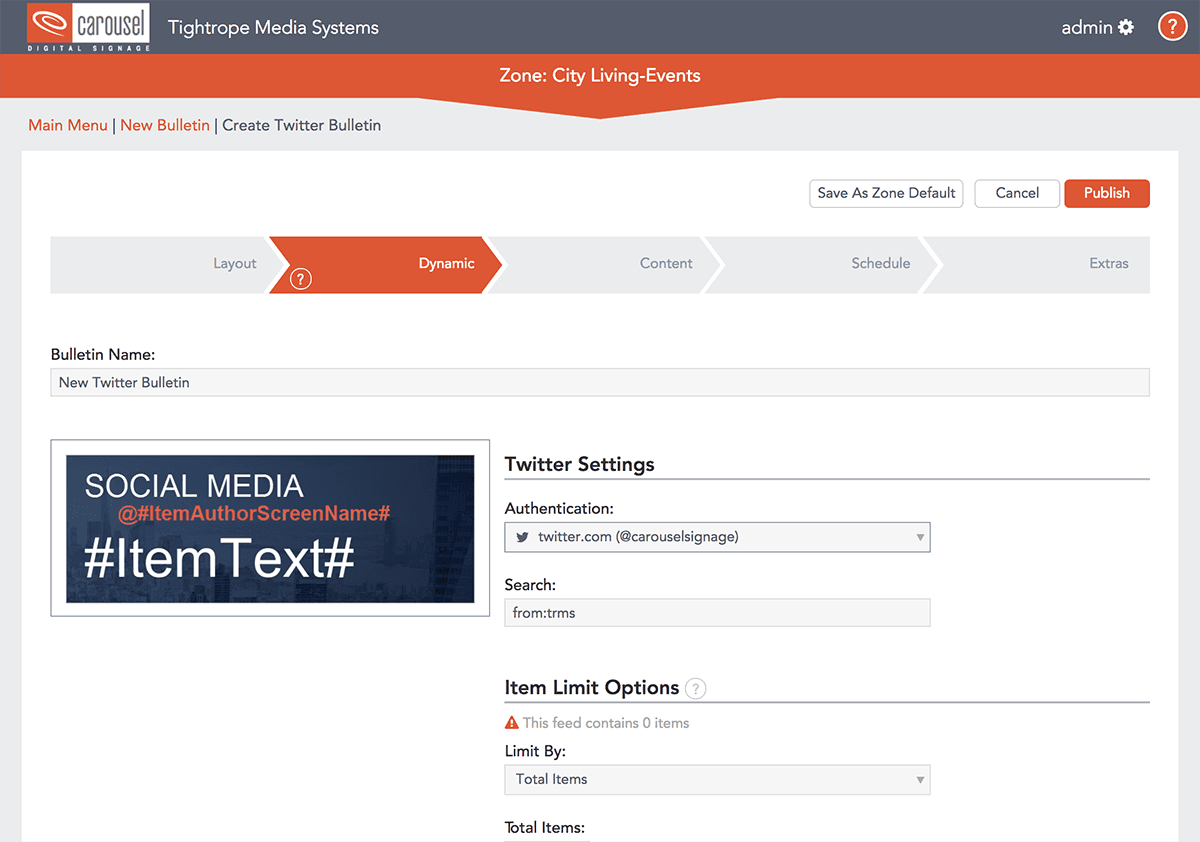
Social Media Dynamic Bulletins
Pull your social feeds onto your channel, formatted to look great and filtered to stay clean.
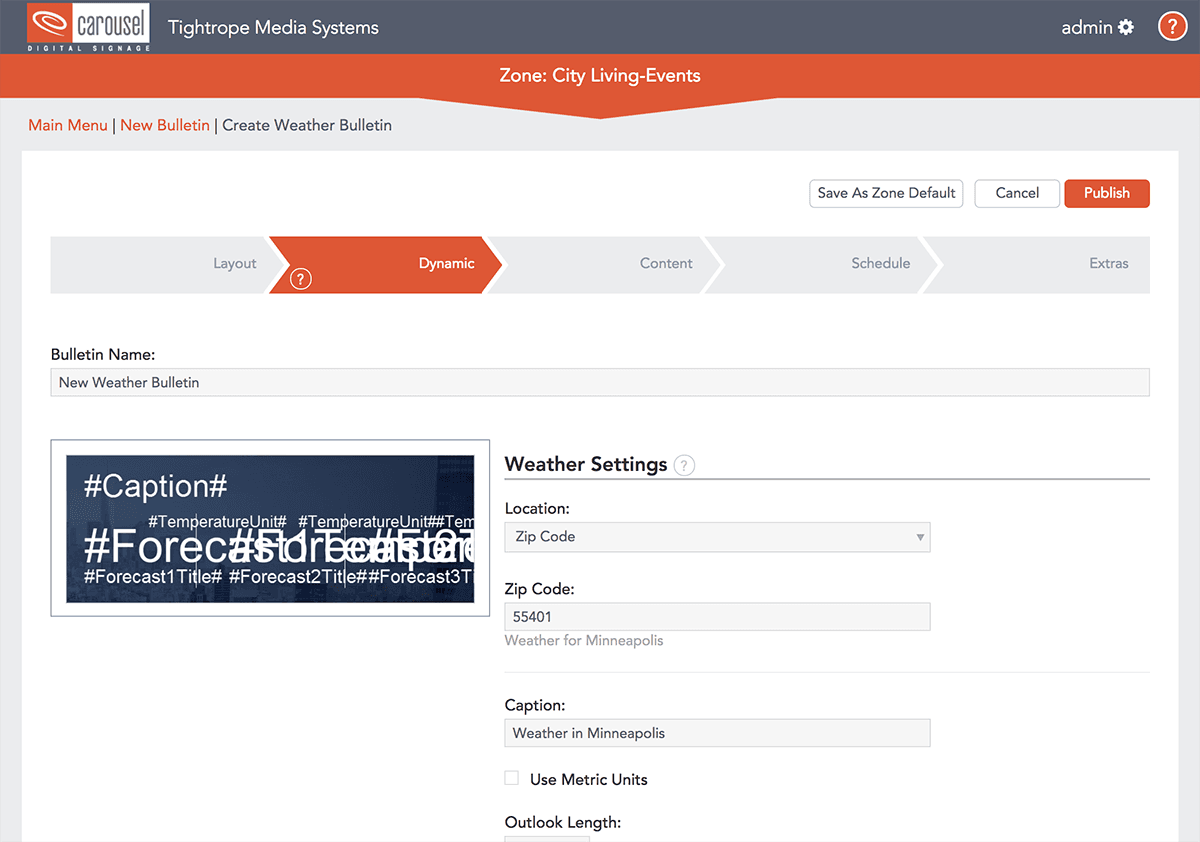
Weather Feeds
Show current conditions and forecasts, styled to match your channel.
Content & Asset Management
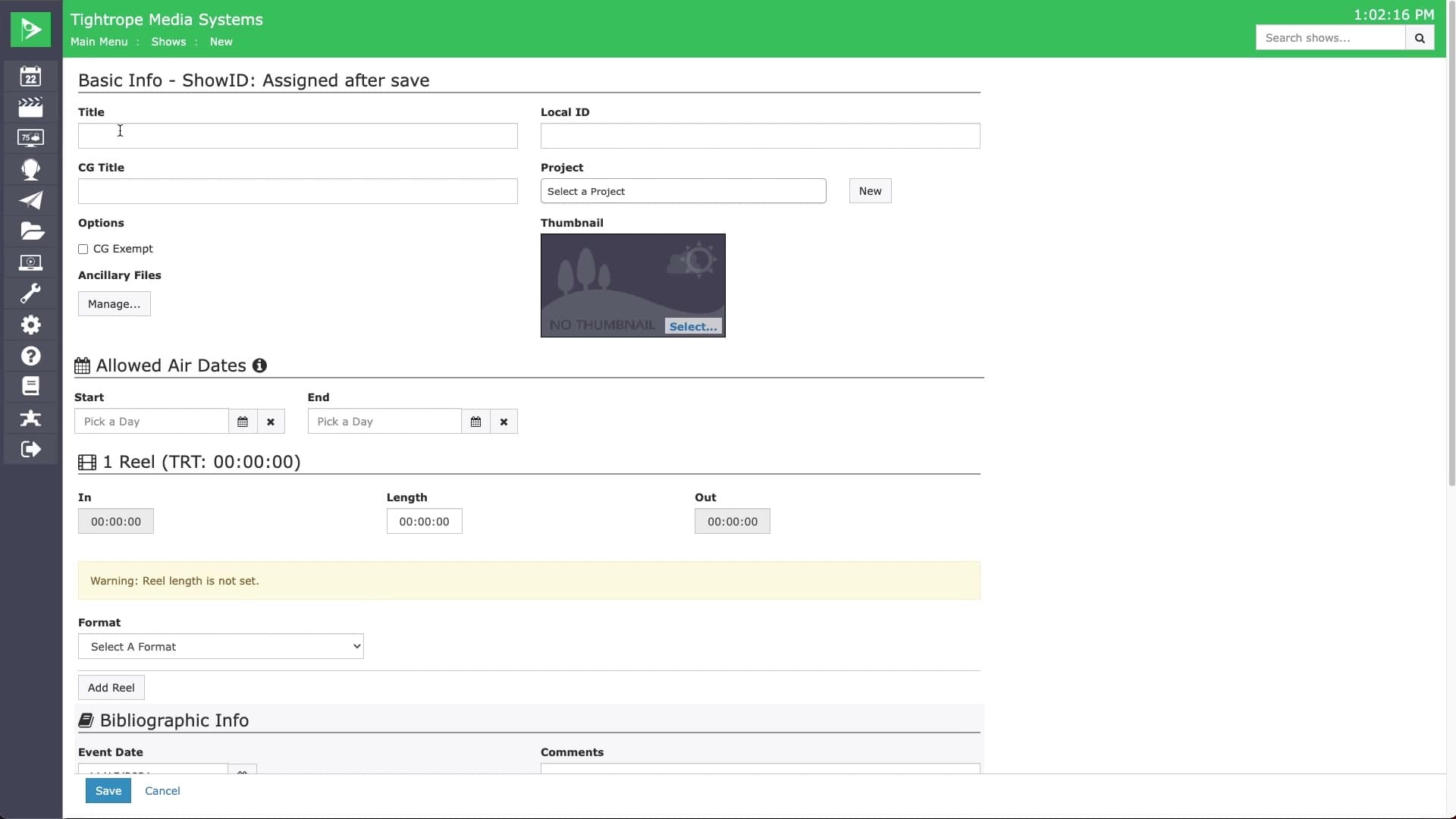
Automatic Thumbnail Generation
Auto-generate thumbnail options from the video, or upload your own.
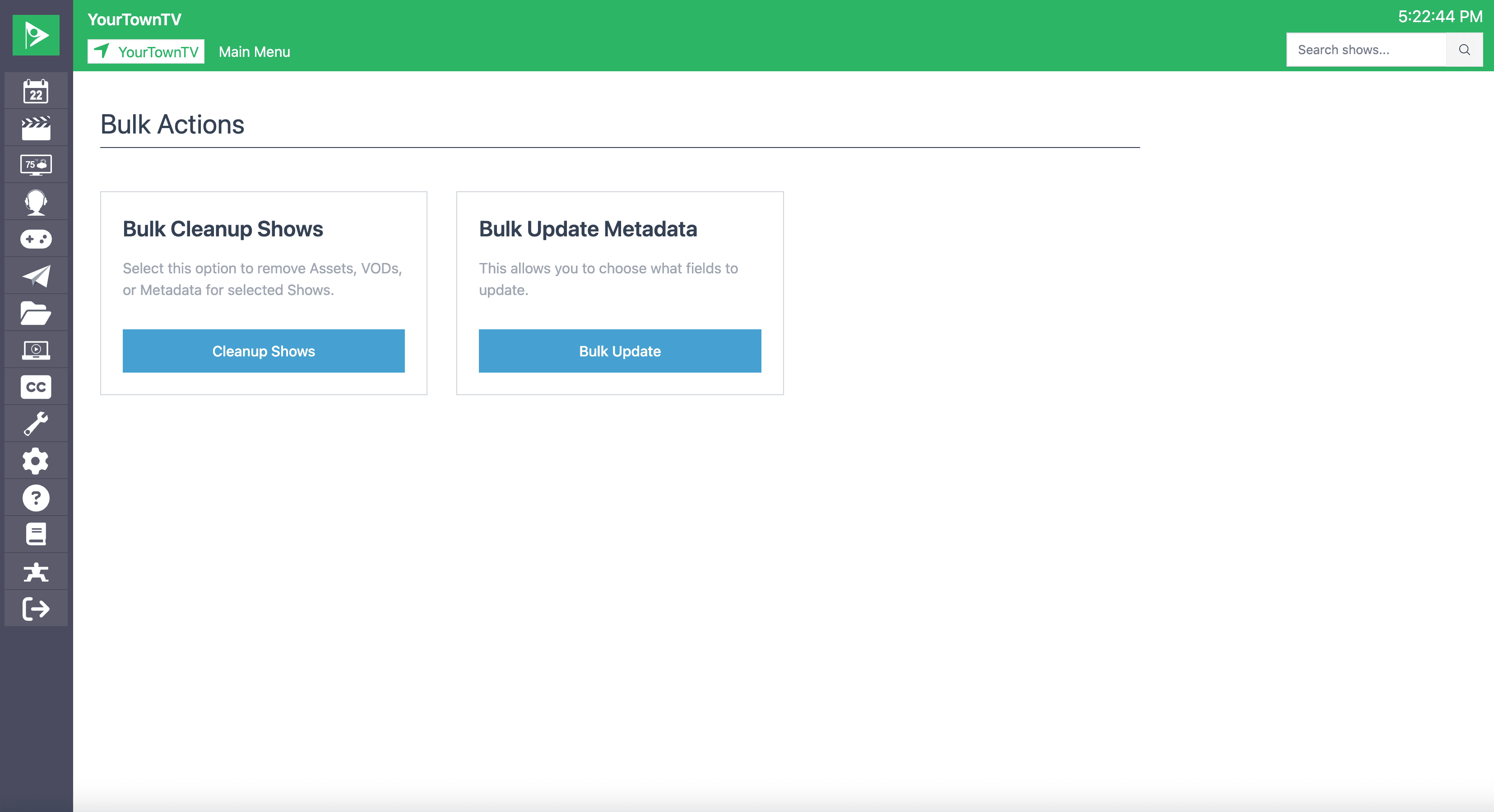
Bulk Actions
Apply the same change or action across many shows at once instead of editing each one
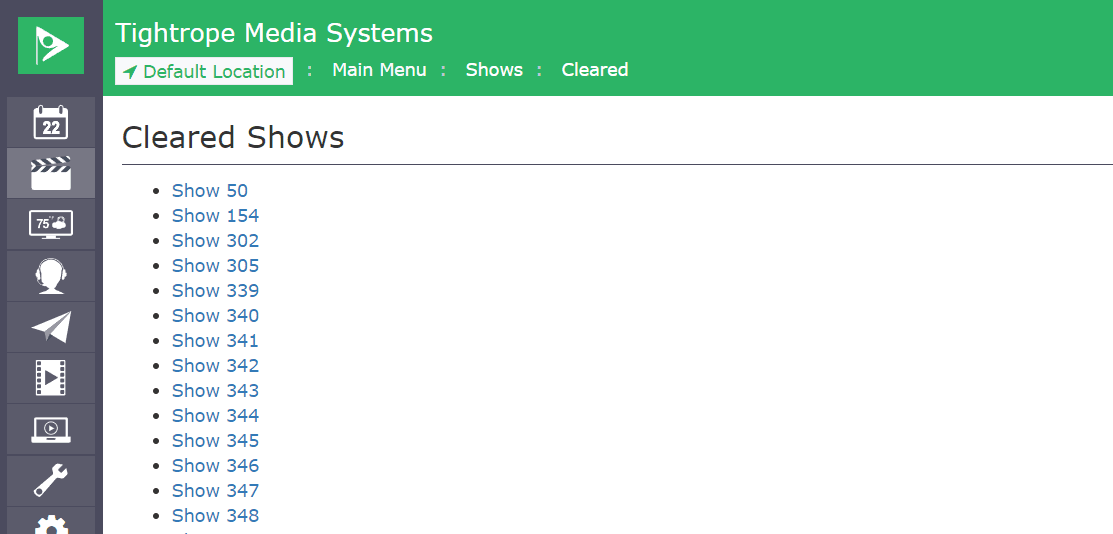
Cleared Shows Recovery
Deleted shows move to a recoverable Cleared Shows list, so nothing is lost by accident.
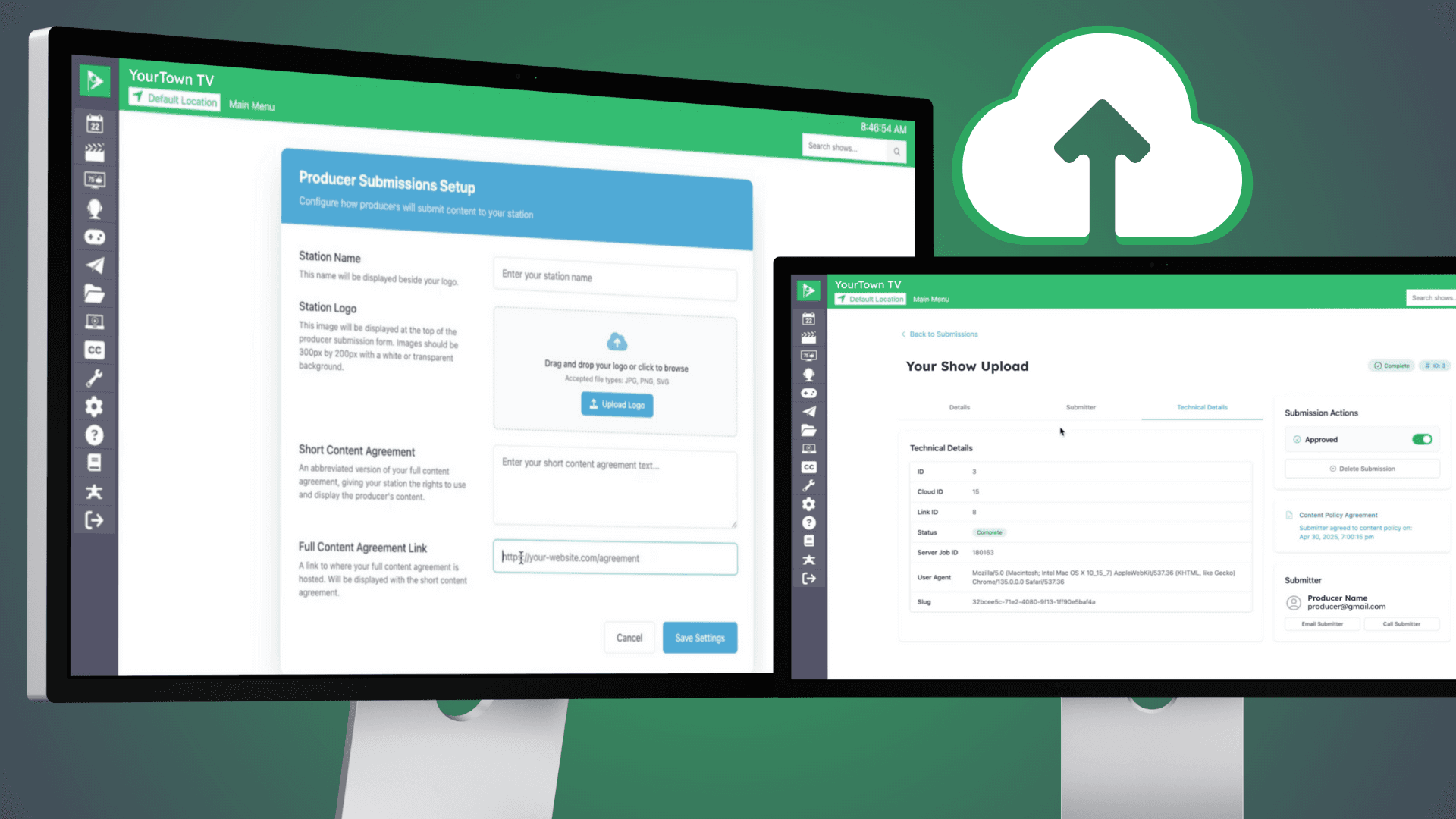
Content Submission Portal
Let trusted producers submit shows and metadata directly, while you keep control of approvals
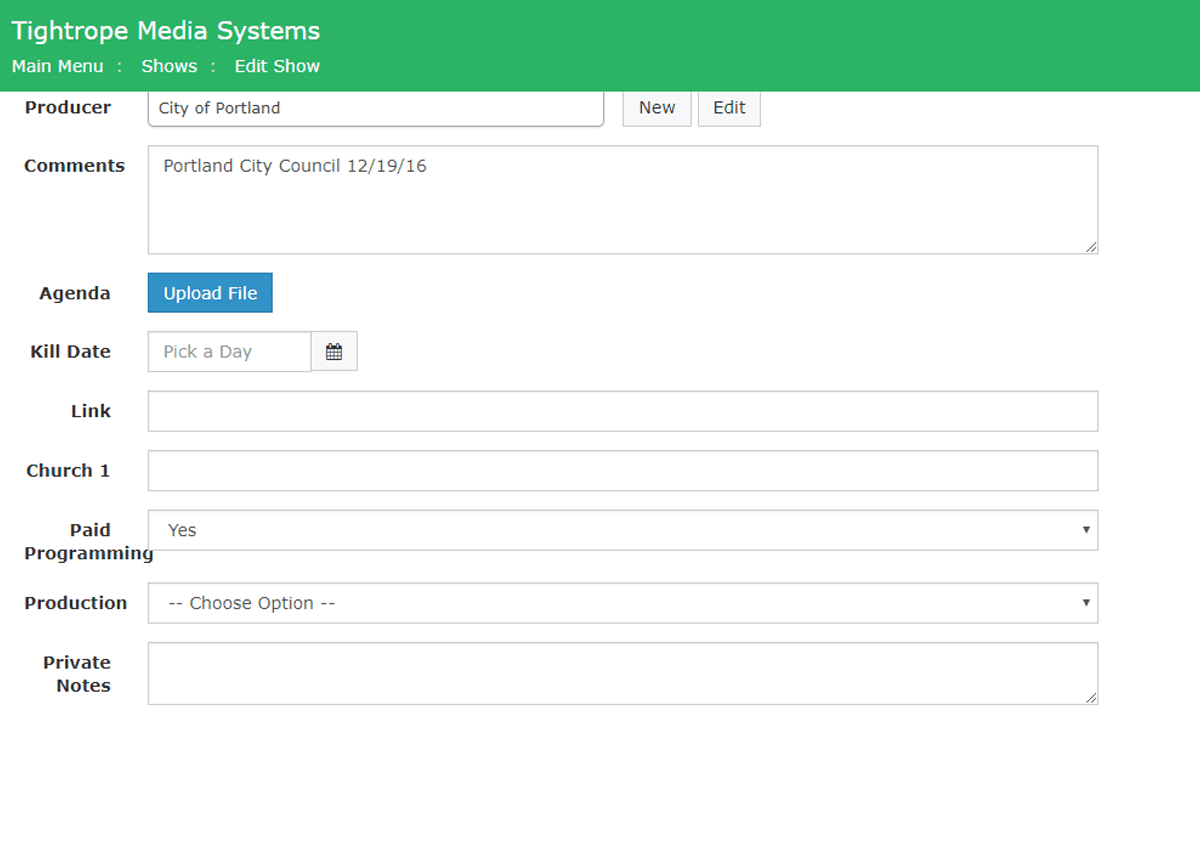
Custom Fields
Add your own fields to organize, display, and report on programs your way
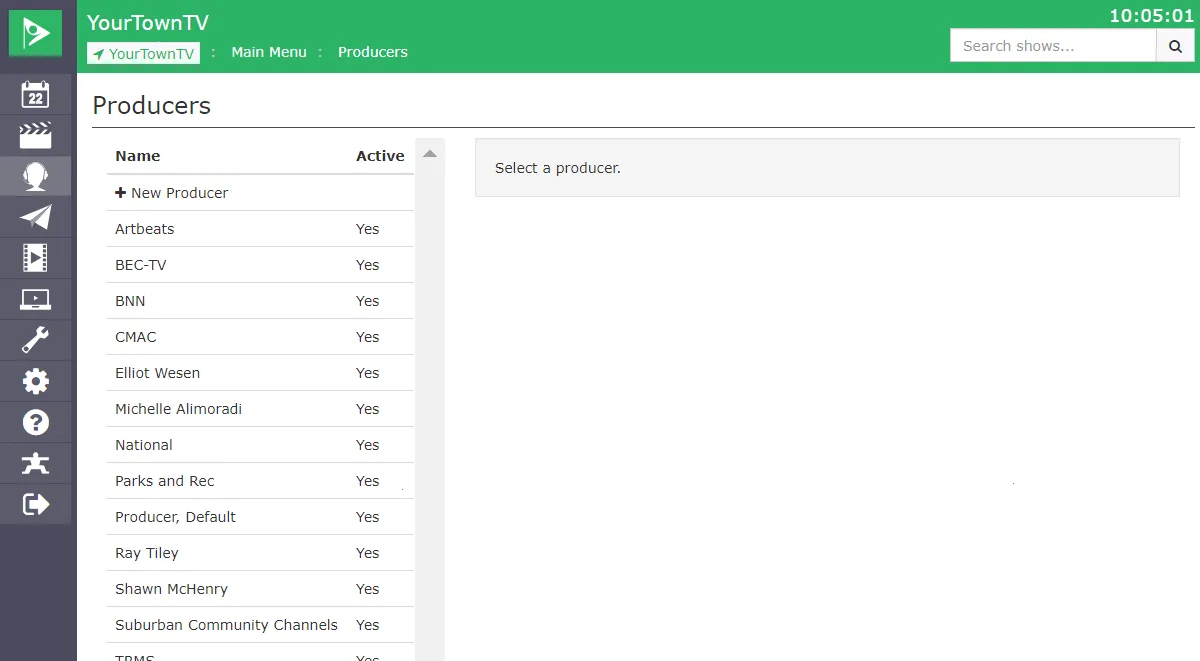
Producer Tracking
Track producers and tie them to shows for richer reporting and quick bulk removal
Projects & Podcast Feeds
Group related shows into a Project series that can publish its own podcast feed.
Show Categories
Group shows under a configurable taxonomy used across scheduling, search, and public display.
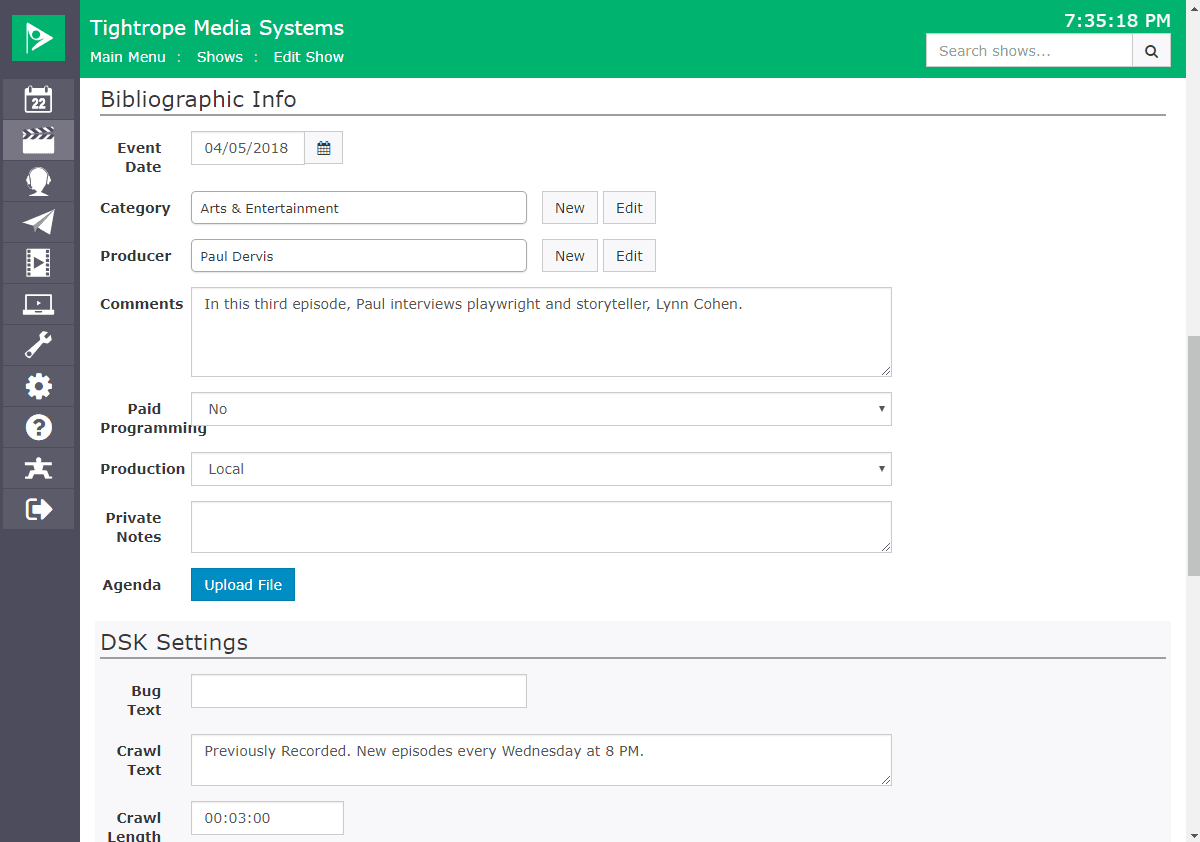
Show Meta-Data & Custom Fields
Present on-demand video your way with unlimited custom metadata fields
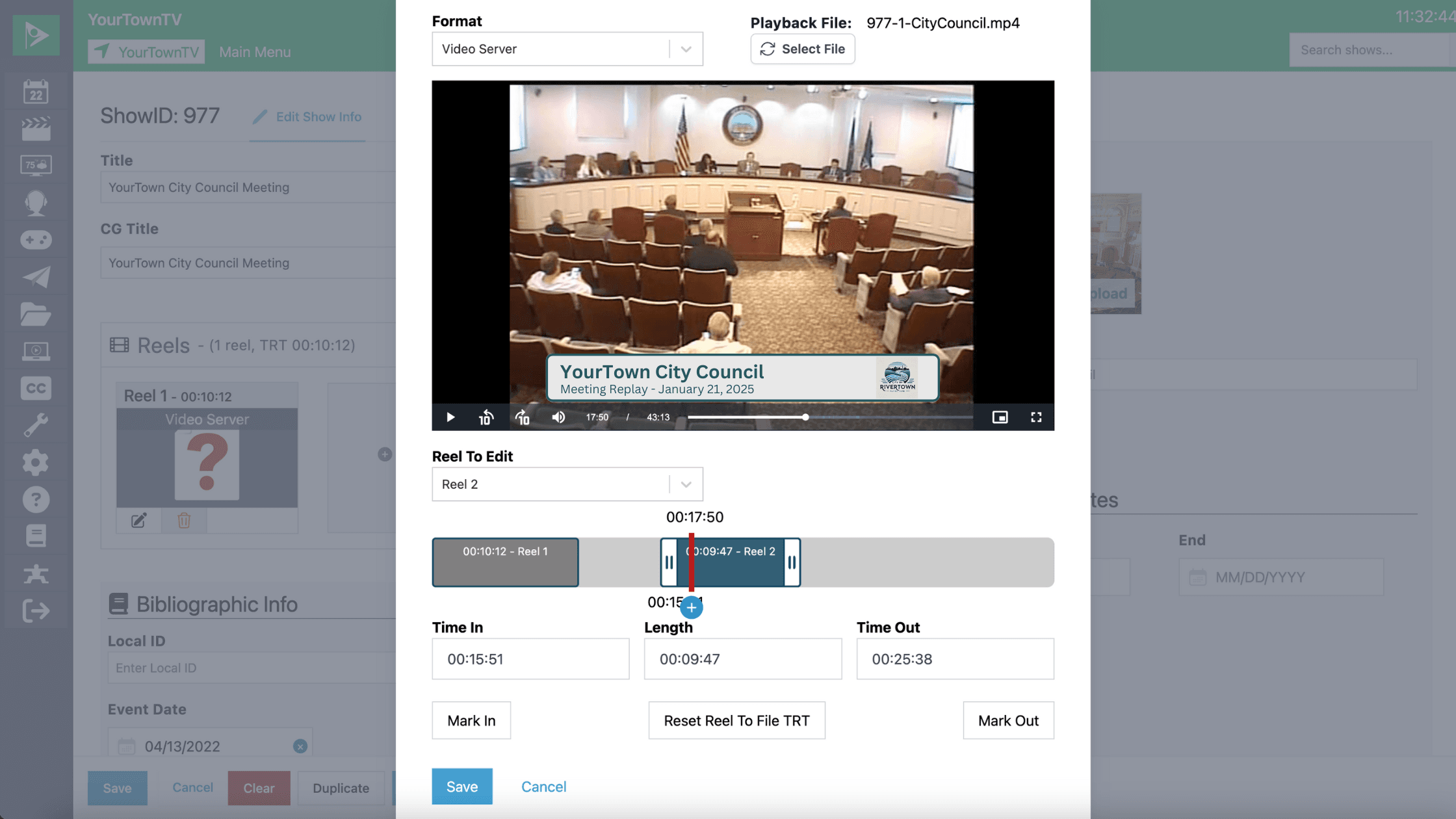
Show Reels
Combine multiple files into one program, kept in a single show record
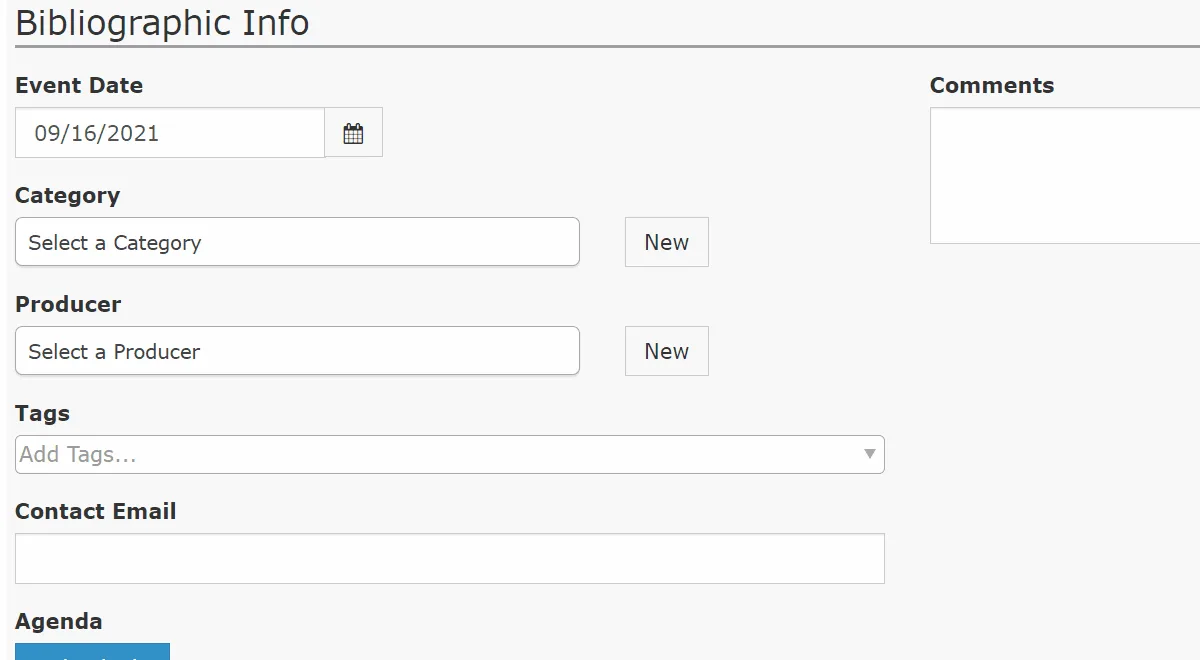
Show Tagging
Structured tags that make content easier to search, group, and keep consistent
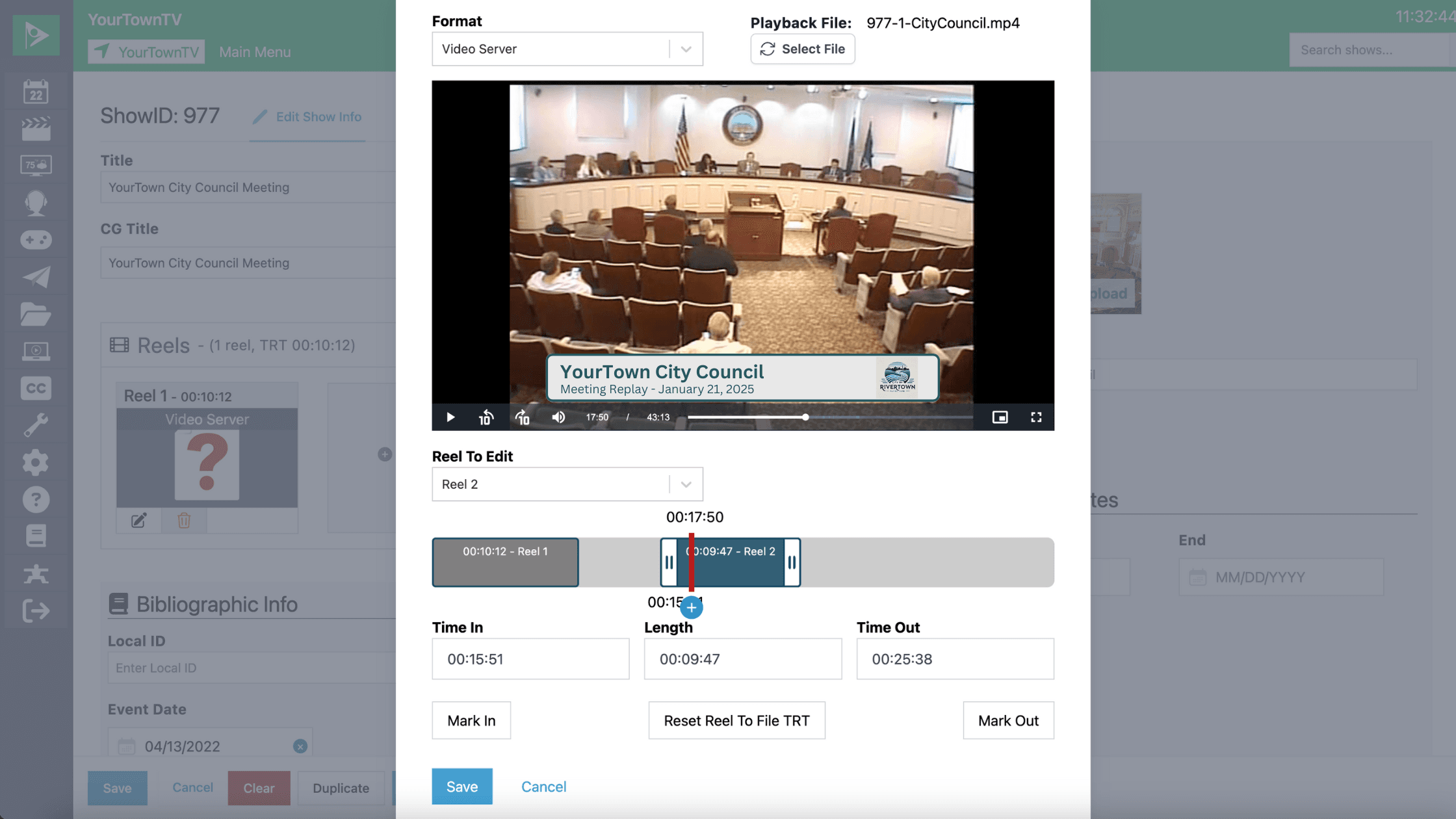
Show Trimming
Trim black frames and unwanted segments inside Cablecast, no editing software required
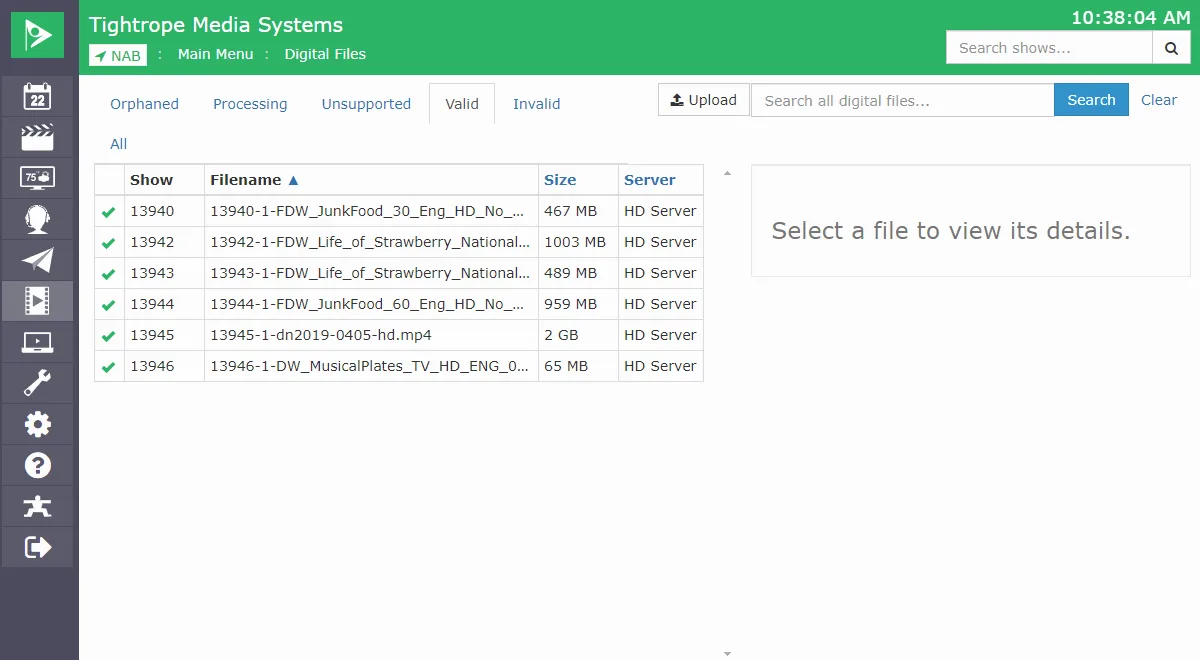
Show Upload via UI
Upload show files straight through the Cablecast web interface, no extra networking
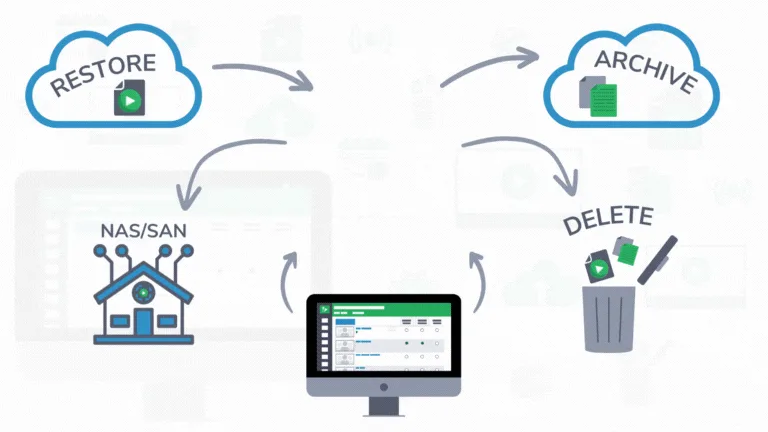
Smart Asset Manager (SAM)
Rules-based archiving and backup that moves content between storage on its own
Web Video & Streaming
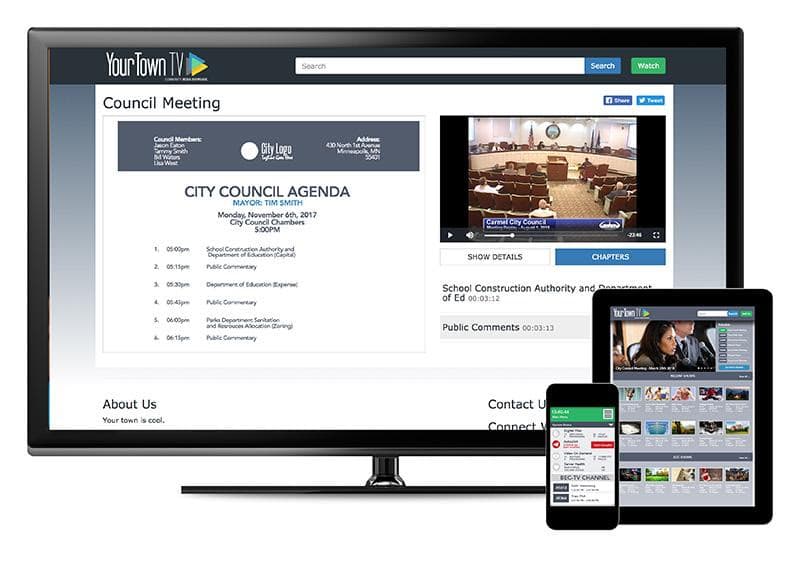
Agenda Embedding & Downloading
Show the meeting agenda next to your VOD player so viewers can follow along and download it.
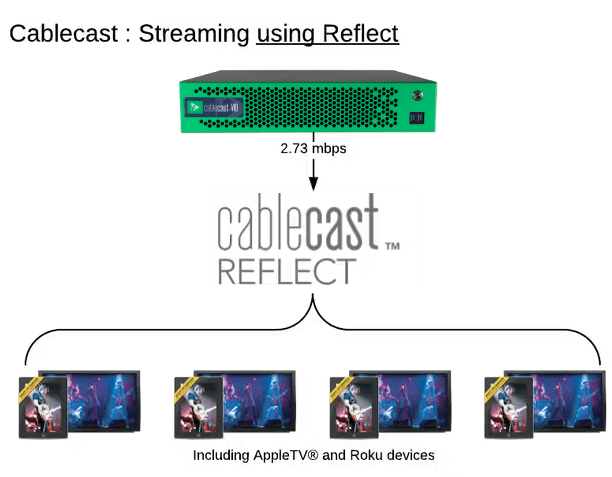
Cablecast Reflect CDN
Cache your live and VOD streams across a cloud CDN to offload local bandwidth and reach more viewers.
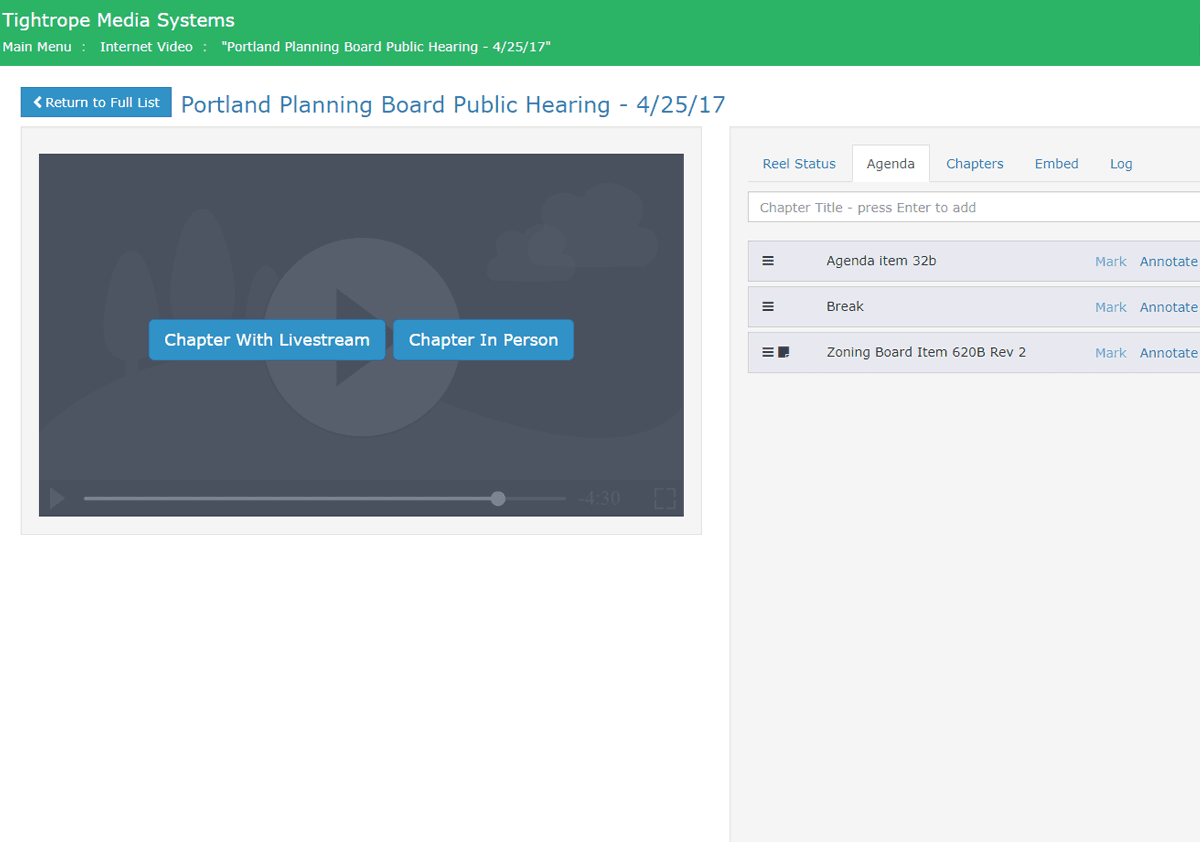
Chaptering Live Events
Add chapter markers in real time during a live meeting or game, with no post-production work.
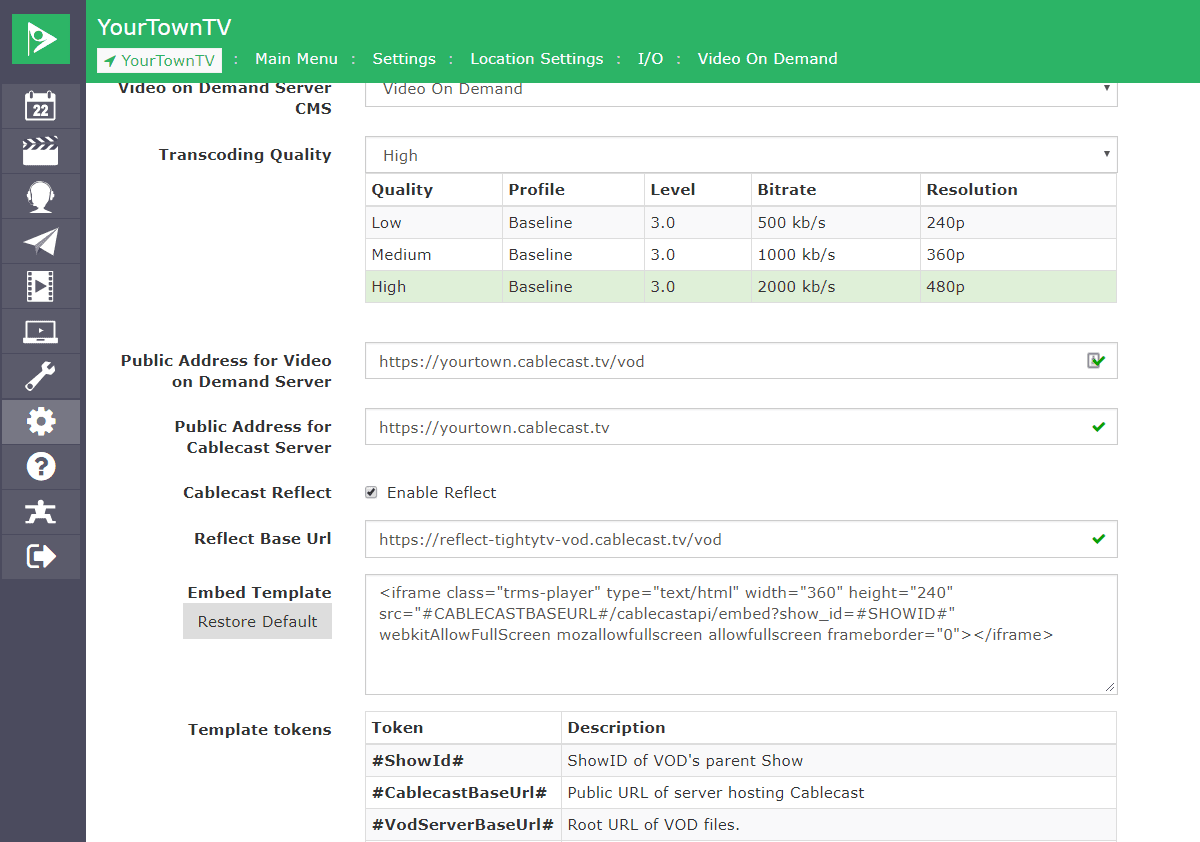
Cloud VOD & Streaming
Move live streaming and VOD to the cloud to take strain off your network, at one flat annual rate.
Custom CSS on Public Site
Apply per-channel custom CSS to restyle your public site beyond the built-in color and branding options.
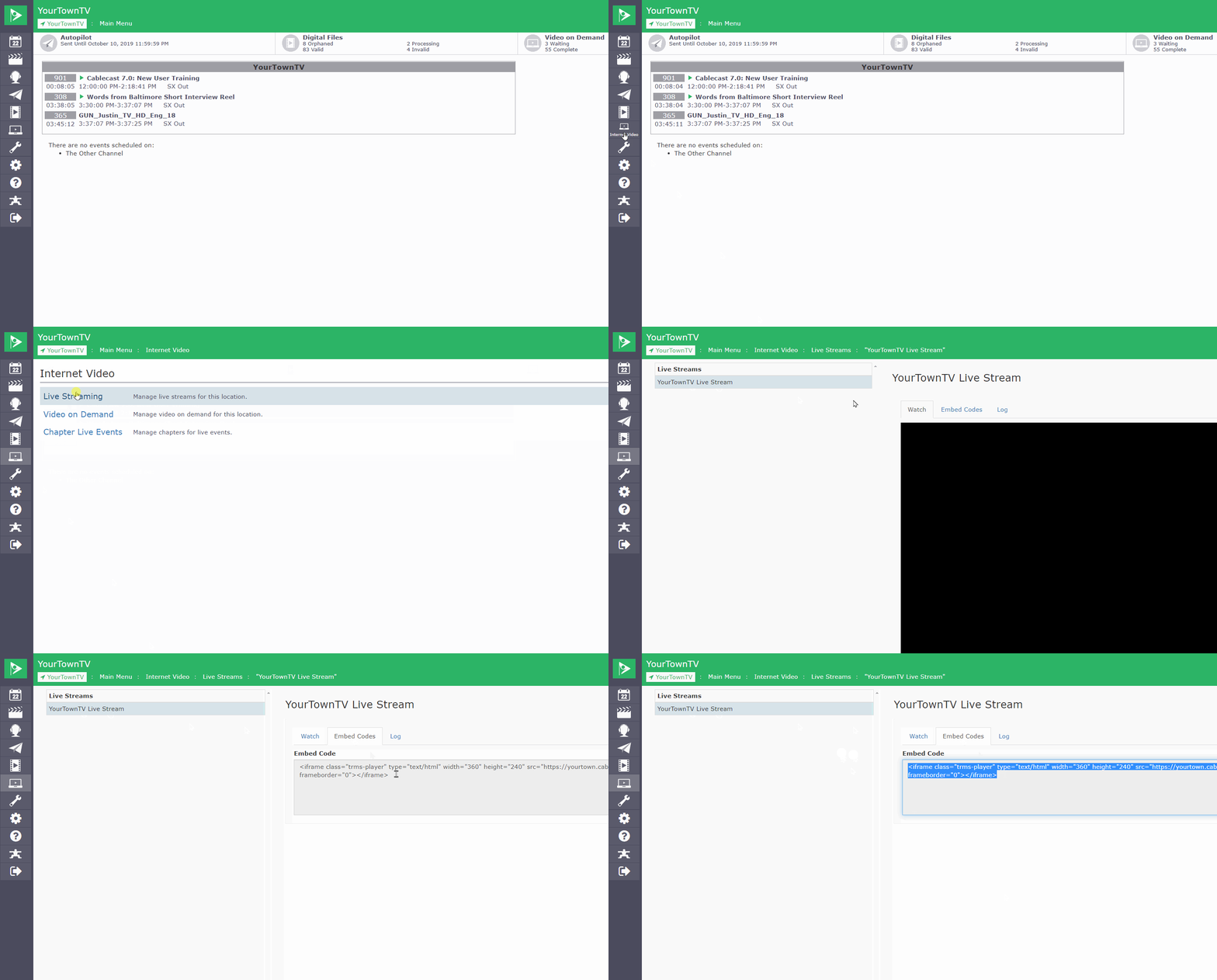
Embeddable Video Player
Generate iframe embed codes for live streams and VOD to place your video on any website.
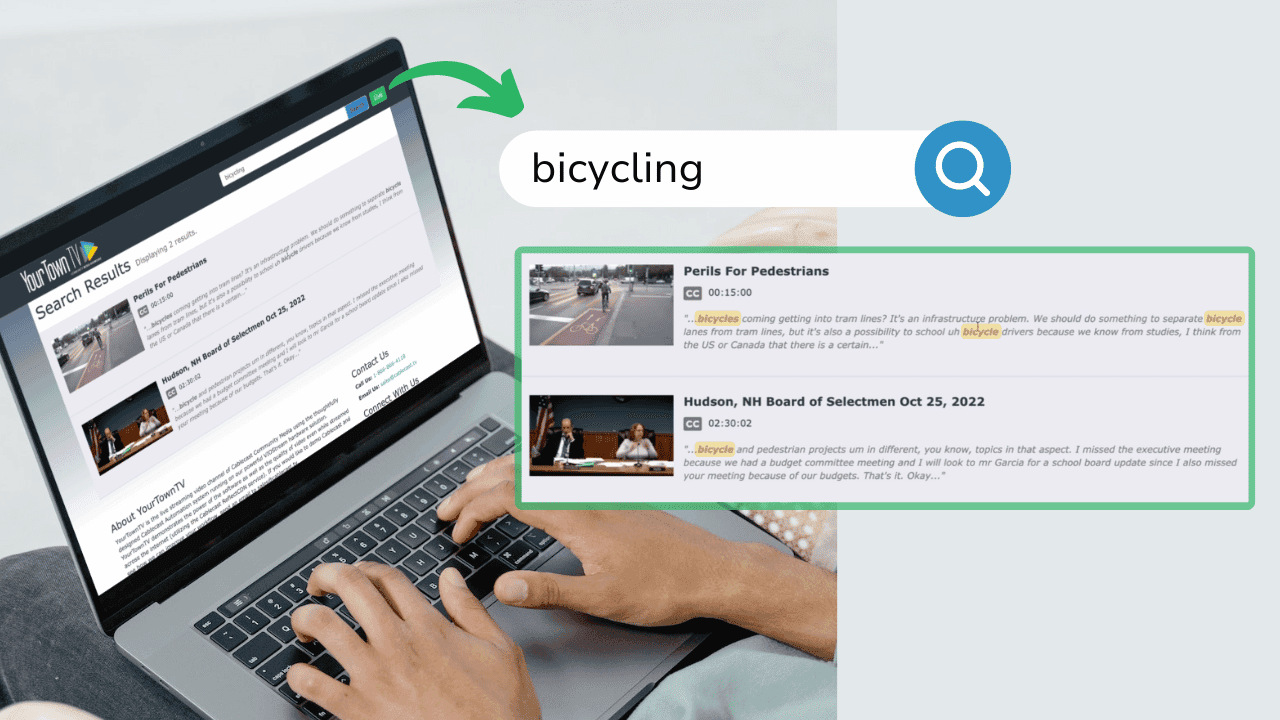
Enhanced VOD Search
Let viewers search titles, chapters, and captions to jump straight to the moment they care about.
Full HD & Adaptive Bitrate VOD
Deliver the best-looking video each viewer's connection can handle, up to full 1080p HD.
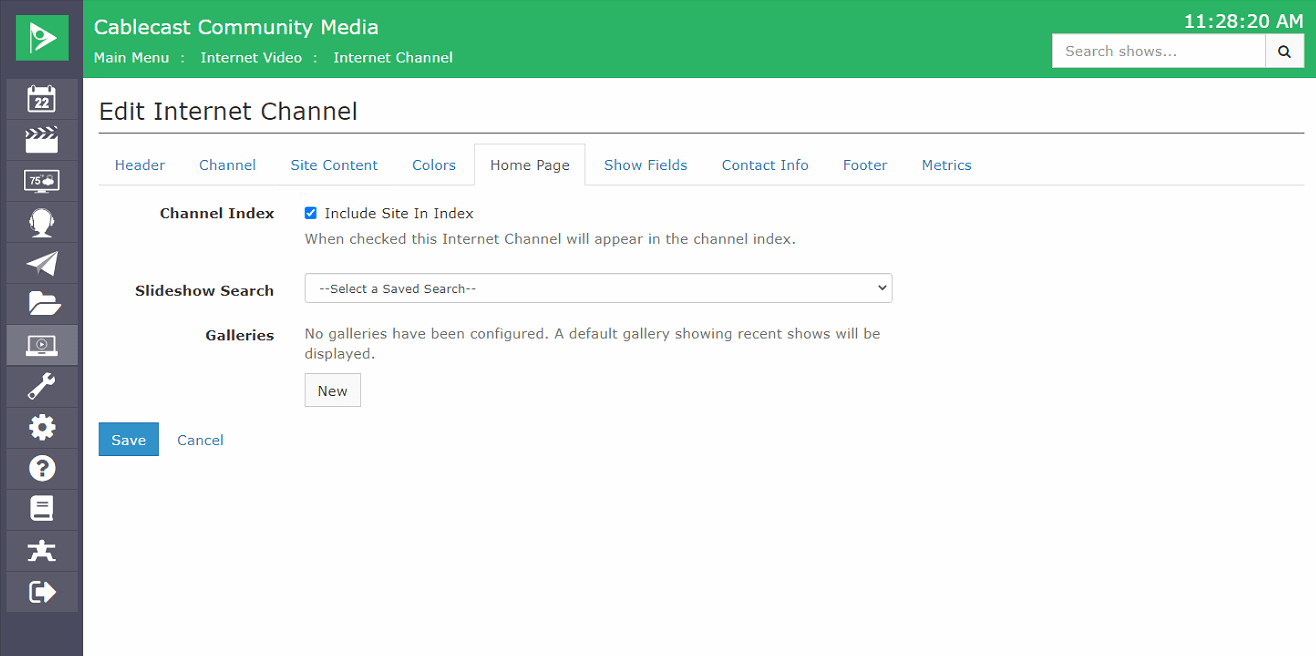
Homepage Slideshow
A featured slideshow on your Internet Channel homepage, driven by a saved search.
Instant Social Media Sharing
Let viewers share your videos to social media, with titles and thumbnails carried along automatically.
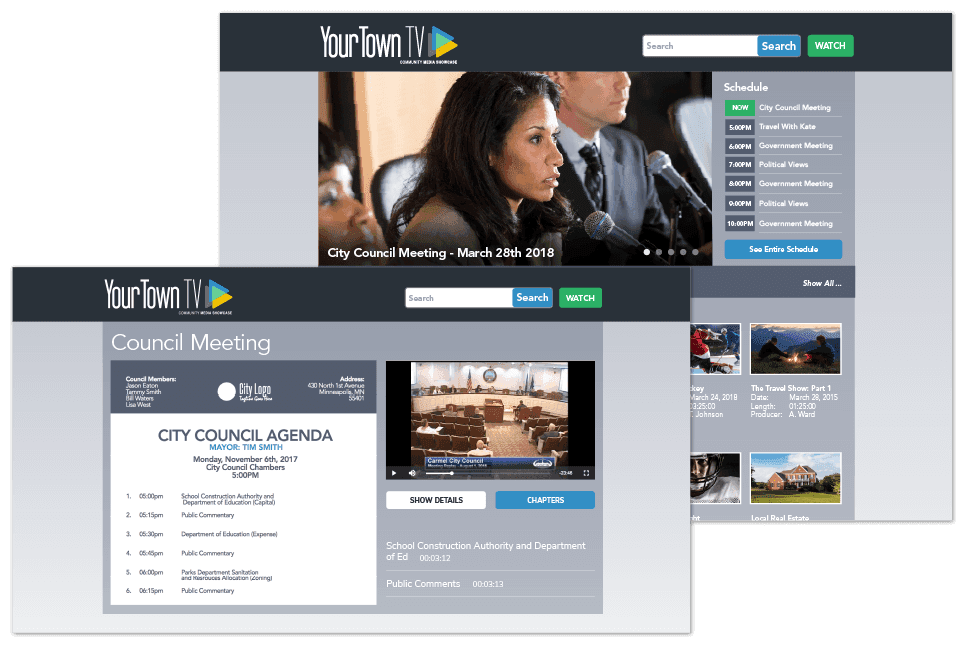
Internet Channels
Launch turnkey streaming sites for your live and on-demand video with no web development needed.
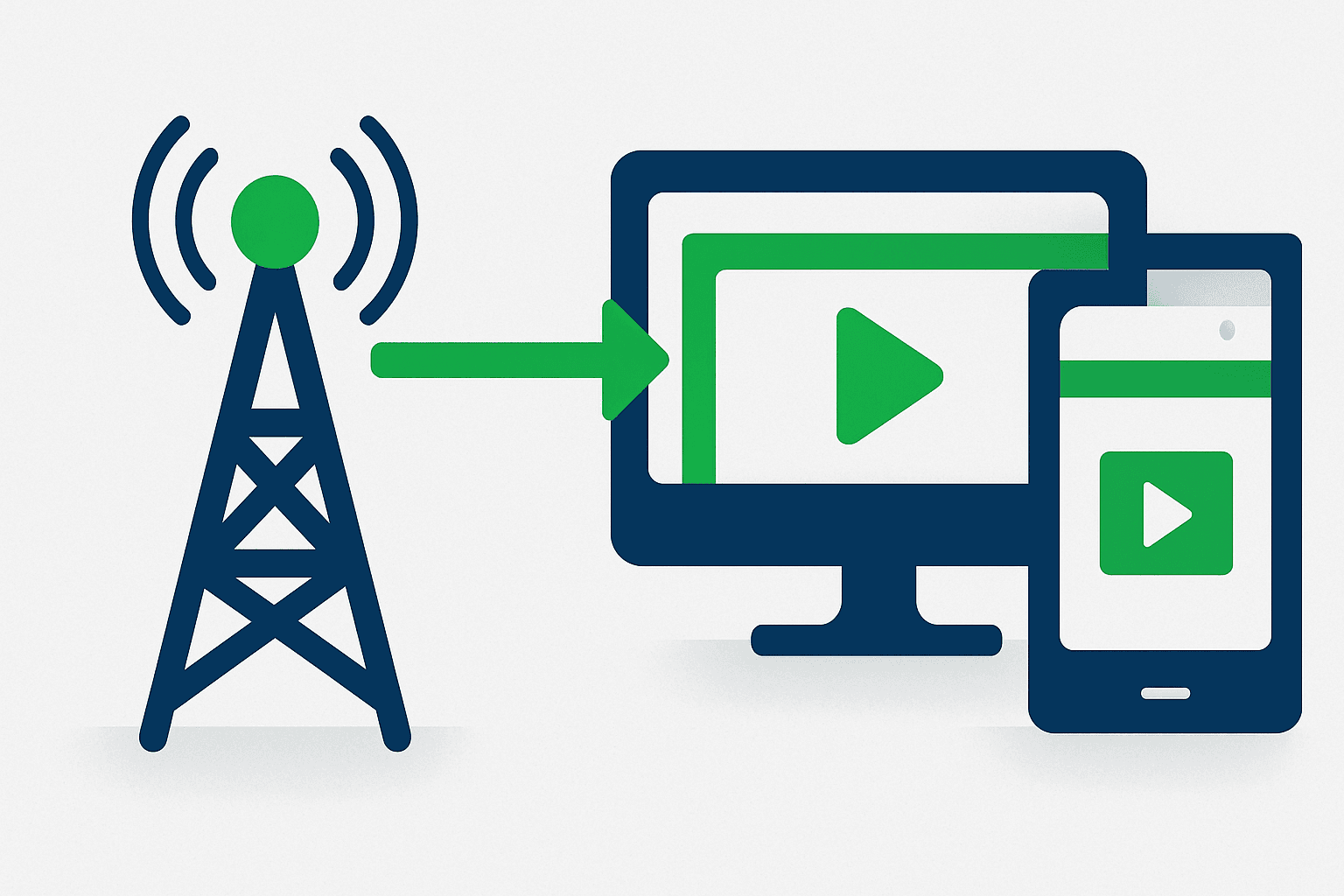
Linear Channel Association
Link a linear broadcast channel to an Internet Channel so the online channel mirrors what's on air.
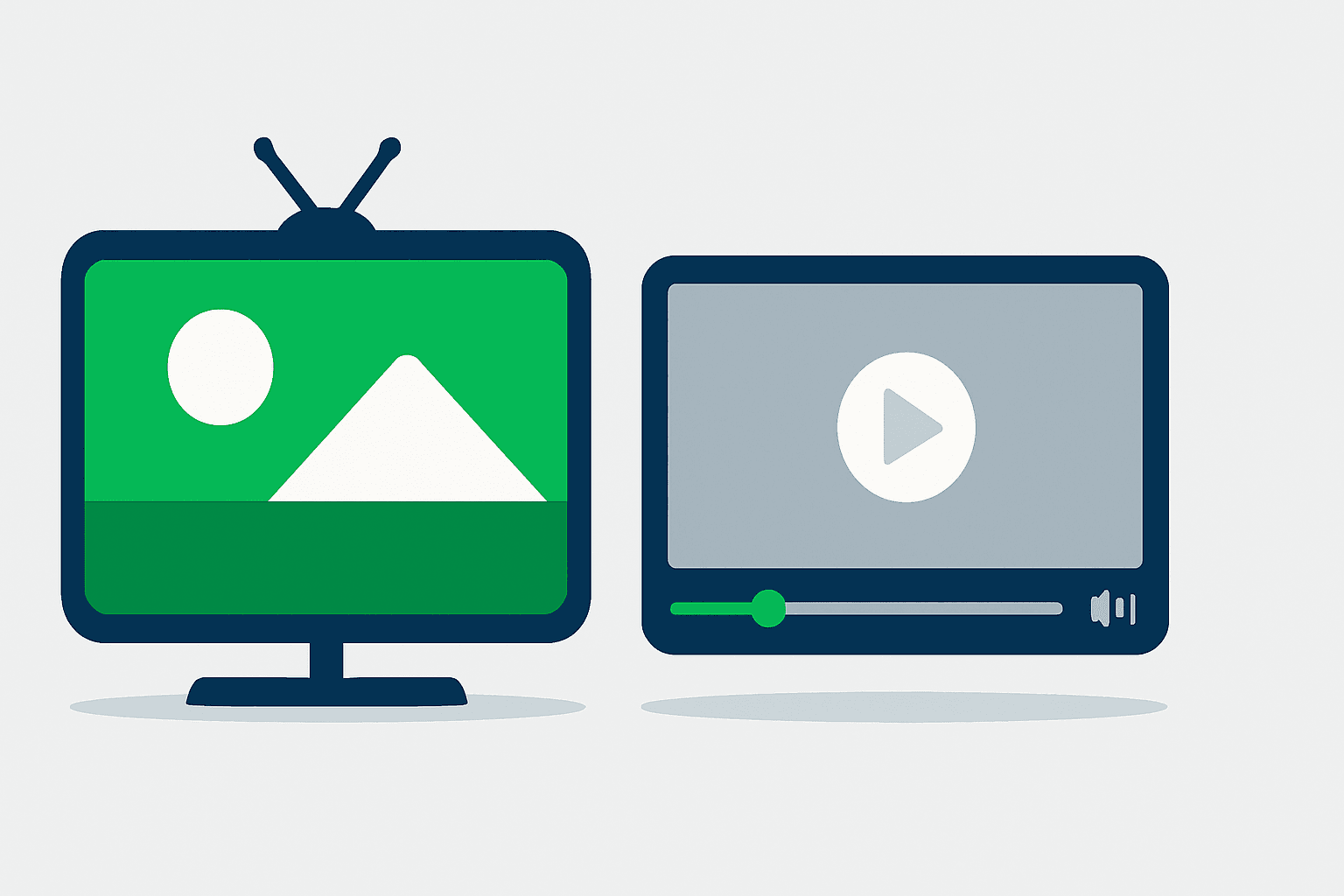
Live-Stream Exemption with Slate
Mark a show streaming-exempt so it airs on cable but is replaced online with a courtesy slate.
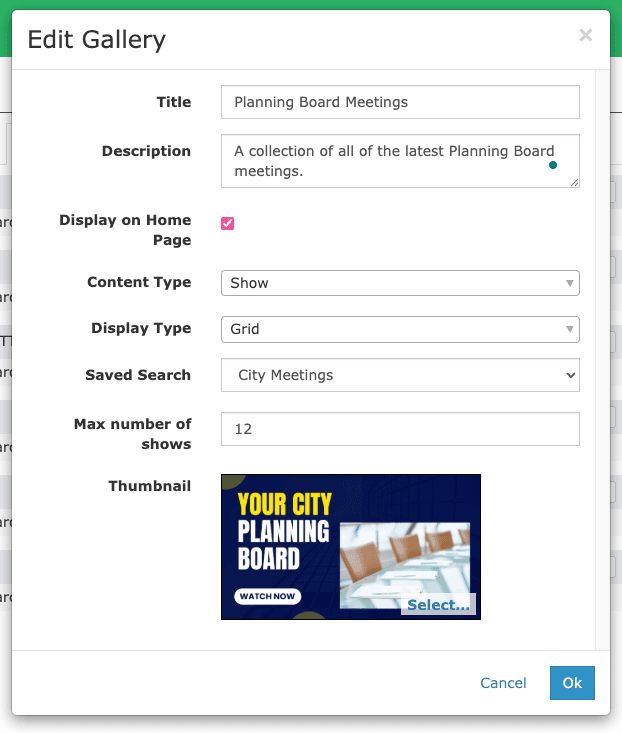
Nested Content Galleries
Organize programming into hierarchical galleries, shown as grids or tables to spotlight series and collections.
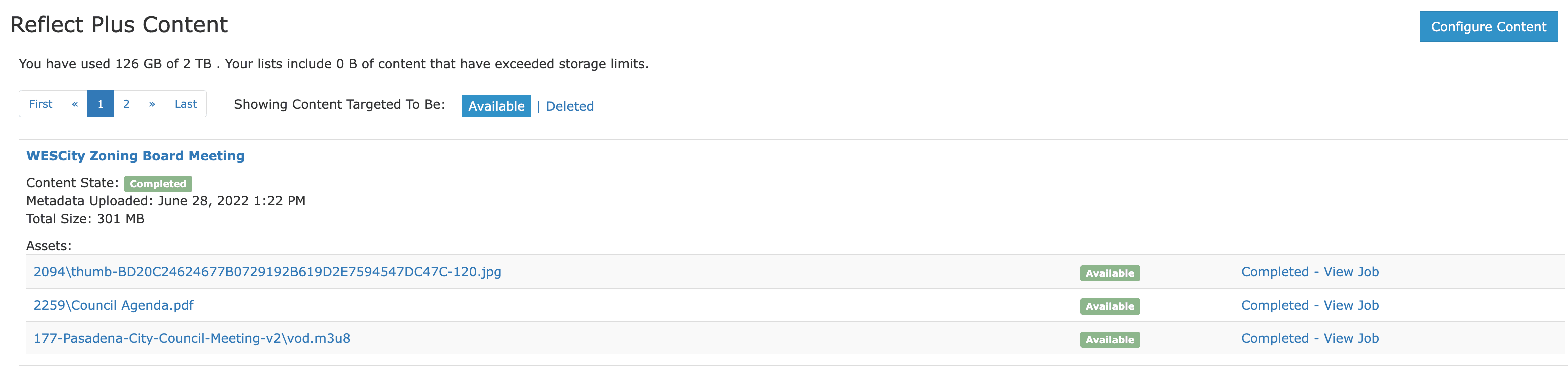
Reflect Plus Cloud Storage
Host your show and VOD media in the cloud instead of on-prem, delivered through Reflect CDN.
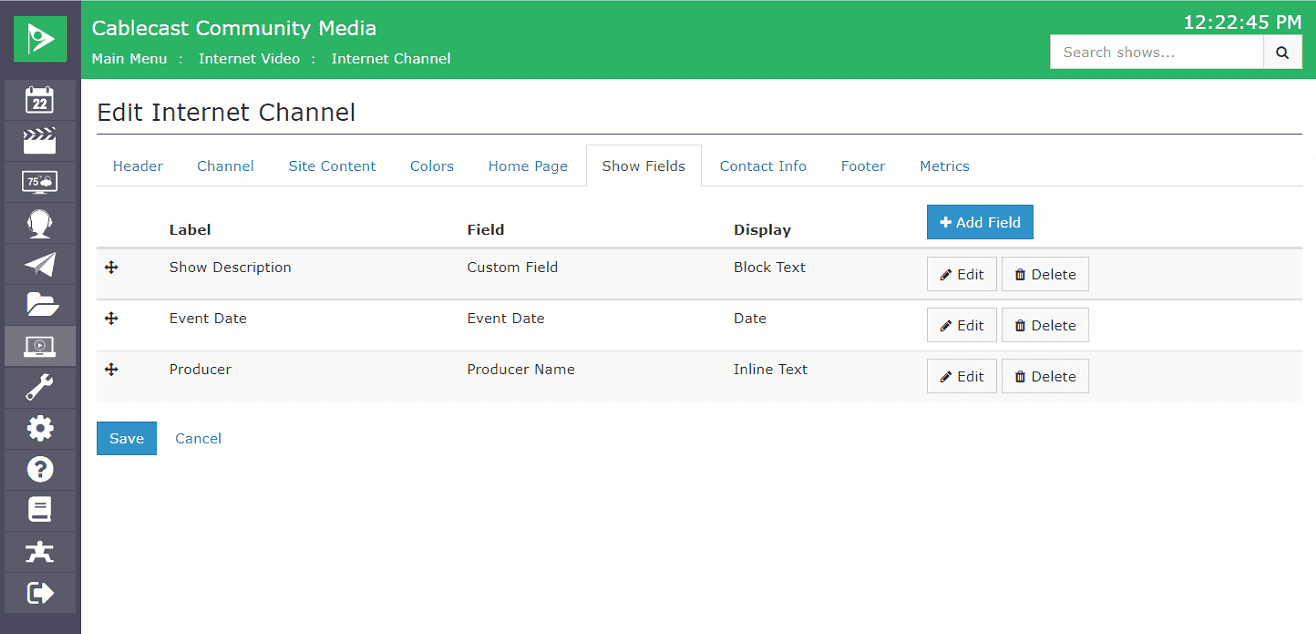
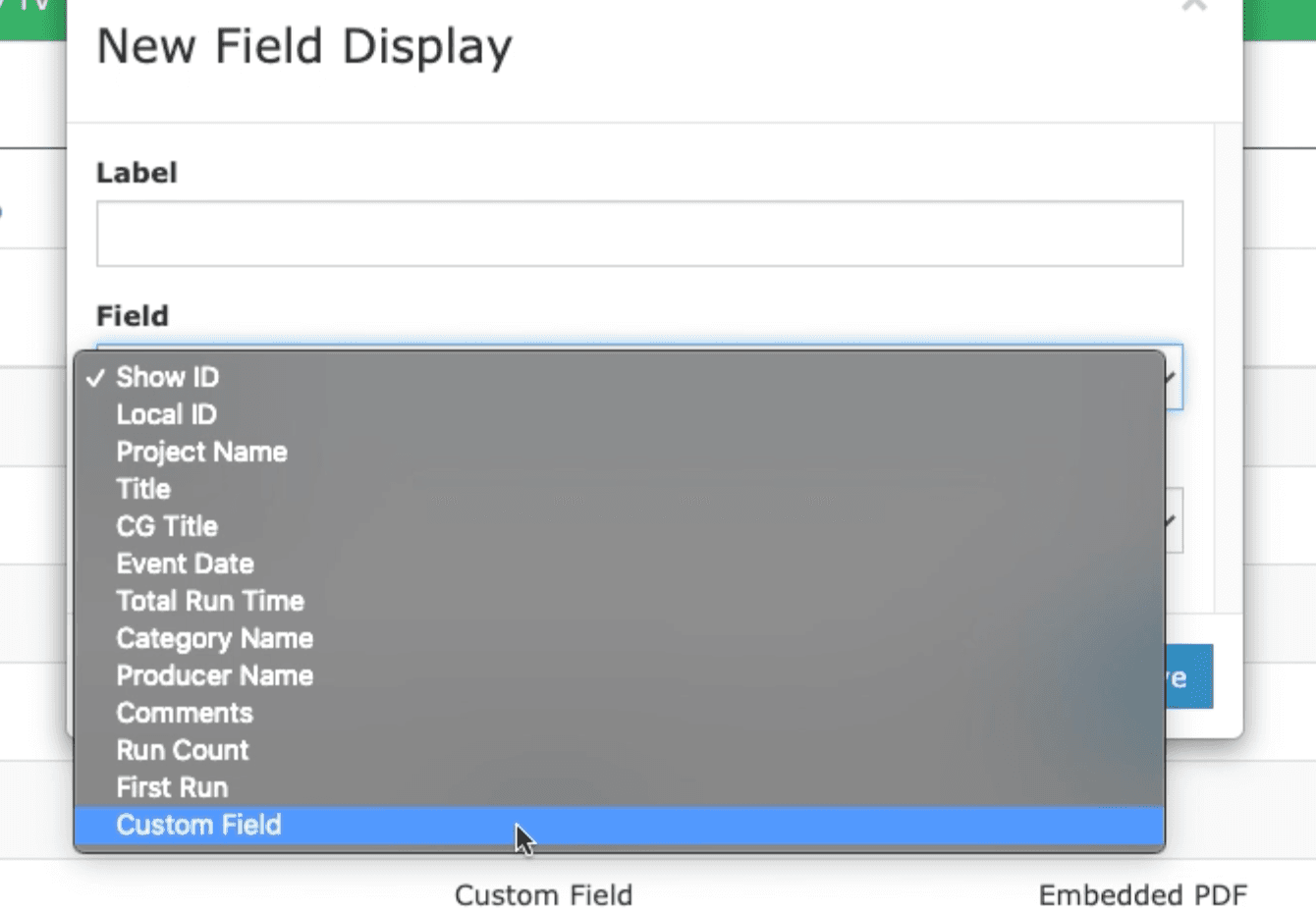
Show Detail Field Configuration
Control which fields, and their order, appear on your public VOD detail pages.
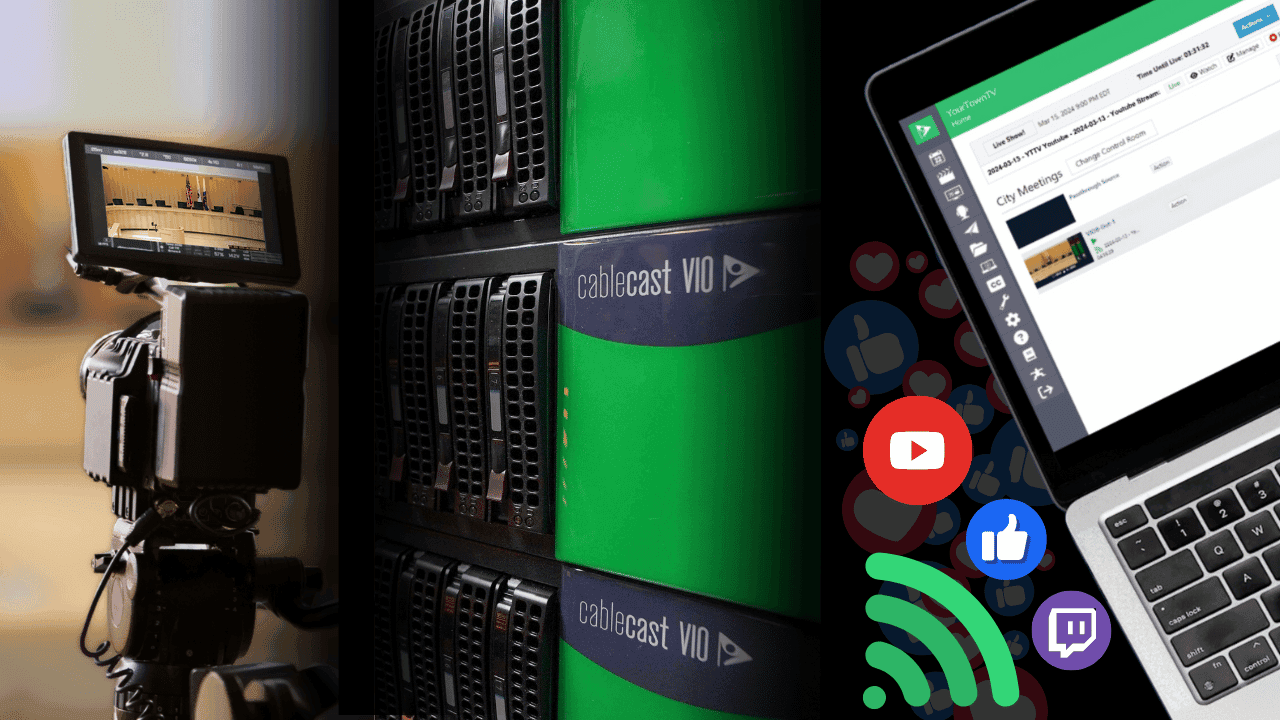
Social Media Streaming
Push live streams from your studio or council chamber to YouTube and any RTMP platform.
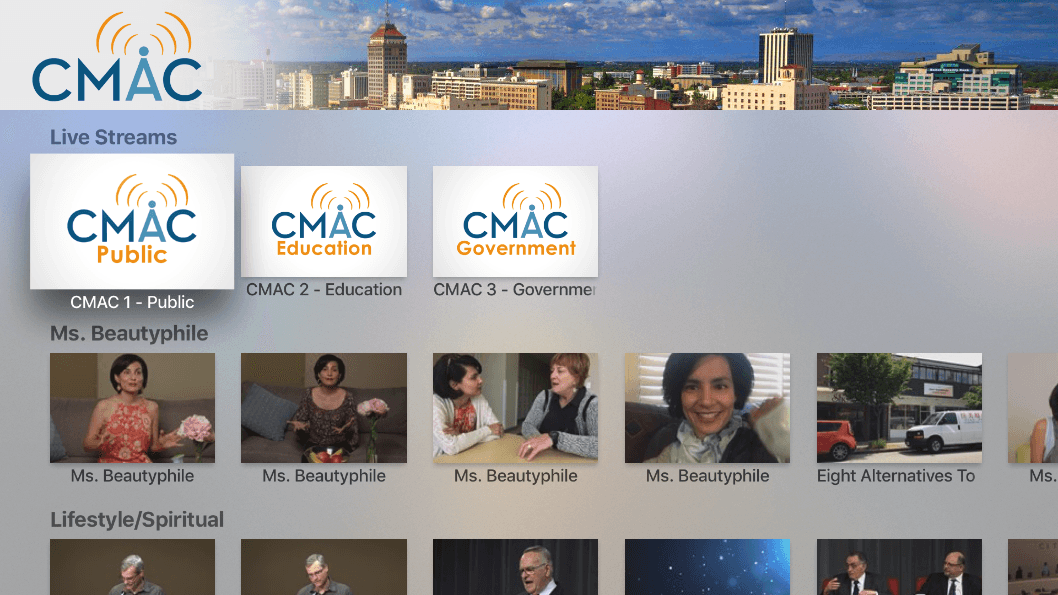
Turnkey OTT & Mobile Streaming Apps
Bring your live and on-demand content to Roku, Apple TV, Fire TV, and mobile, updated automatically.
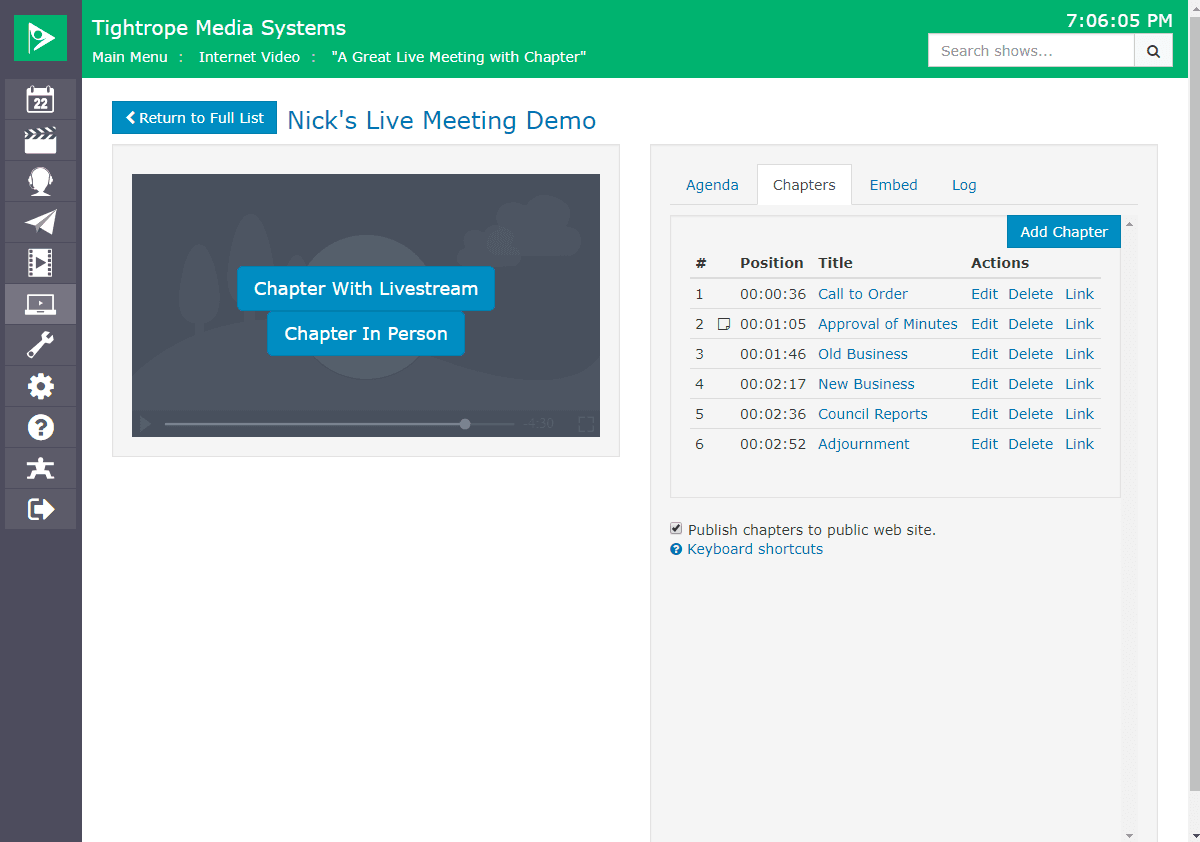
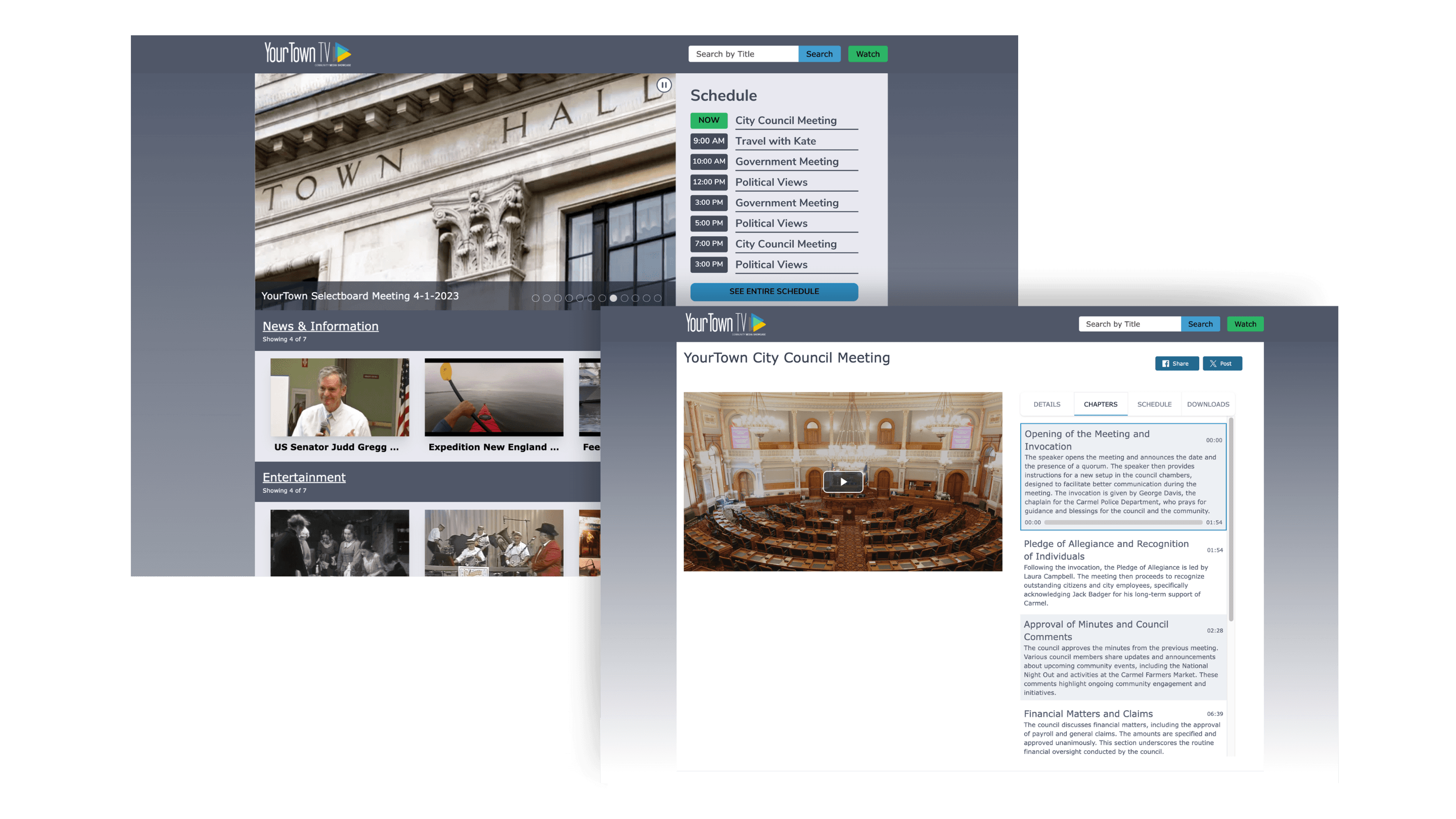
Video on Demand Chaptering
Add chapter markers so viewers can jump straight to the part of a program they want to watch.
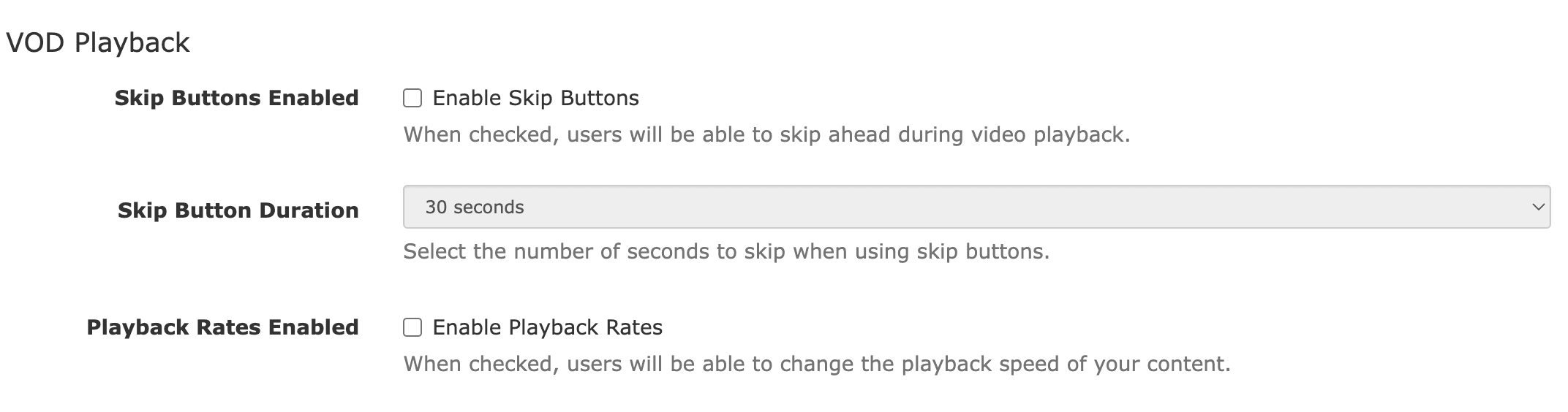
VOD Playback Controls
Skip buttons and adjustable playback speed give web viewers a better on-demand experience.
Monetization & Membership
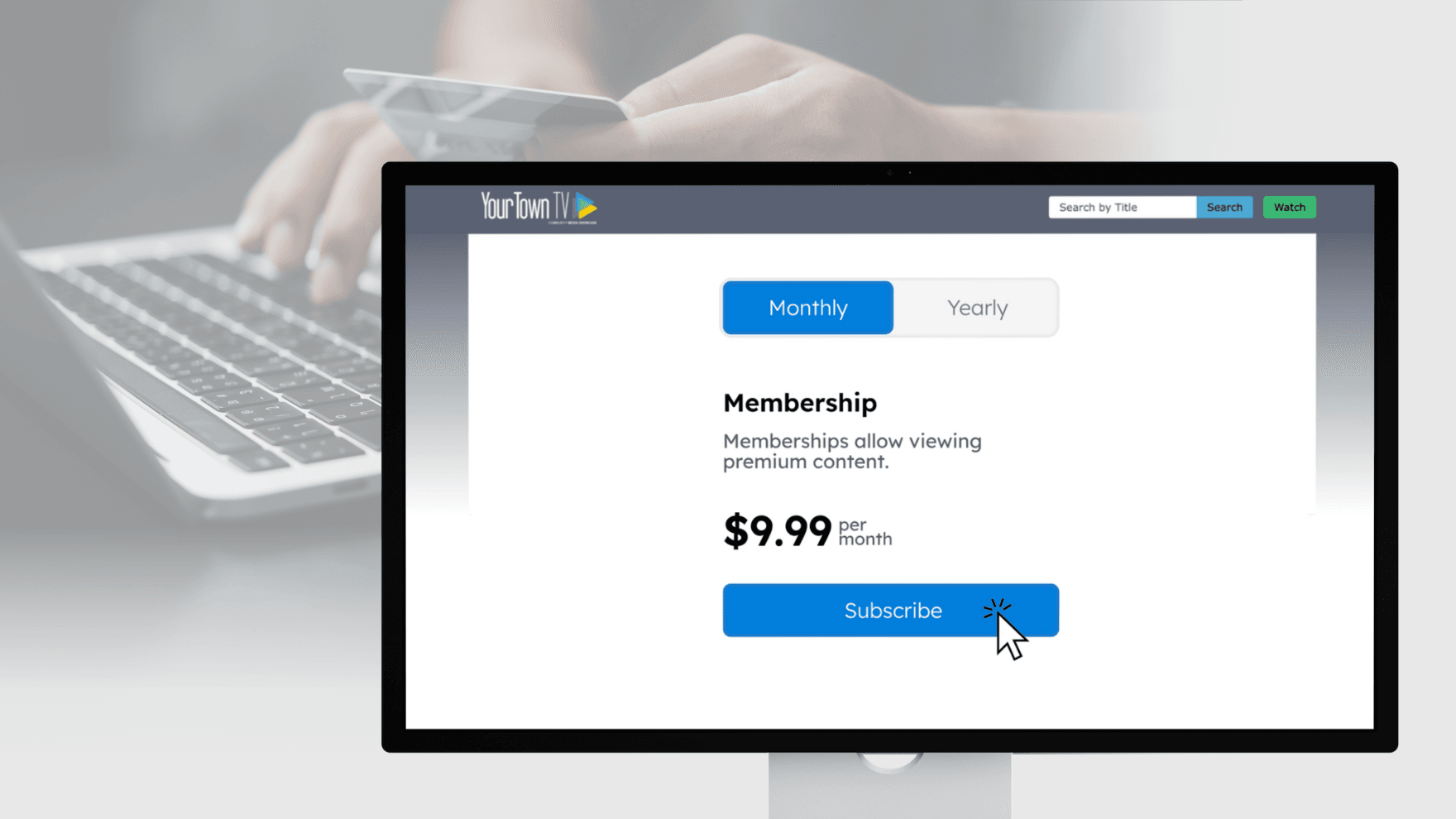
Gated Video Access
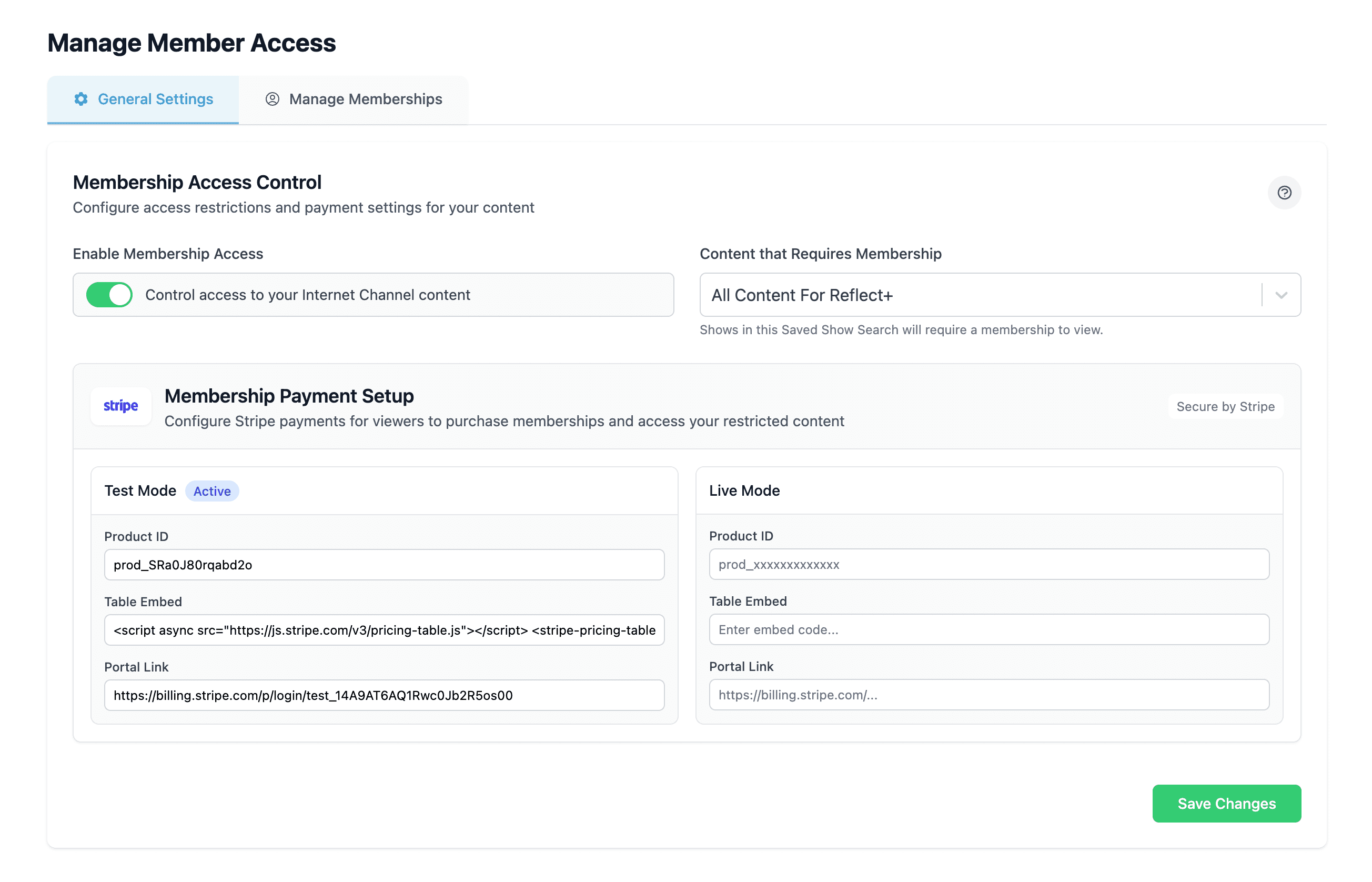
Control who sees your content with paywalls, subscriptions, and group access to open new revenue streams.
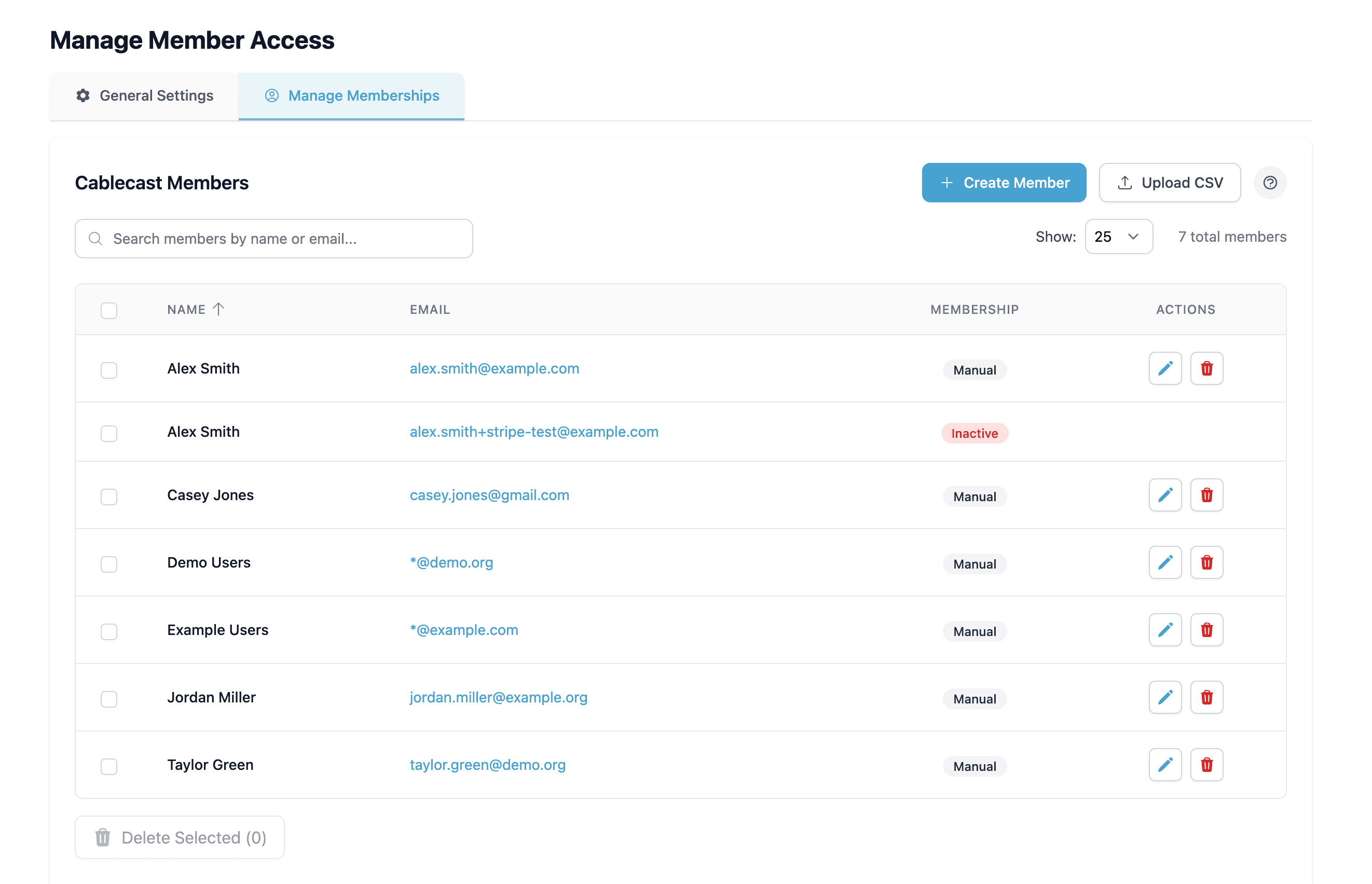
Membership & Access Control
Build a membership base and reserve select content for the supporters who fund your station.
Video Download Links
Let viewers download the shows they care about, with a per-channel switch you control.
Video Monetization
Turn your programming into revenue for your station: paid downloads, memberships, and viewer donations.
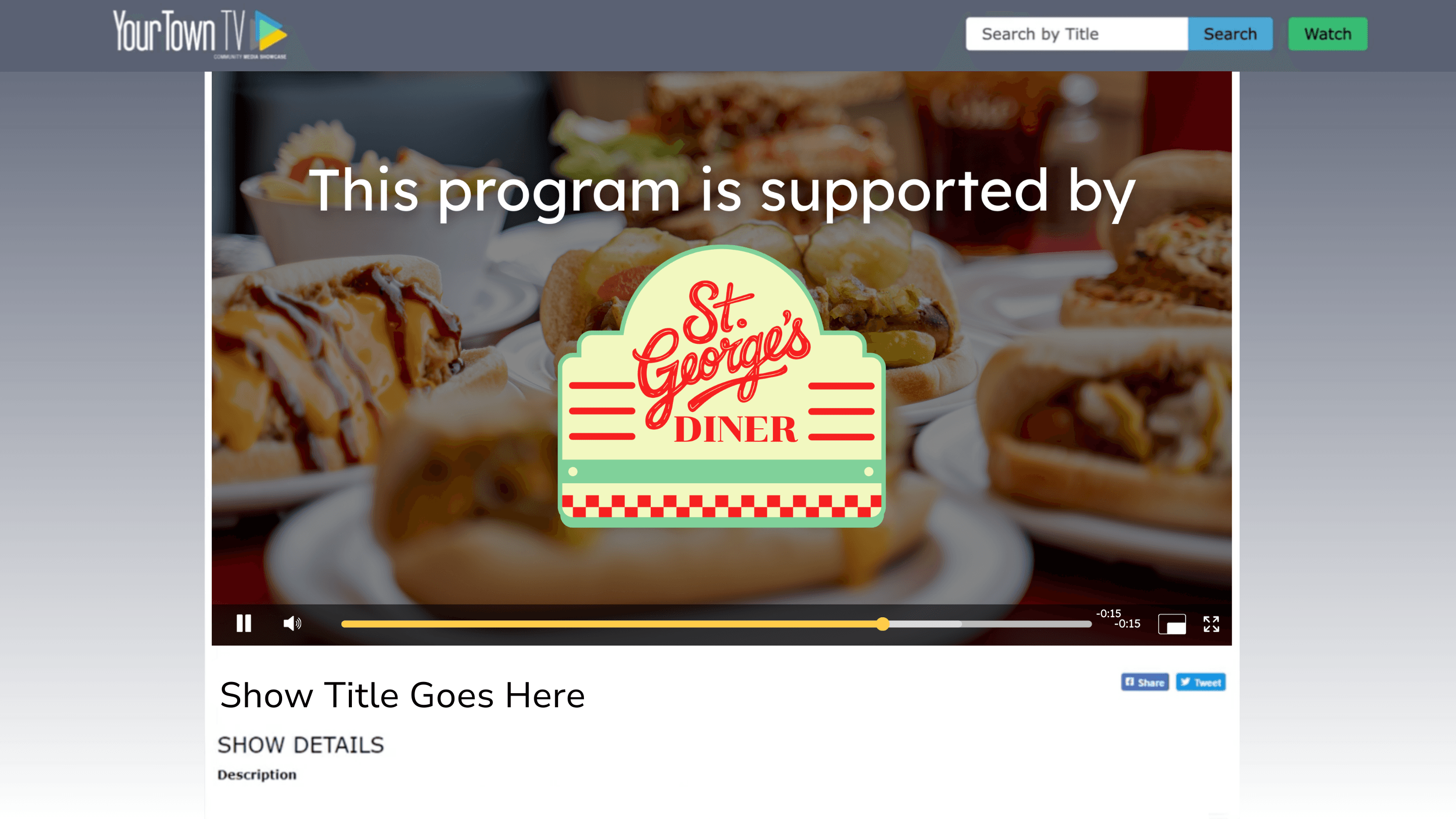
VOD Preroll Messaging
Play underwriting messages before on-demand and live video to keep sponsors visible and your station supported.
Captioning & Accessibility
Accessible Internet Channels (WCAG)
Deliver live and on-demand video that more residents can use, with WCAG-minded tools built in.
Audio Descriptions
Reach blind and low-vision viewers with narrated descriptions of what's happening on screen.
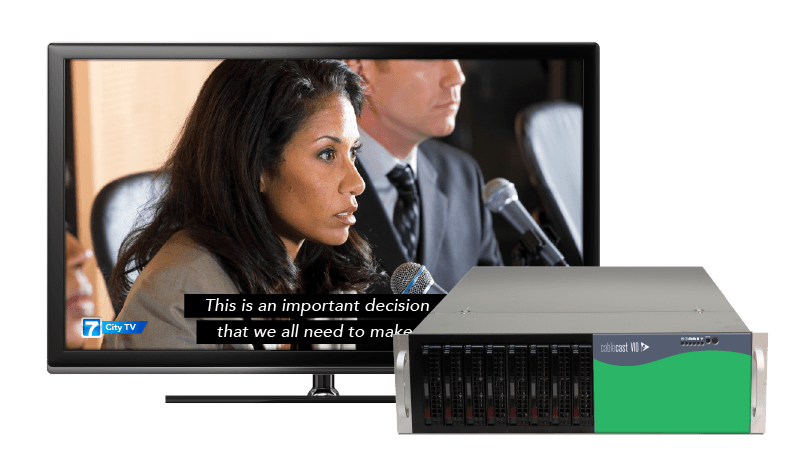
Automated Closed Captioning
Automatically caption live and file-based programming so every viewer can follow along.
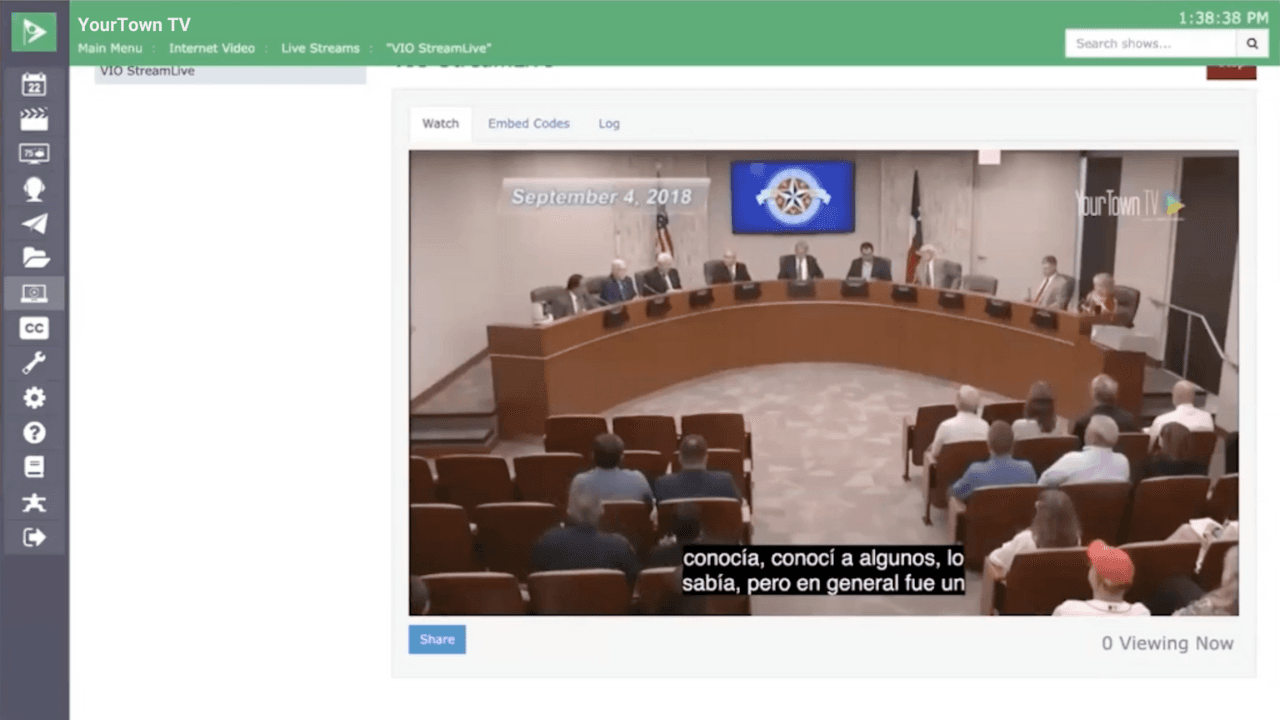
Automated Multi-Language Translation
Reach more of your community with automated captions in dozens of languages, right from Cablecast.
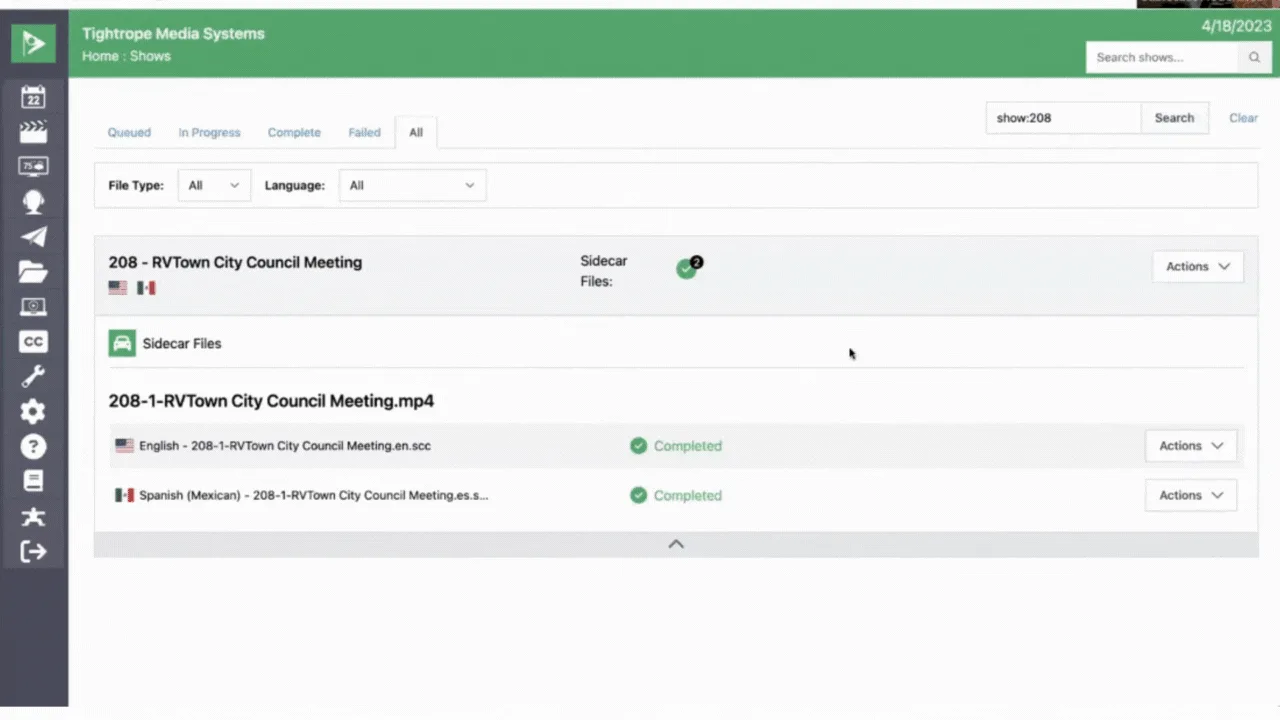
Cablecast Text Tracks Interface
Find and manage caption files and translations for Cablecast Closed Captioning and Translate
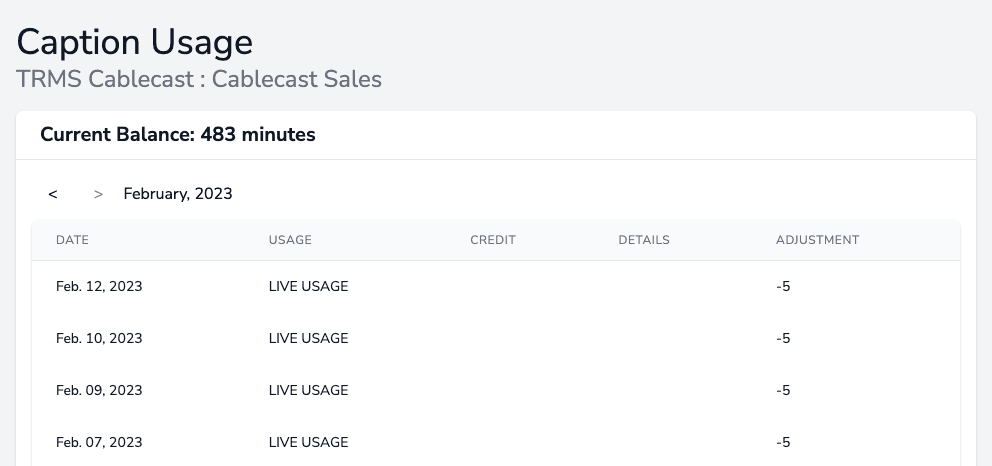
Captioning Usage Reporting
See exactly how many caption minutes you've used and what's left, at a glance.
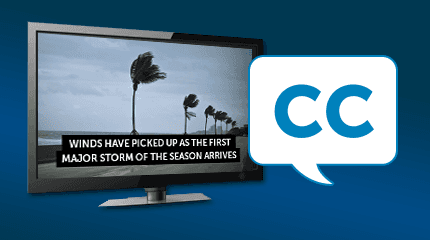
Closed Caption Display
Your captions carry through to cable, web, OTT, and mobile so no viewer is left out.
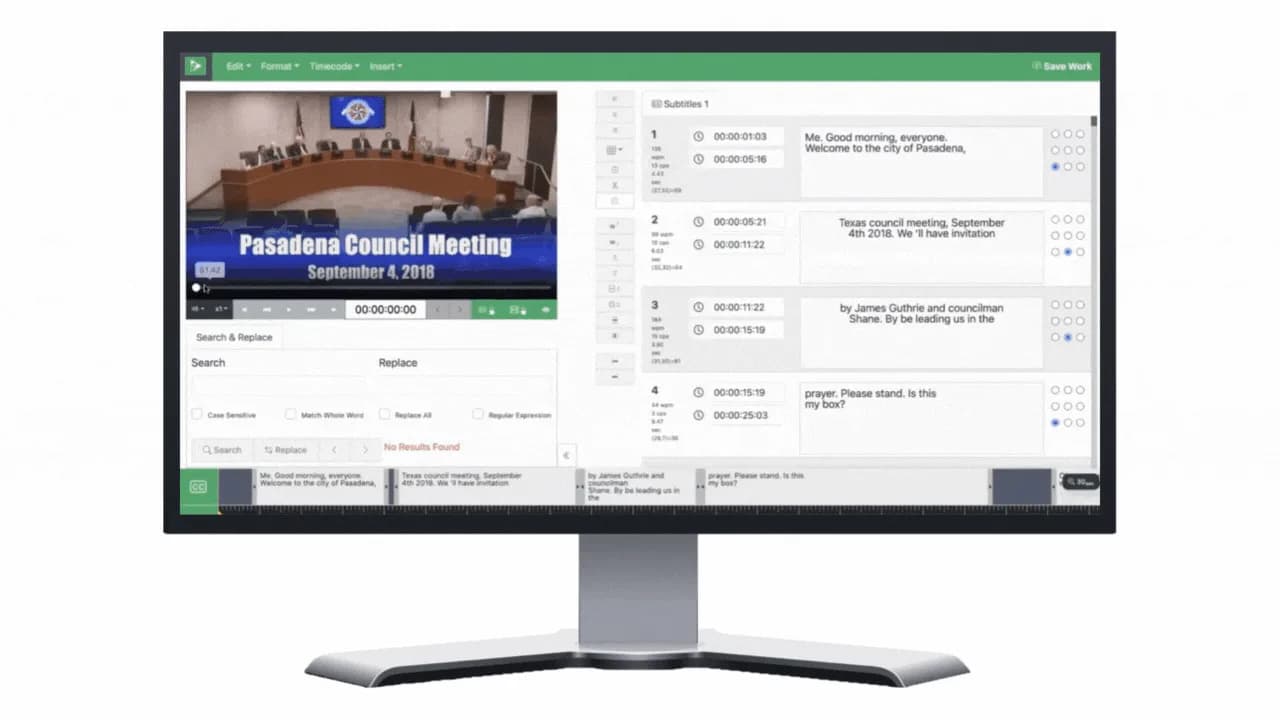
Closed Caption Editor
Fix caption spelling, timing, and placement right in Cablecast, free for everyone in 7.7.
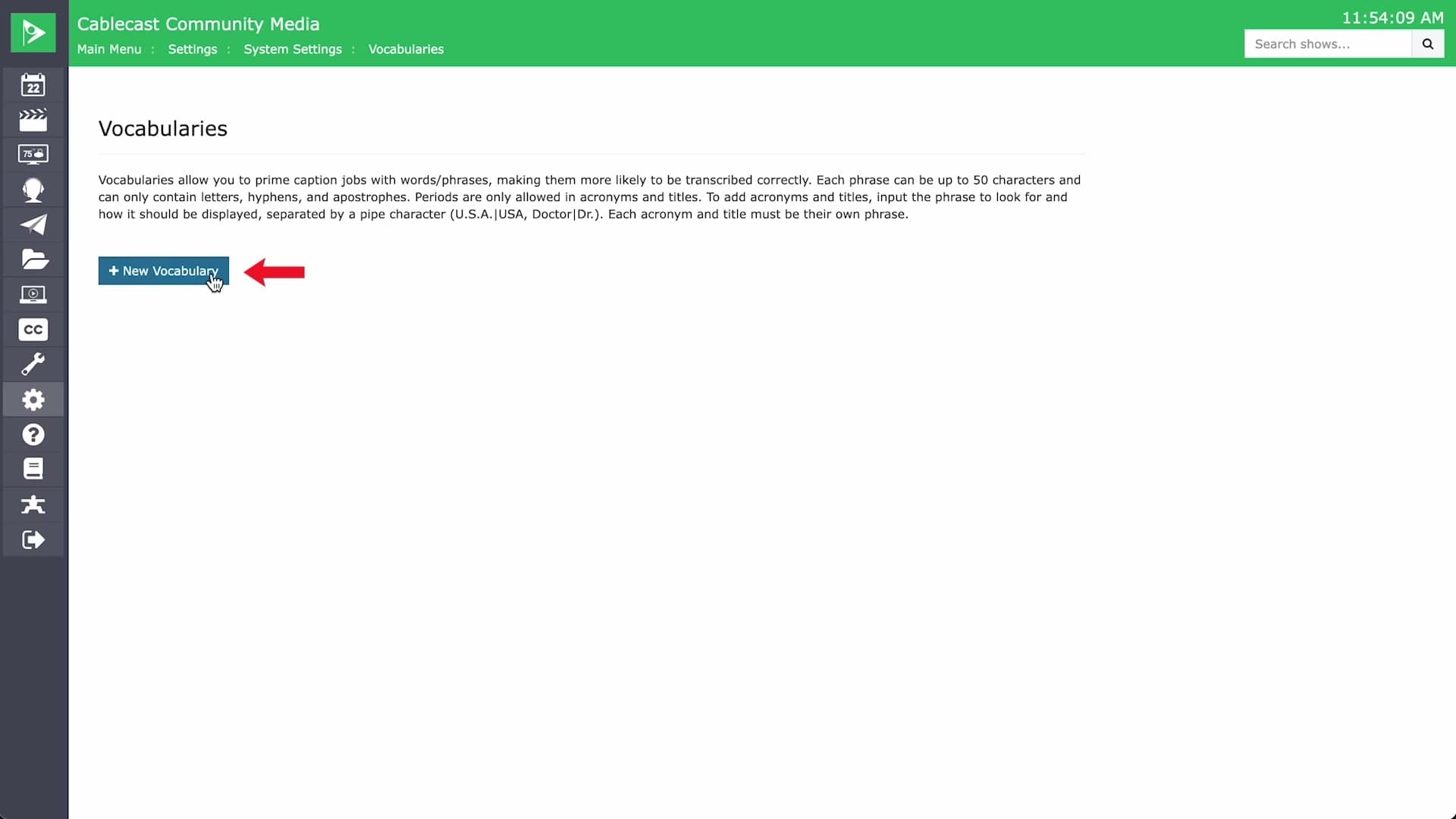
Custom Captioning Vocabulary
Teach the captioner your local names and terms so automated captions get them right.
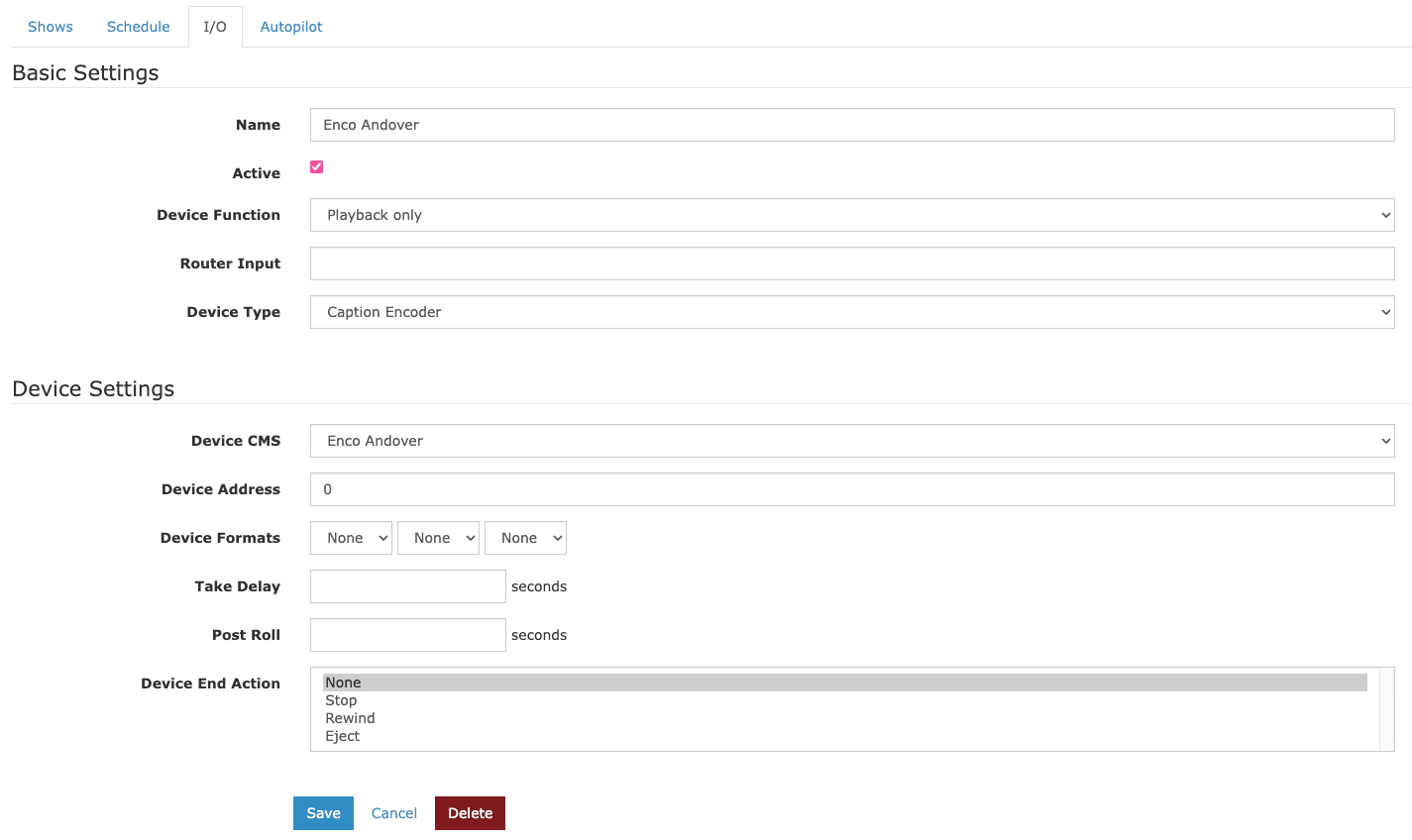
ENCO enCaption Integration
Caption live and recorded programs with ENCO enCaption hardware, alongside or instead of Cloud Services.
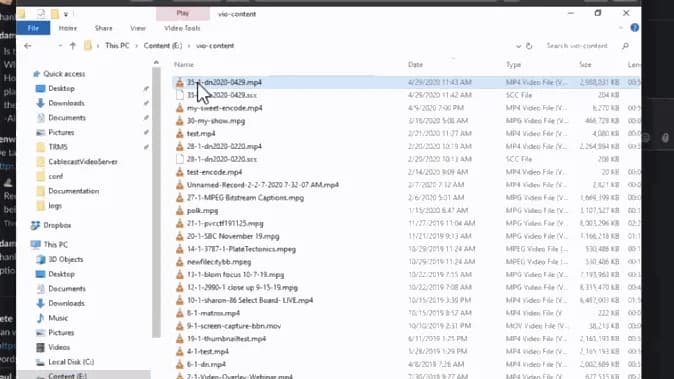
Sidecar Captioning Support
Add closed captions to finished content from sidecar files, no re-encoding needed.
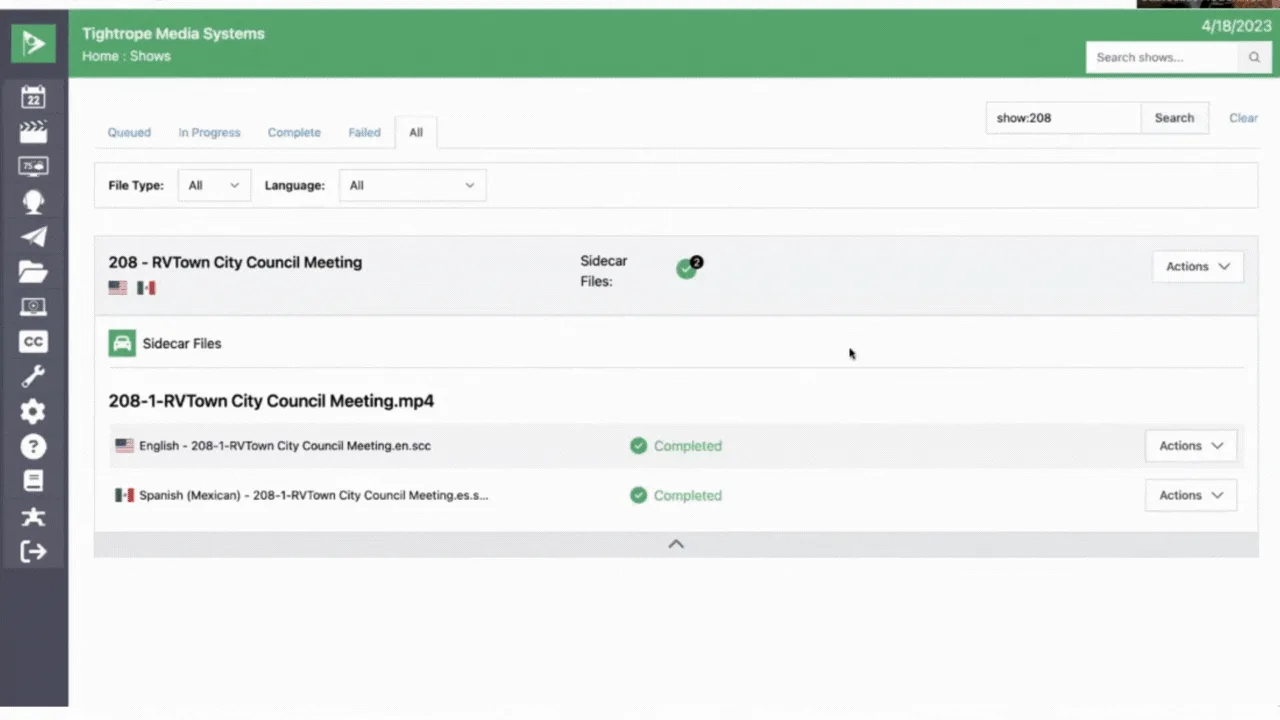
Text Tracks UI
One place to manage captions, transcripts, and translations for every show
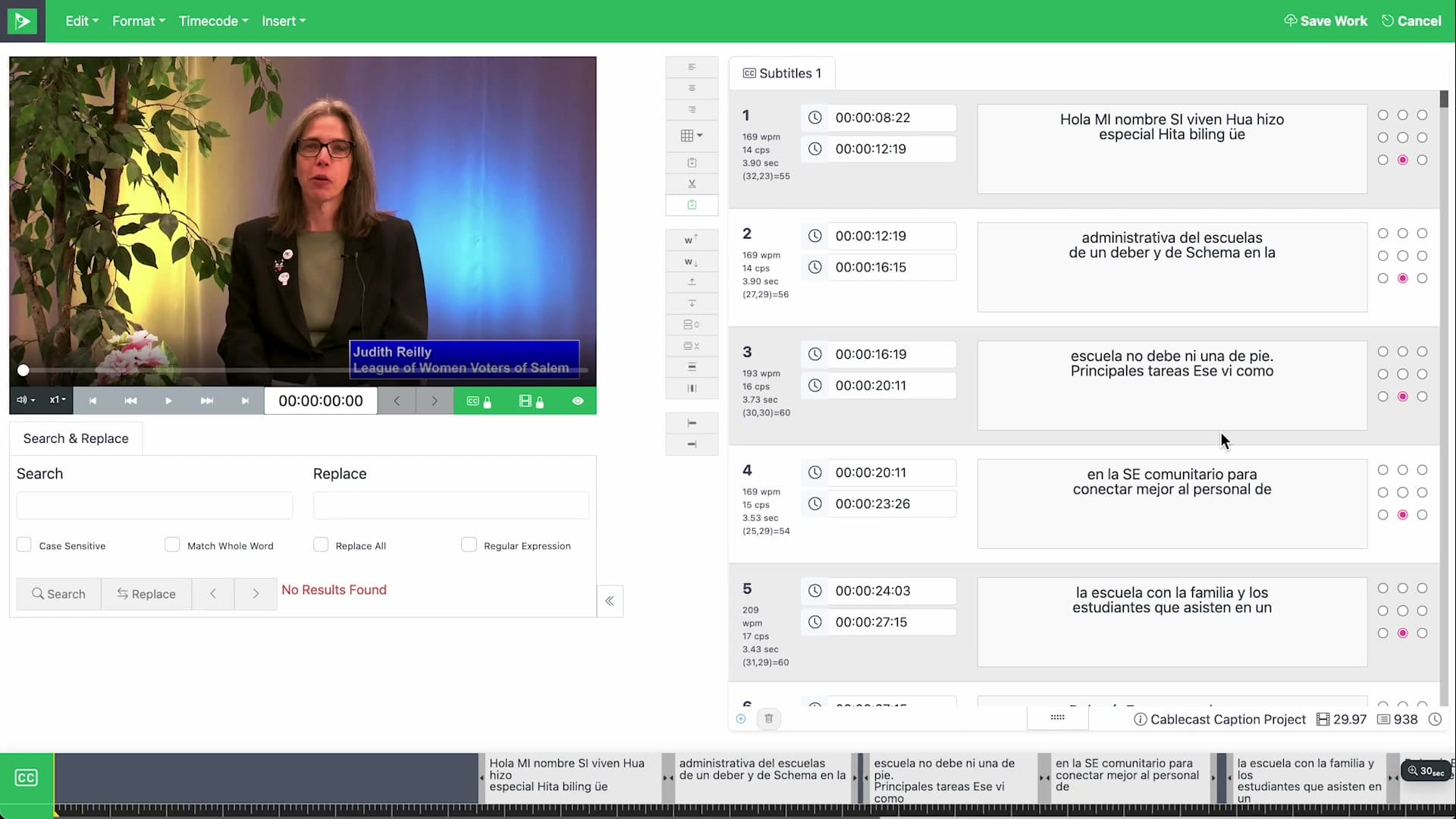
Transcript Generation
Export any caption track as a plain-text transcript for minutes or search.
Reporting & Analytics
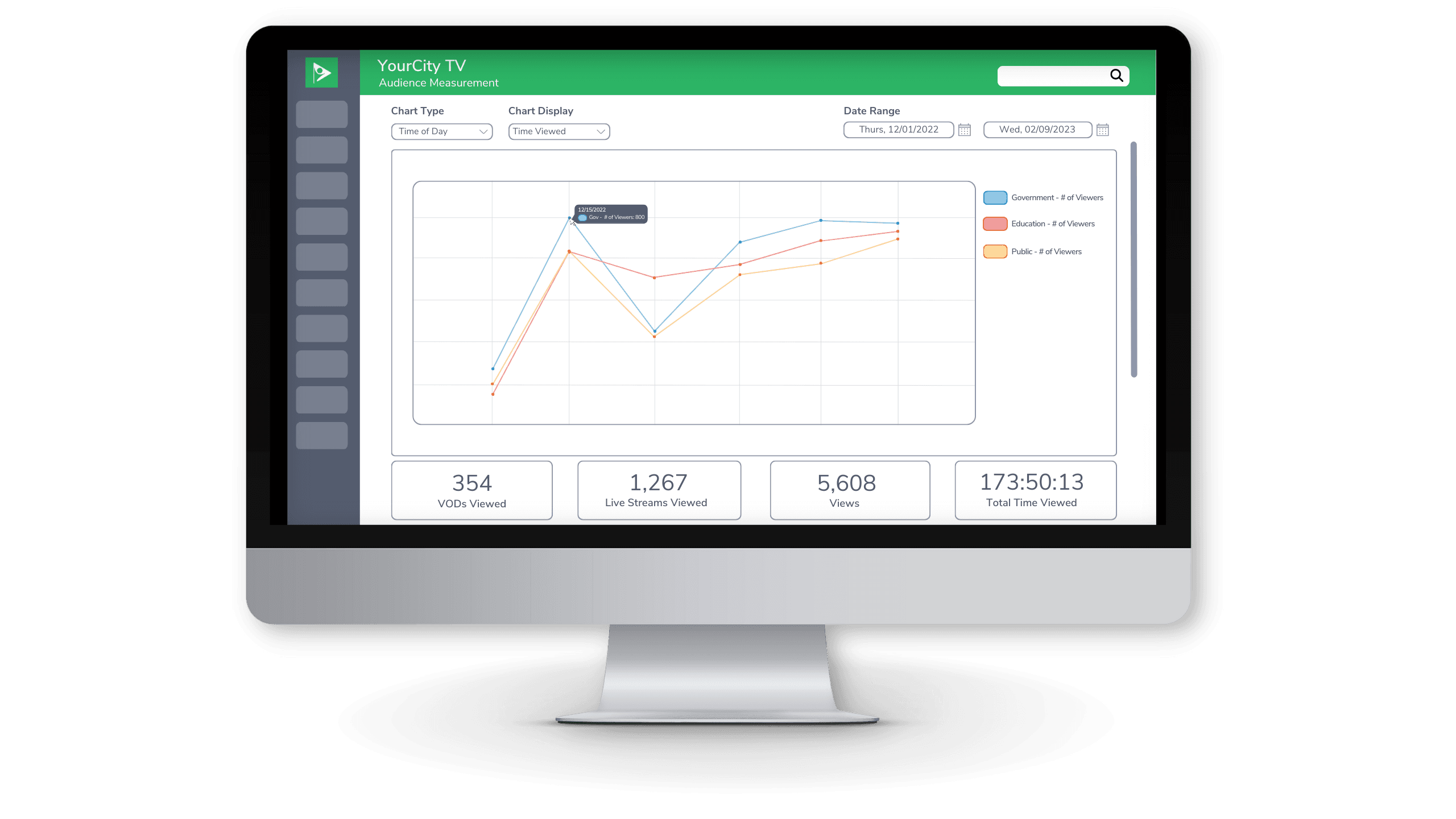
Audience Measurement
See how many people watch your streaming content, for how long, and when it peaks
Google Analytics Integration
Connect Google Analytics to your public site to see which pages draw traffic and how long visitors stay.
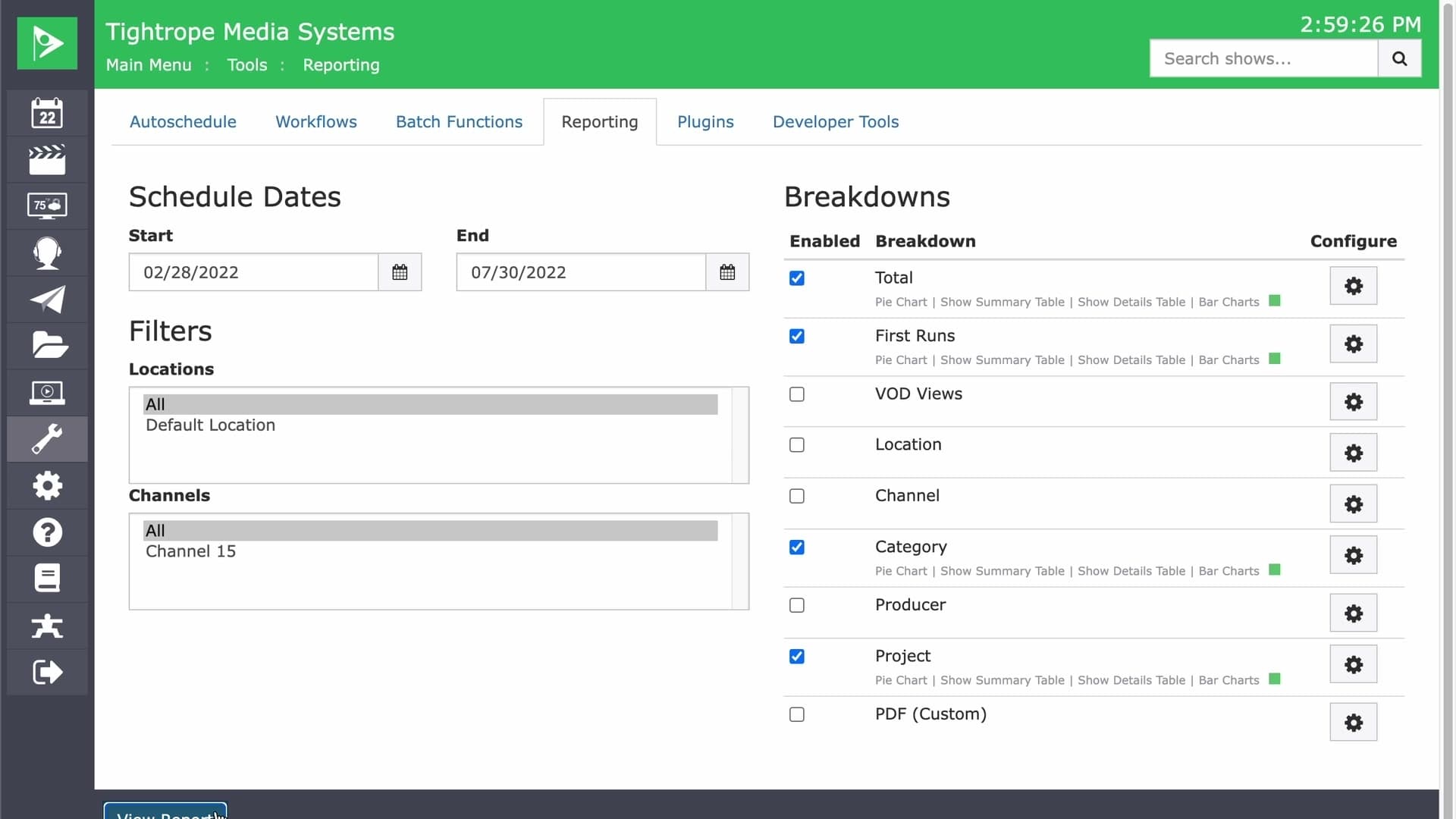
Public Report Sharing
Share a programming report by link. No Cablecast login required for the person viewing it.
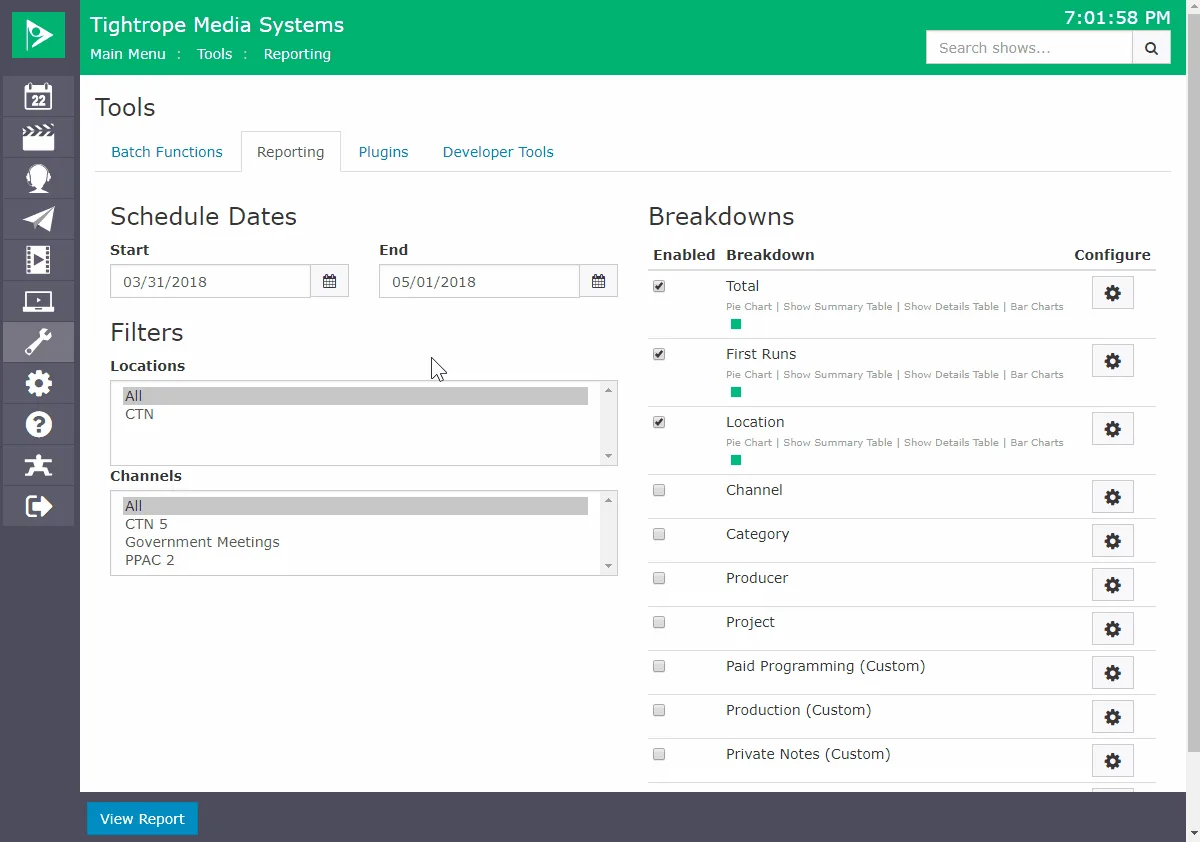
Reporting
Build reports by date range, channel, and data breakdown in a few clicks
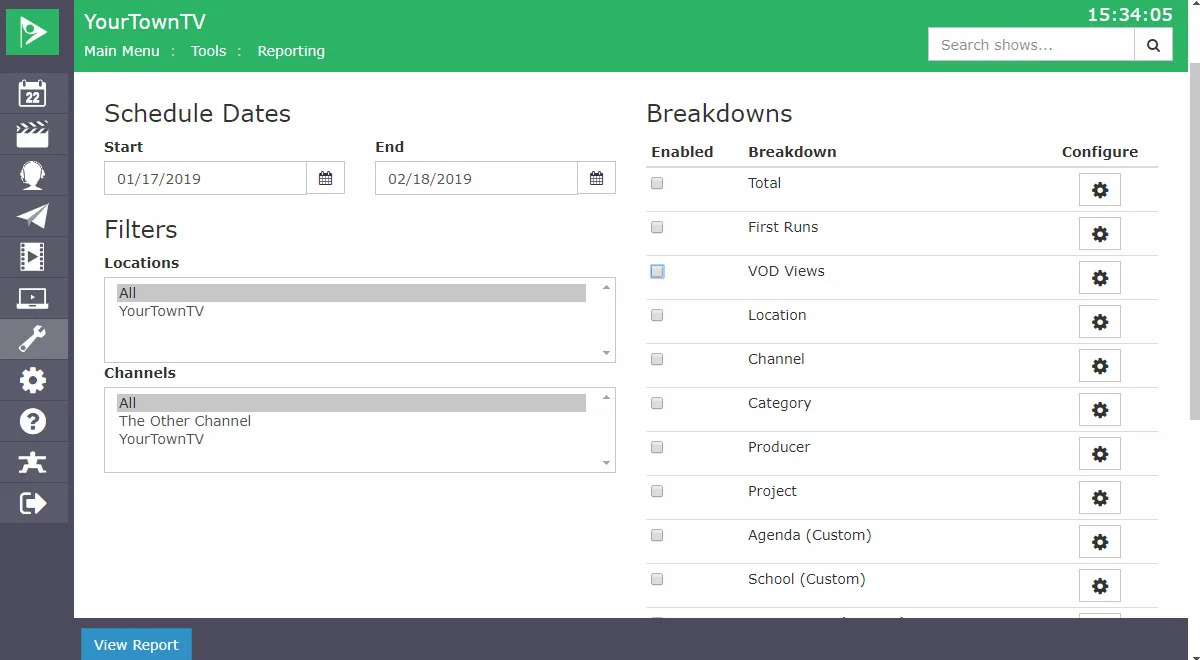
VOD View Count Reporting
See view counts for all your online videos at a glance to learn what your community watches most.
Integrations & API
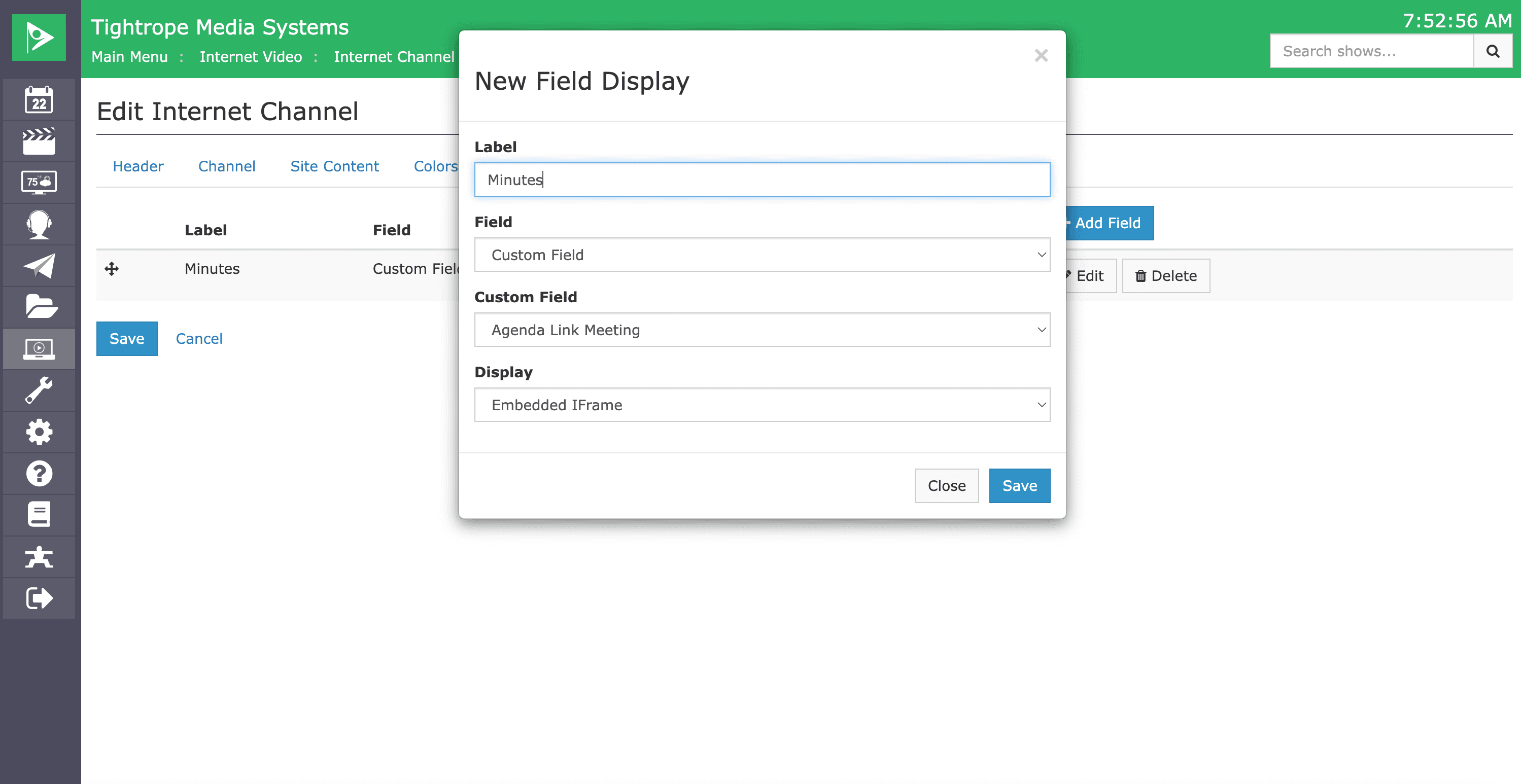
AgendaLink Integration
Sync Cablecast shows with AgendaLink meetings to build clickable VOD chapters automatically.
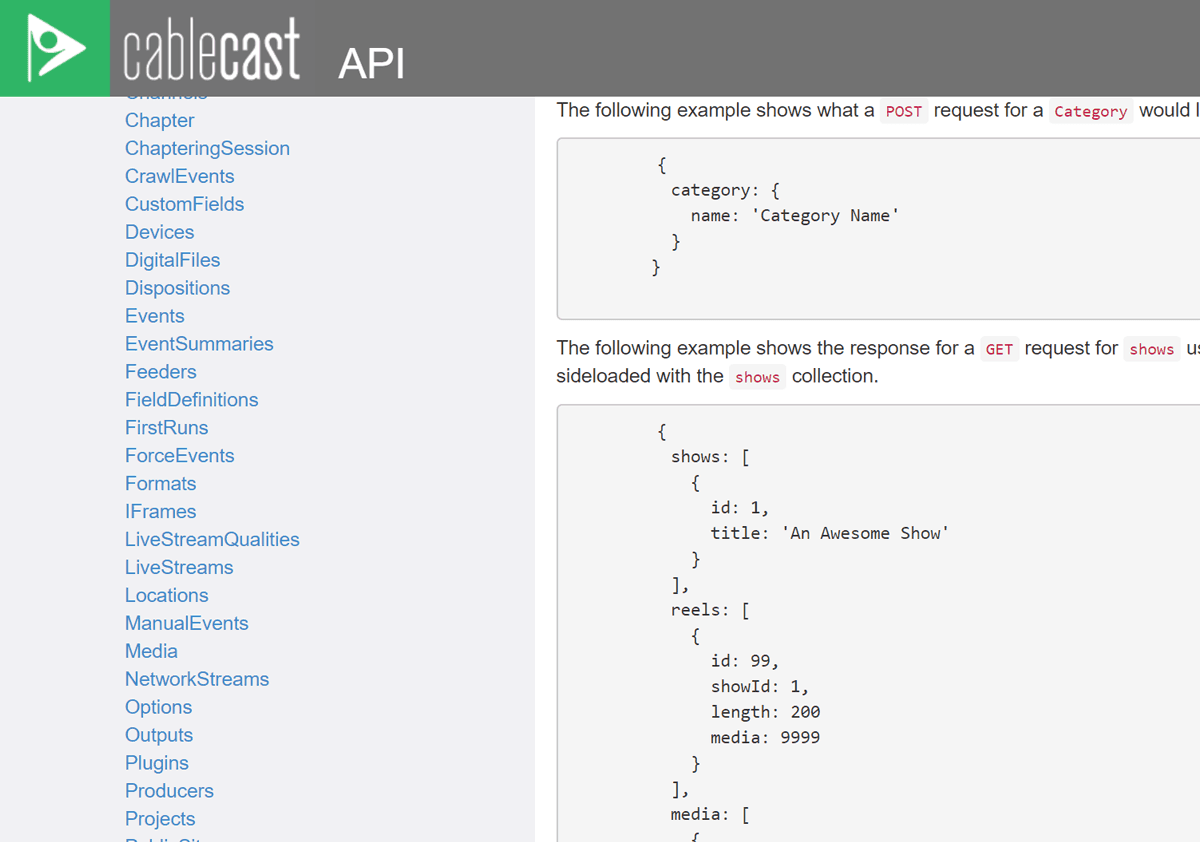
API Access
A RESTful API to integrate Cablecast with your other applications, at no extra cost
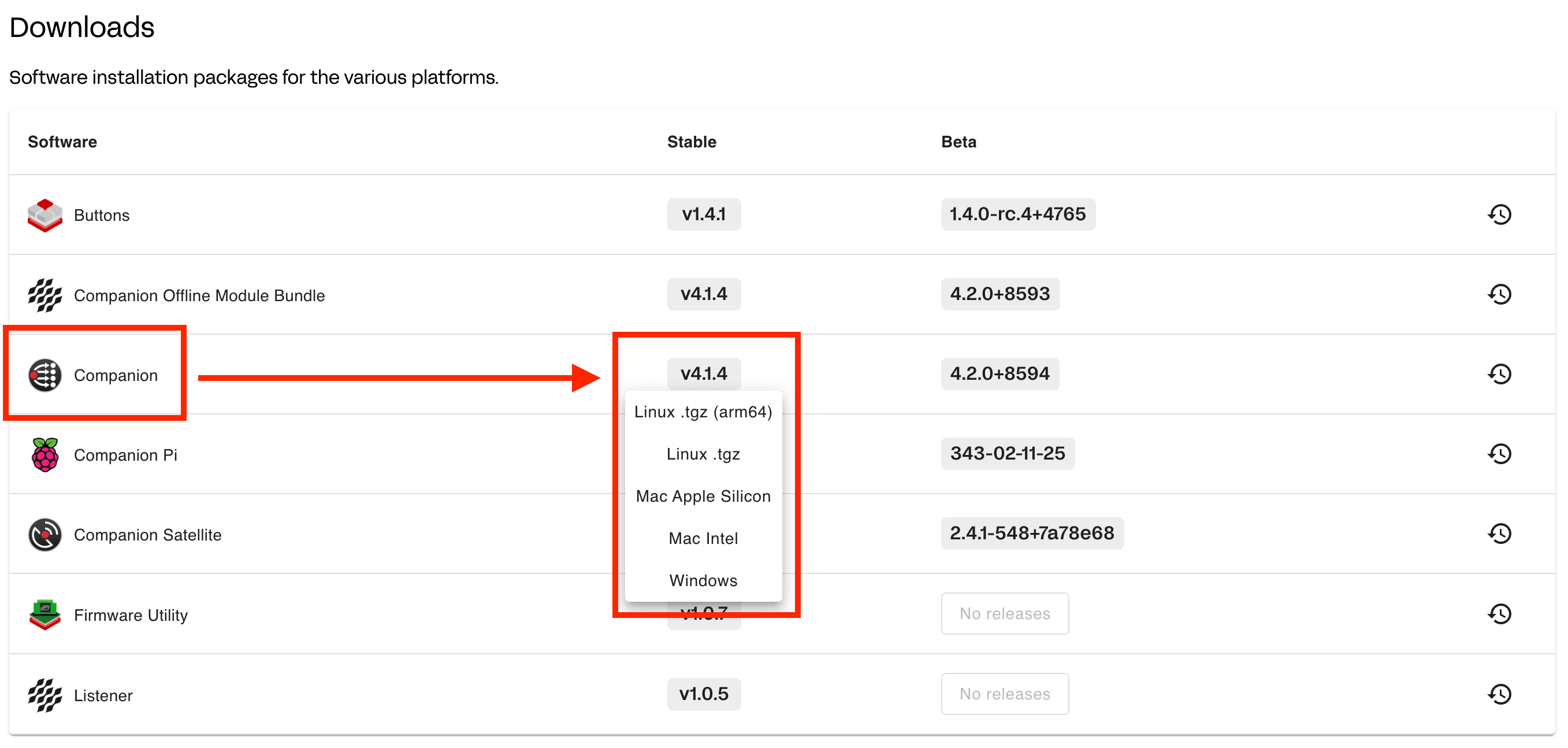
Bitfocus Companion (Stream Deck)
Trigger Cablecast macros from a Stream Deck or other Companion control surface, one button per action.
WordPress Plugin
An open-source plugin that pulls your Cablecast VOD into a WordPress site through the API.
Zapier Integration
Route Facebook Page posts through Zapier into CablecastCG as a live on-air bulletin.
Platform & Administration
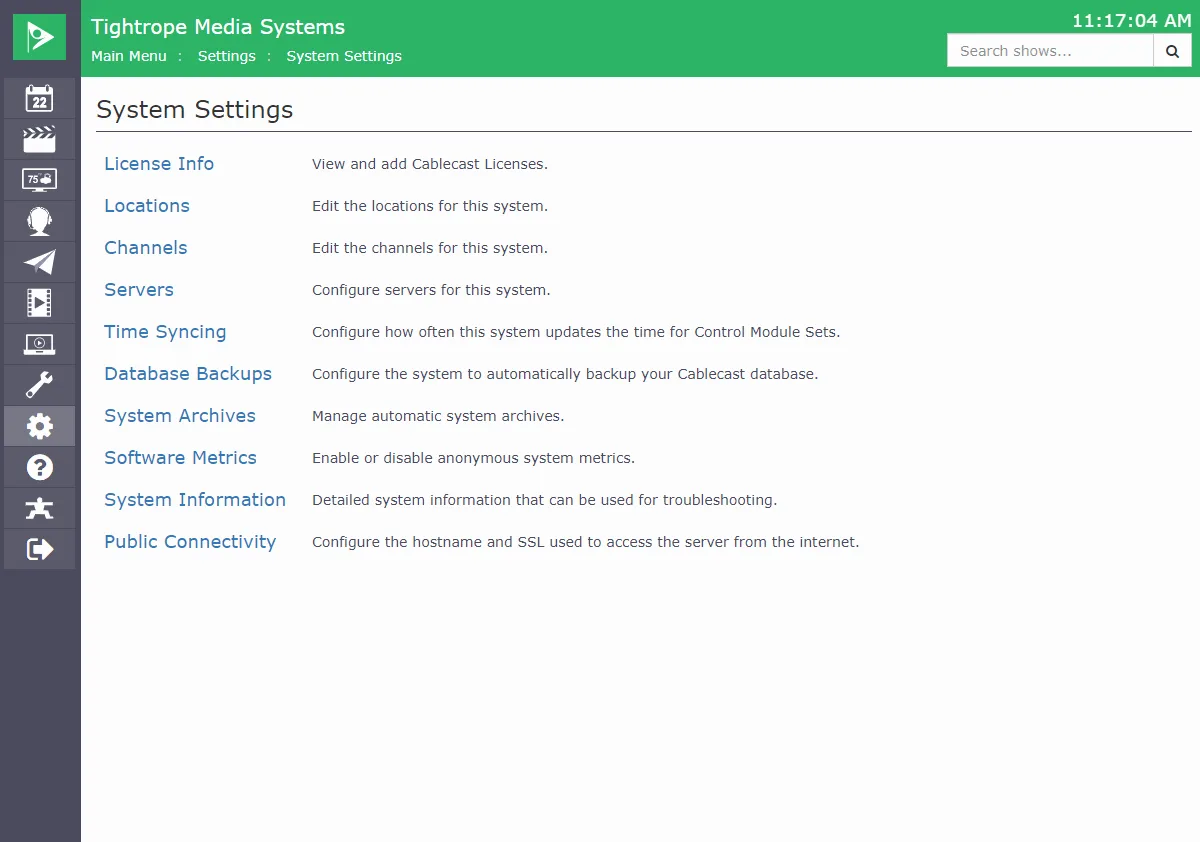
Easy SSL Implementation
Secure your web video portal in a few clicks with built-in Let's Encrypt SSL, or bring your own certificate.
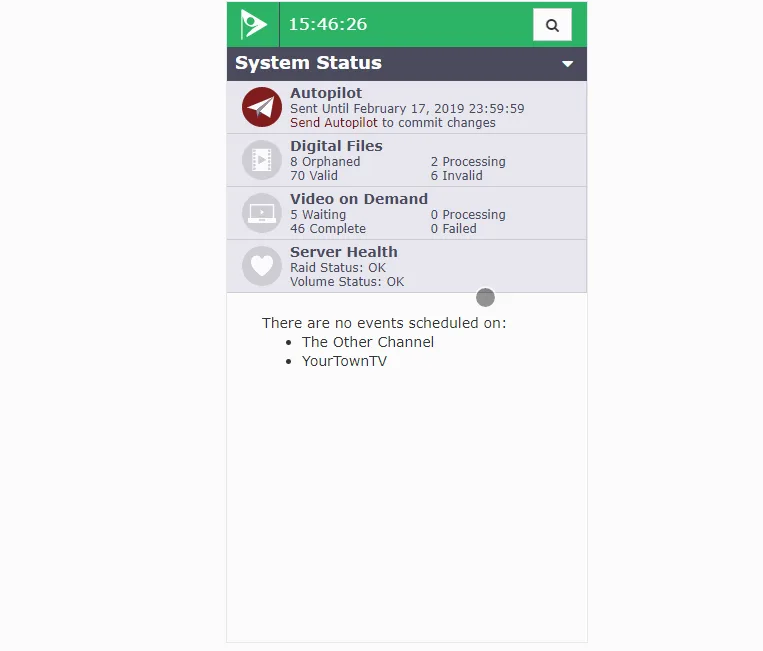
Mobile Responsive UI
Manage Cablecast from any device, from a phone to a tablet to a desktop
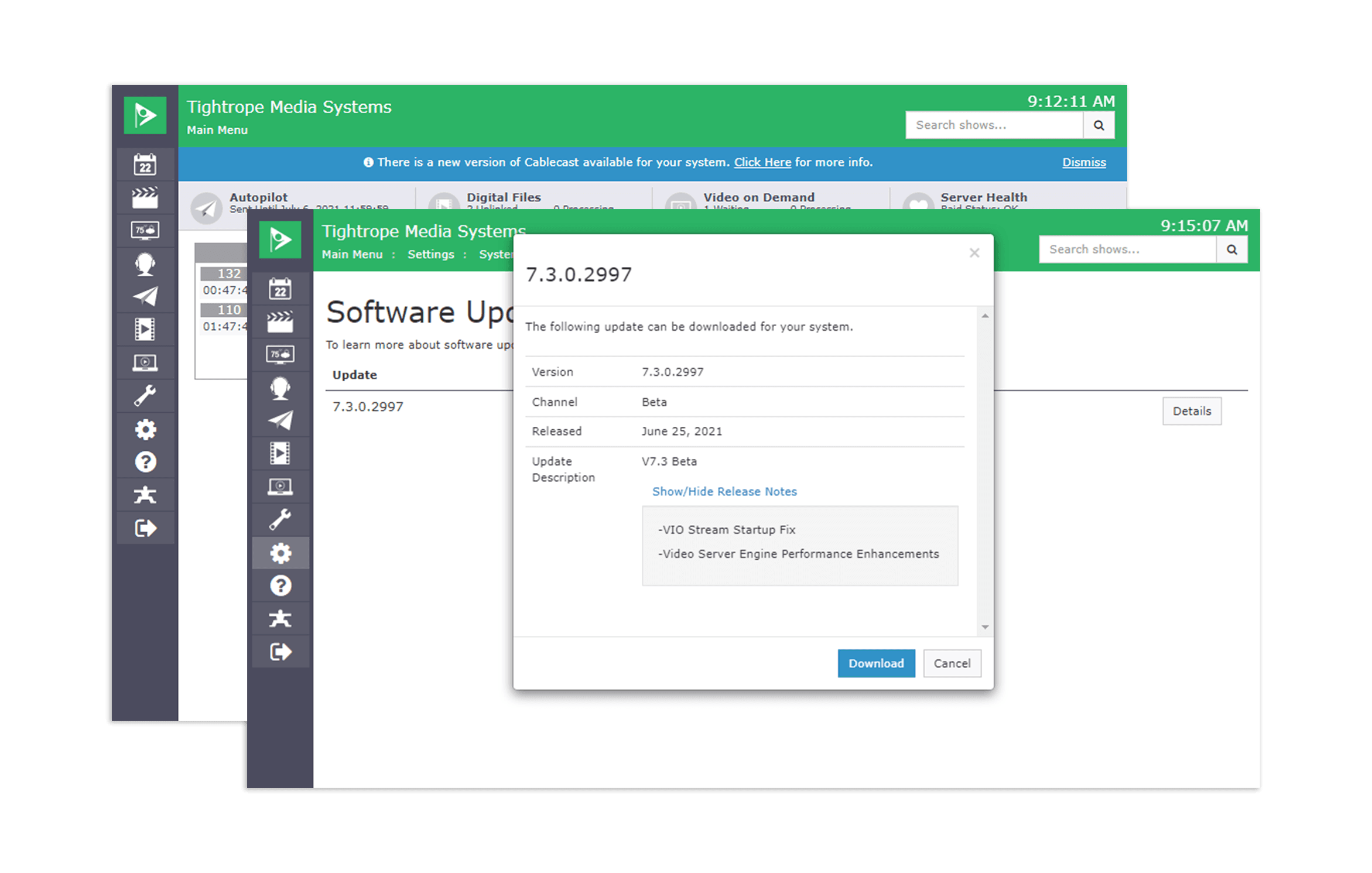
Software Update Notifications
Get maintenance release alerts and downloads right in the Cablecast web interface
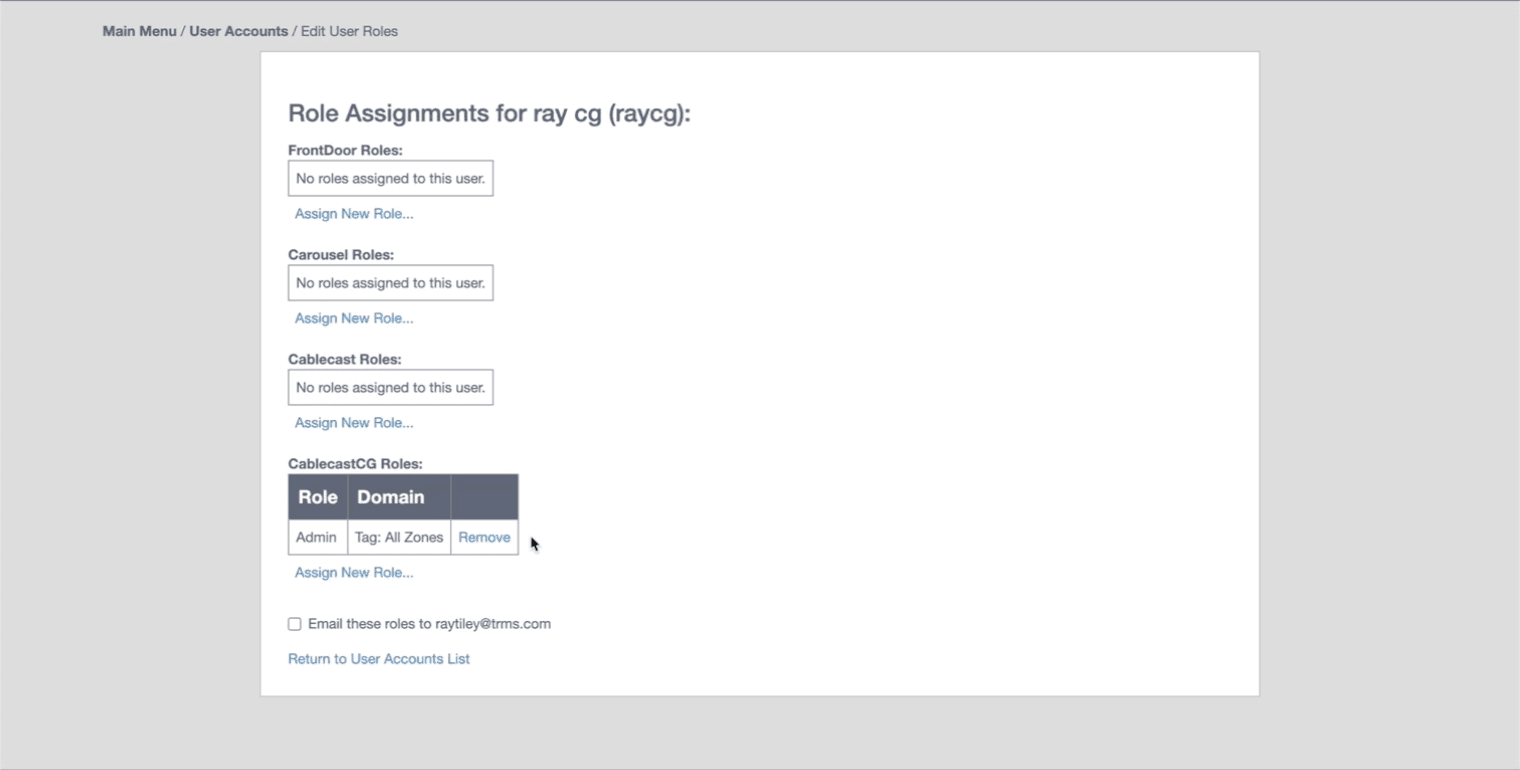
User Accounts & Permissions
Create the roles and permissions you need, with unlimited logins for your team