
Scheduling & Automation
Autopilot
Commit your reviewed schedule to air, with an optional daily auto-send as a safety net.
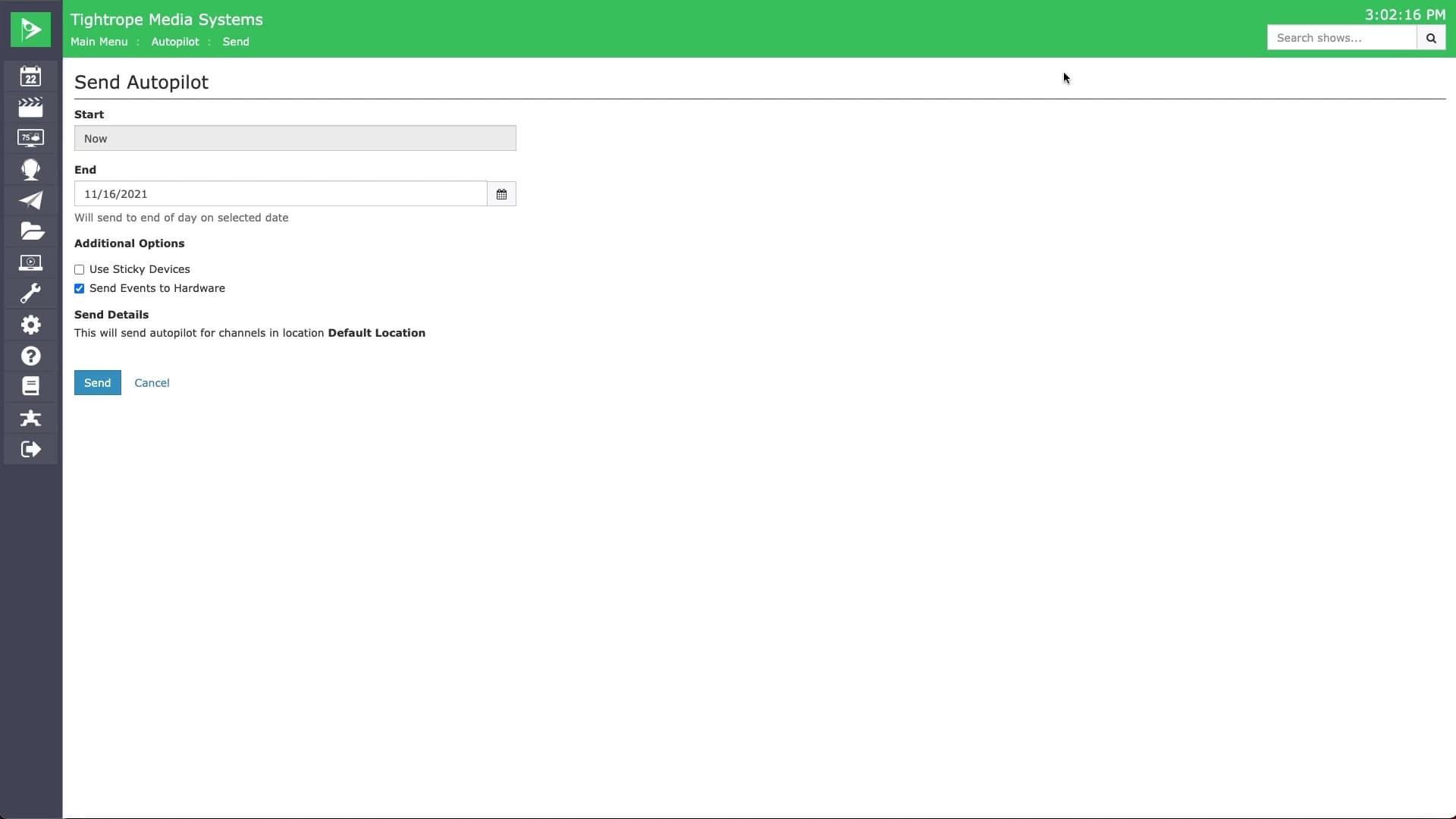
A schedule only goes to air once you send it to Autopilot. Sending commits the runs in your chosen date range to an event list, and your system follows it exactly: starting files, switching the router, and running recordings at the scheduled times.
Send it for as long as you expect the schedule to hold steady, and re-send whenever you make changes. Autopilot processes in the background, so you can keep working while it builds. Reports log your last 30 sends with any conflicts flagged, and you can set a daily automatic send so nothing you scheduled is left inactive.