
Playout & Live Production
Live Output Preview
See exactly what your server is broadcasting, right in the Cablecast dashboard
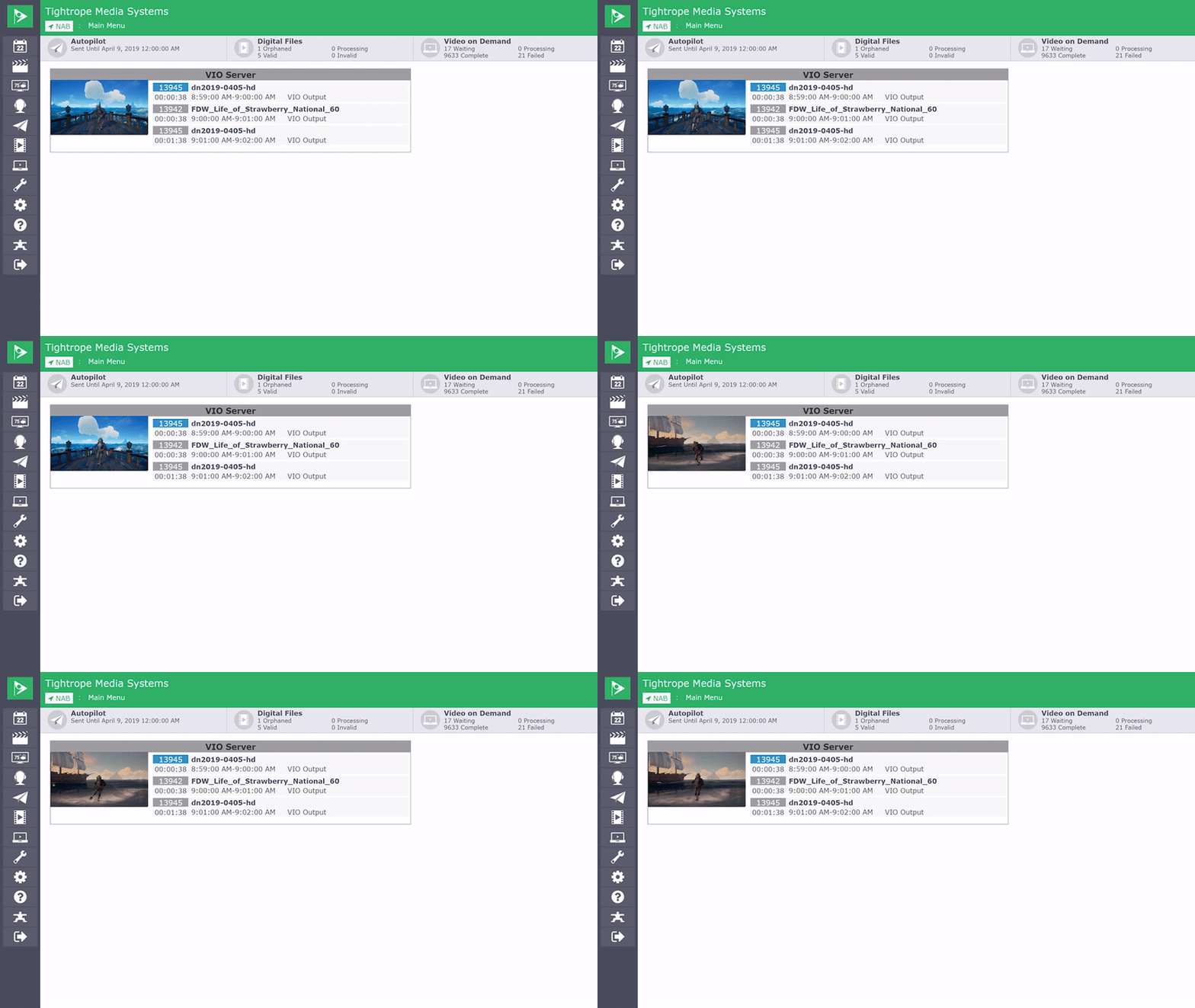
There is no need to flip on a preview monitor or television to see what your server is putting out. The channel dashboard on your Cablecast main menu shows the next three scheduled programs with a live countdown to when each one starts and ends, alongside a live preview of the program airing from the server's output.
You can also preview live output on the Force Matrix screen. Either way, it takes the guesswork out of what is going to air, so you can confirm your broadcast at a glance from wherever you are working.