
Captioning & Accessibility
Text Tracks UI
One place to manage captions, transcripts, and translations for every show
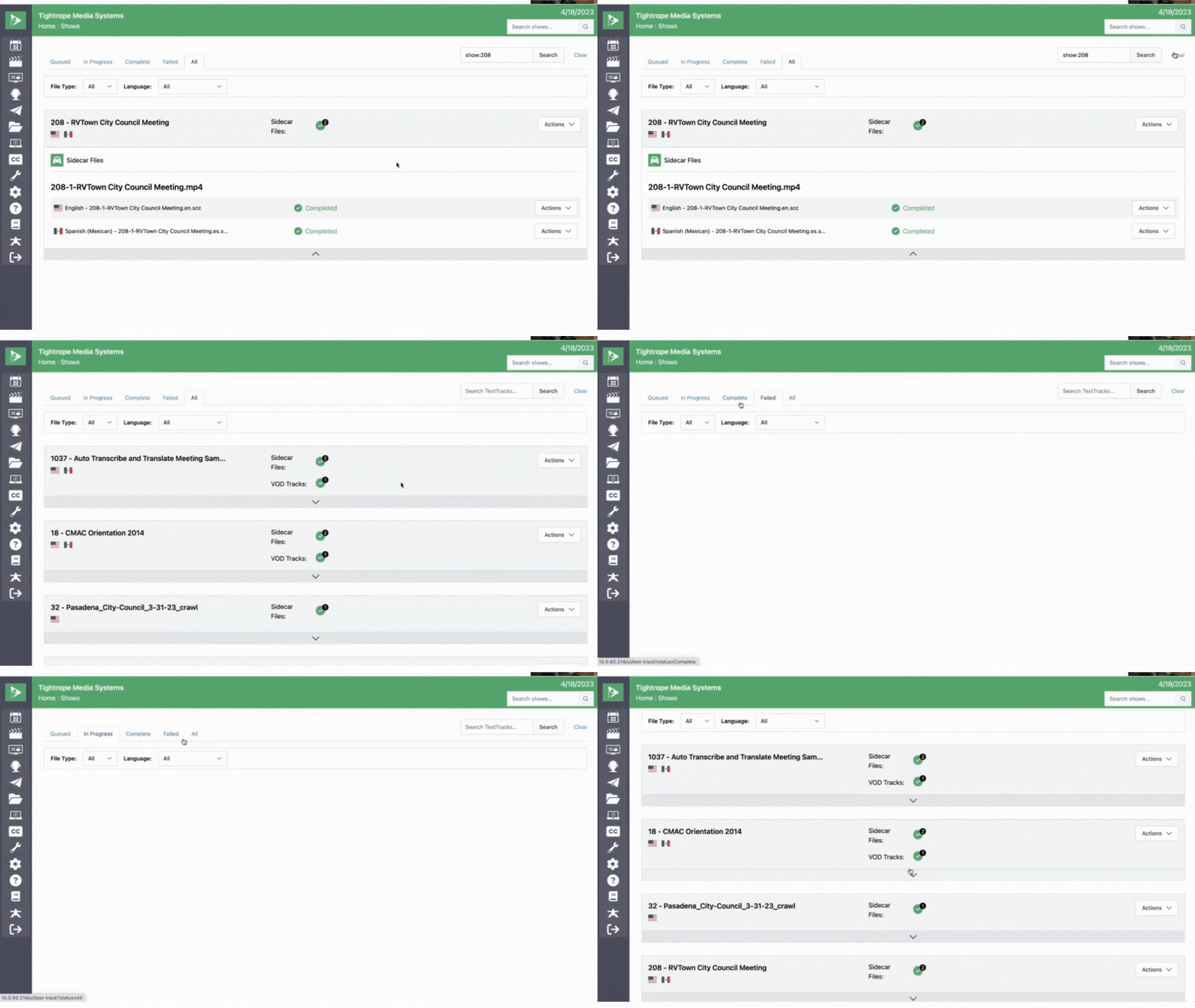
The Text Tracks UI brings all of your caption data into one place. Open the Text Tracks menu to see the status of every transcription and translation job across your shows at a glance.
From here you can create new translations, download caption files and transcripts, and edit captions in the browser-based Cablecast Caption Editor, all without leaving Cablecast.