
Content & Asset Management
Show Reels
Combine multiple files into one program, kept in a single show record
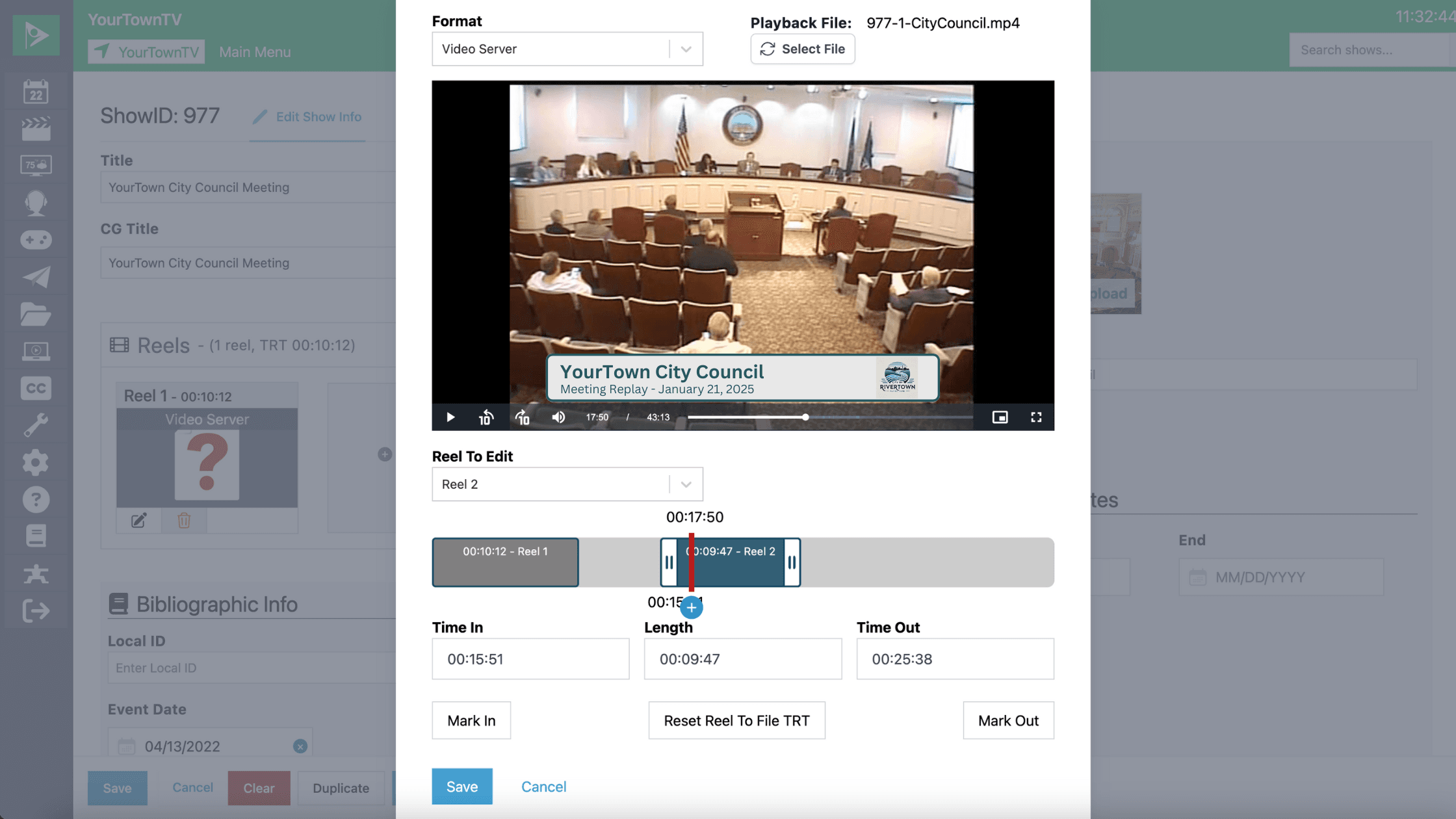
Reels let you combine multiple files into a single program, all within Cablecast. Attach a recurring intro, drop in a sponsor message, or add PSAs before a show airs, and everything stays in one show record for easy scheduling and Video on Demand inclusion.
- Build a reel step by step with the guided Create Reel modal in the redesigned show record.
- Reorder segments by drag-and-drop to get the sequence exactly right.
- Trim each file with a slider, and create multiple reels from the same source.