
Playout & Live Production
Virtual Control Rooms
Custom control setups that cut clutter and human error from live event production
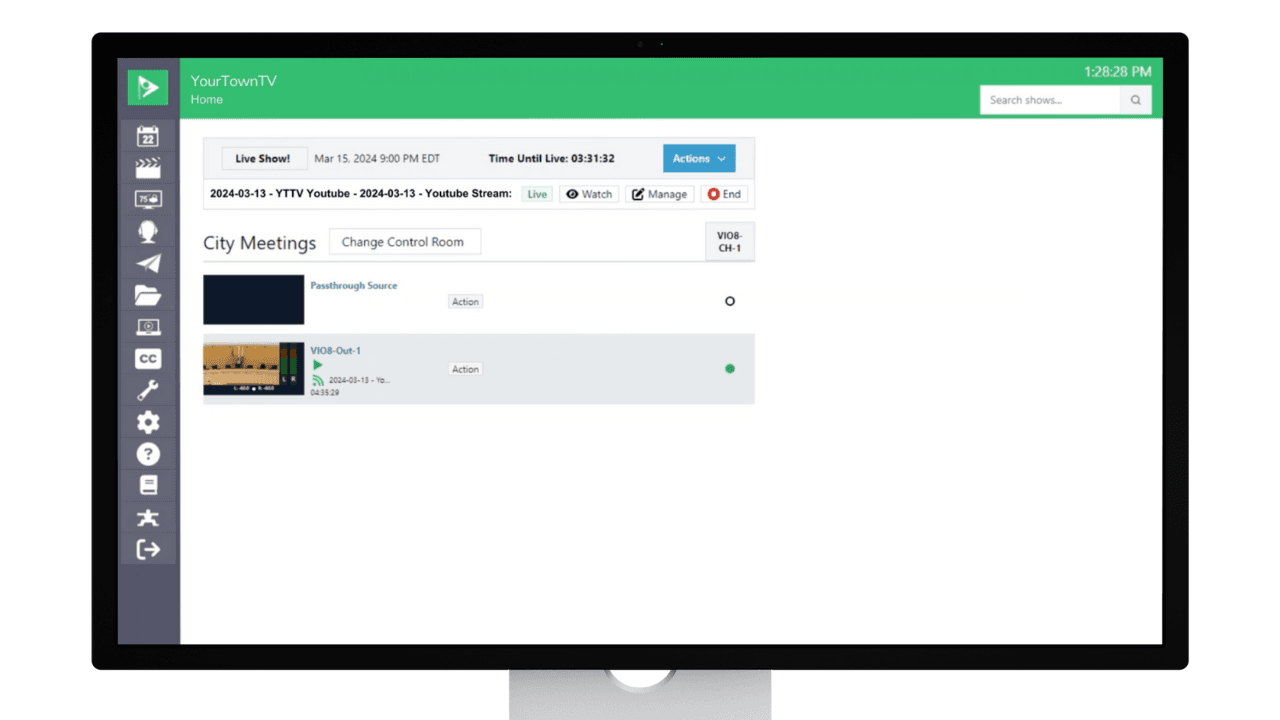
Cablecast Control Rooms, added in 7.8, simplify live event management by building custom setups that show only the inputs and outputs a given production needs. Fewer sources on screen means less scrolling and fewer chances for error, so any staff member, contractor, or intern can run a live production with confidence.
- Build macros for one-click execution of multi-device actions, and take live transitions manually when you want hands-on control.
- Schedule RTMP streams and live broadcasts to platforms like YouTube right in the interface.
- Set user roles and permissions to keep Control Room access secure.