
Content & Asset Management
Show Trimming
Trim black frames and unwanted segments inside Cablecast, no editing software required
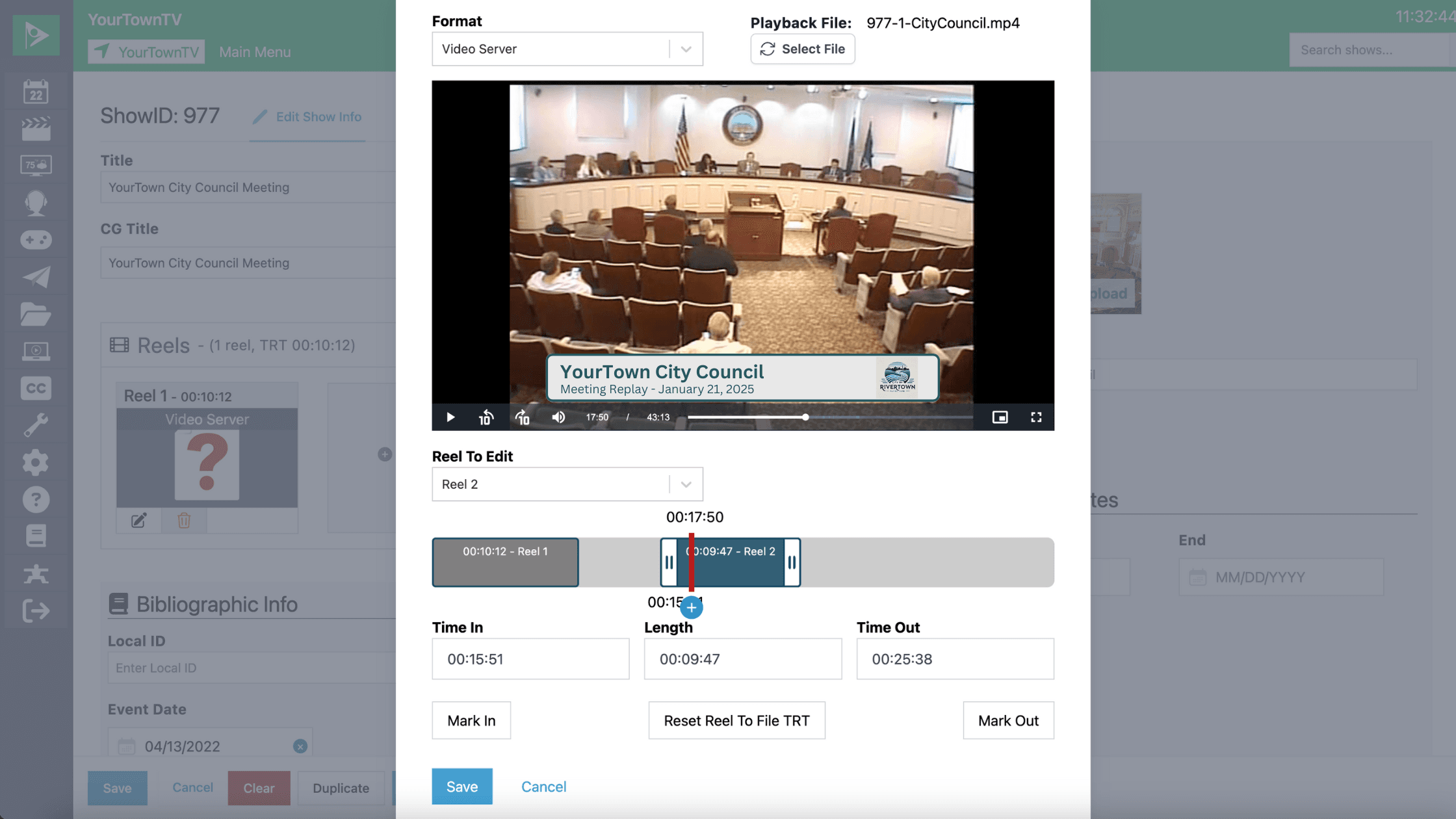
Trim unnecessary content from your shows right inside Cablecast, with no external editing software. Show Trimming removes black frames or dead air from the start or end of your council meetings, event recordings, and more.
Open the Reel Trimmer, play the file to find the right spot, then set your in and out points with a simple slider, scrubbing to preview before you save. For a council meeting, set the in mark right before the gavel and the out mark before the black at the end, so viewers see only what matters.